.png?fit=max&auto=format&n=jKjpuy2fz57OUcfn&q=85&s=d5b9cacebbb4a94e2c6bac33ad479982)
.png?fit=max&auto=format&n=jKjpuy2fz57OUcfn&q=85&s=0e6d93d474315b69b3046316150e4582)
1. Review candidates as real profiles, not names on a list
- The wizard’s Which of these look like your customer? step now runs a single search agent instead of a hand-built query pipeline, and each candidate comes back as a profile with their photo, role, company, and LinkedIn link.
- Profile links always come from the search results, never from the model, so every candidate opens a page that actually exists.
- Every person you score becomes a row in the new workbench’s tracker — photo, role, company, and LinkedIn, alongside the score and the reasons you gave — so the people table isn’t empty on day one.
2. Read the Terms and Privacy Policy without leaving DeepVista
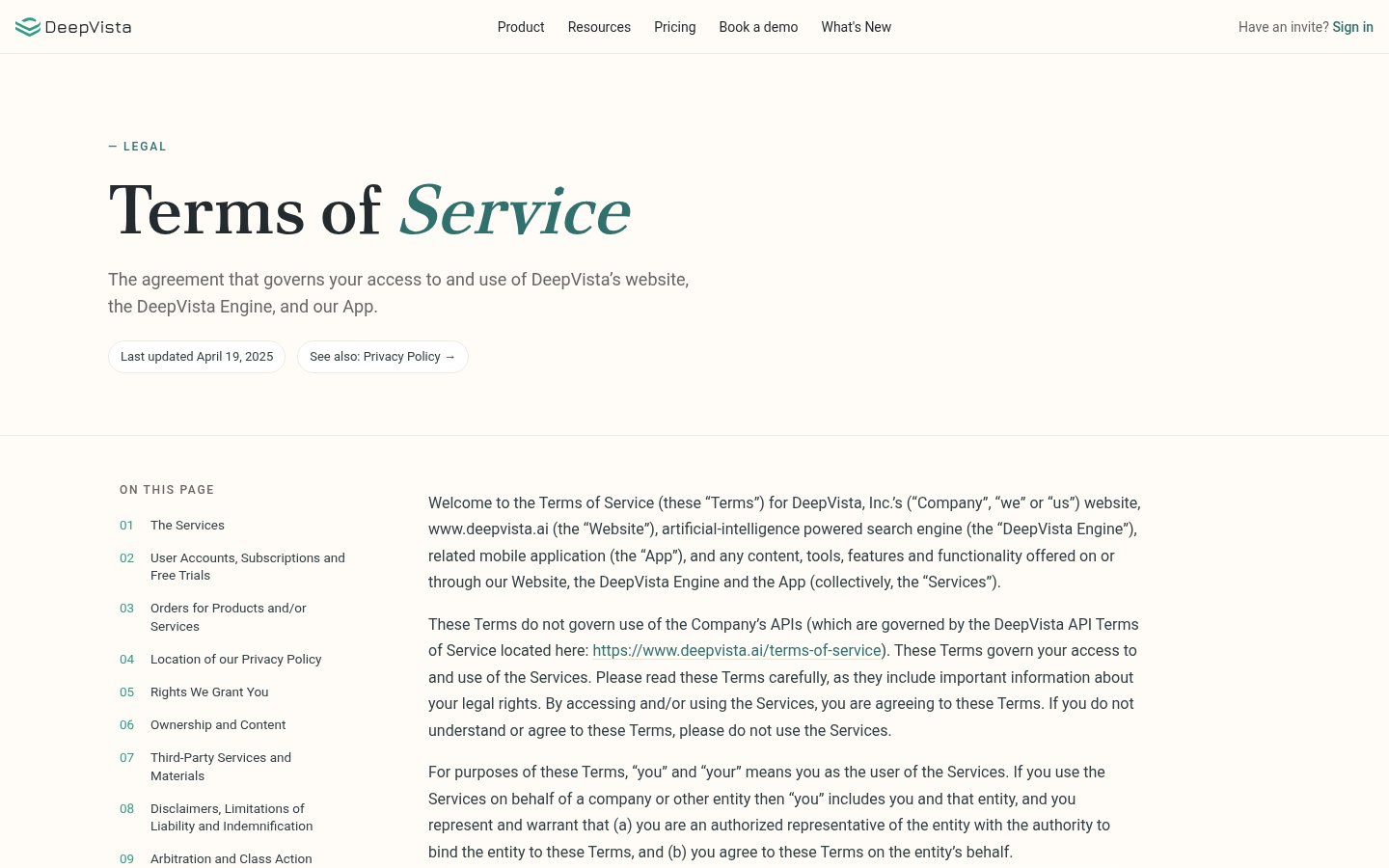
- Terms of Service and Privacy Policy are now pages in the app at
/terms-of-serviceand/privacy-policy, instead of links that sent you off to another domain. - Each one opens with an On this page index that tracks the section you’re reading as you scroll.
- The links under the sign-in form, in Settings, and in the site footer all point here now — and both pages open without signing in.
3. One idea, from the homepage to your sign-in screen
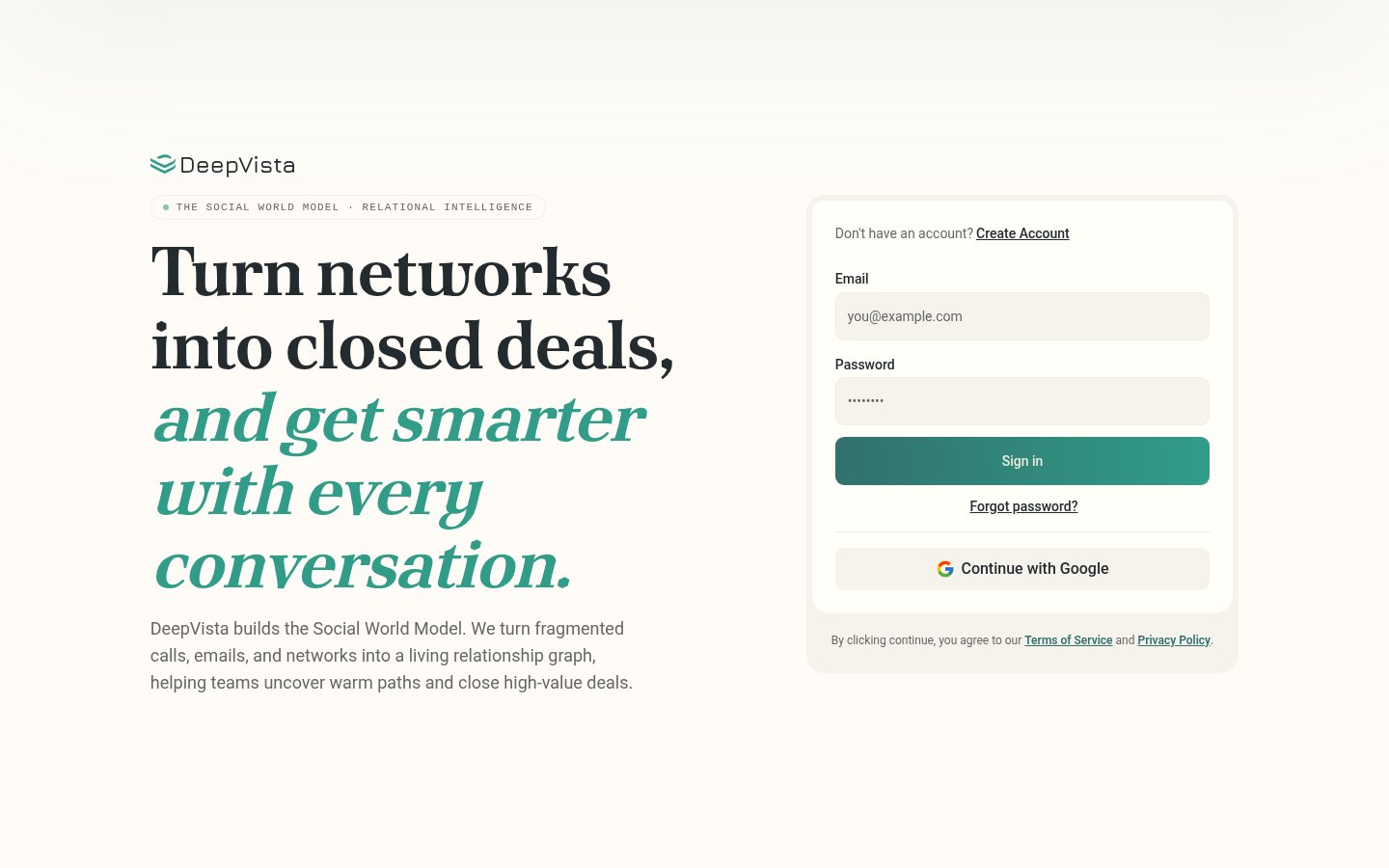
- The homepage, sign-in screen, and footer now lead with the same sentence: DeepVista builds the Social World Model, turning fragmented calls, emails, and networks into a living relationship graph.
- The sign-in screen carries the THE SOCIAL WORLD MODEL · RELATIONAL INTELLIGENCE marker and the same headline you land on from the homepage, so the handoff no longer changes the subject.