.png?fit=max&auto=format&n=jKjpuy2fz57OUcfn&q=85&s=d5b9cacebbb4a94e2c6bac33ad479982)
.png?fit=max&auto=format&n=jKjpuy2fz57OUcfn&q=85&s=0e6d93d474315b69b3046316150e4582)
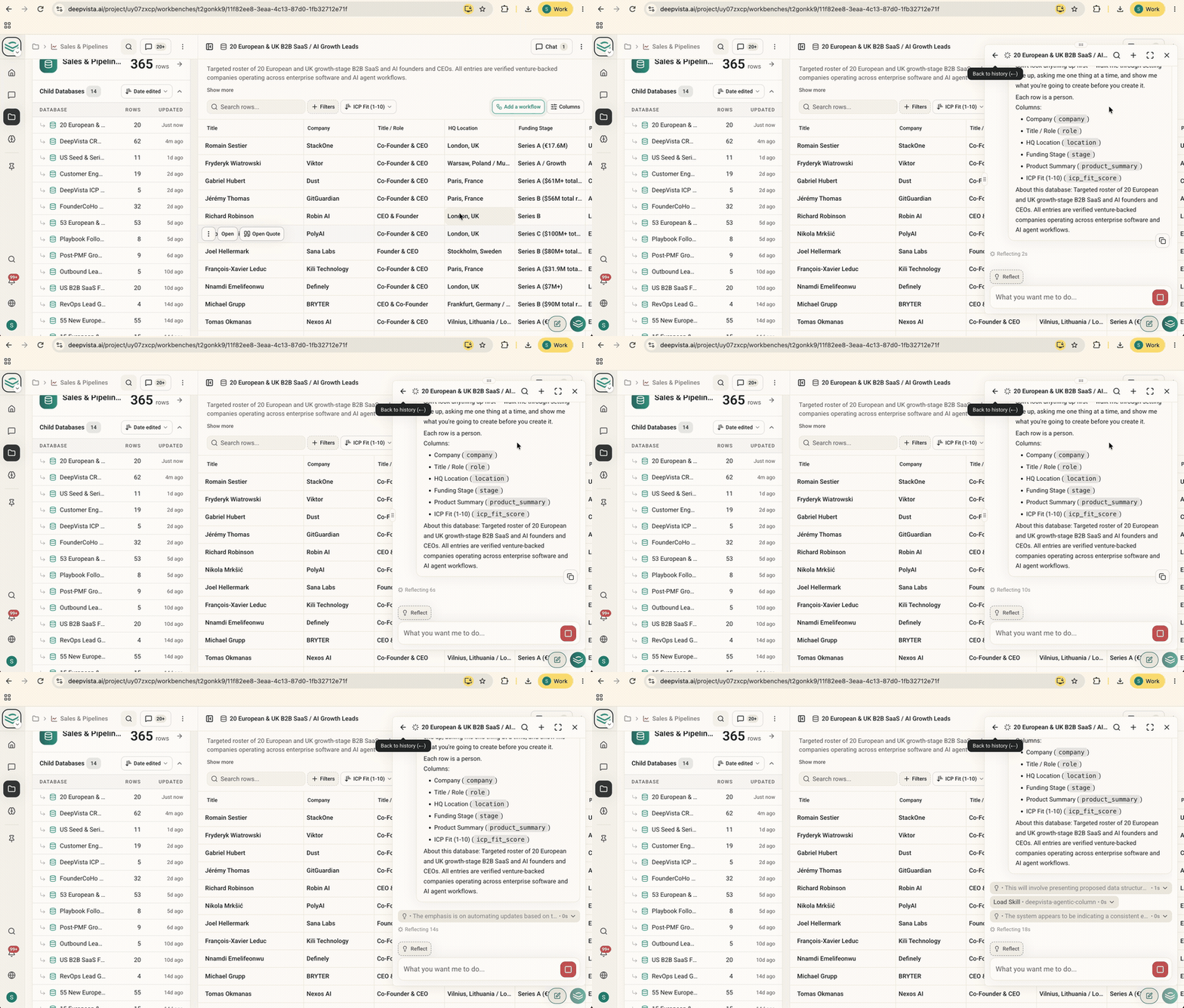
1. Turn any database into an automated workflow
Your un-automated databases now display an Add a workflow button in the toolbar. Clicking it starts a quick, guided chat setup where DeepVista helps you choose what data to track, sources the answers, and keeps your columns populated automatically. Get started by opening any database and clickingAdd a workflow in the toolbar.
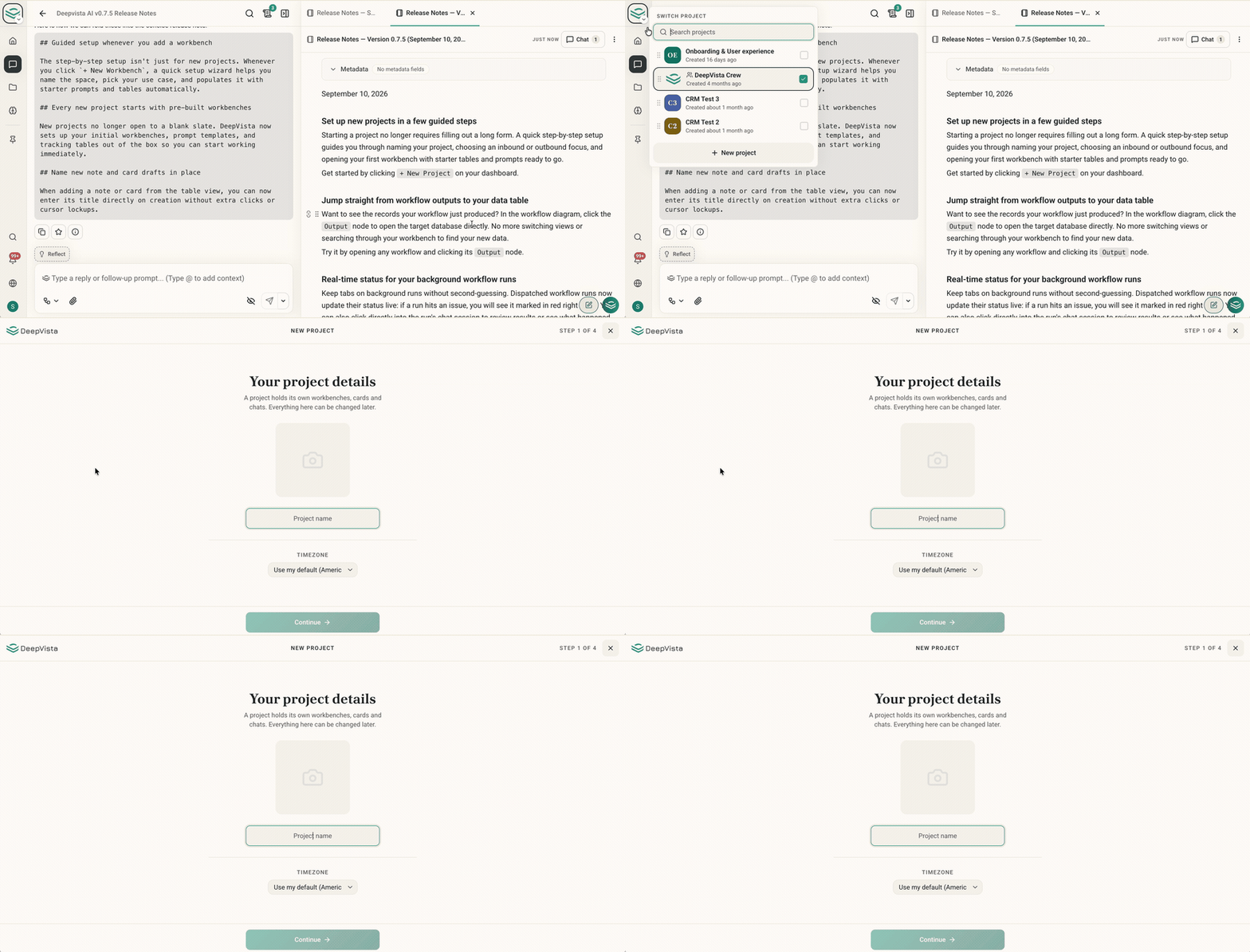
2. Set up new projects in a few guided steps
Starting a project no longer requires filling out a long form. A quick step-by-step setup guides you through naming your project, choosing an inbound or outbound focus, and opening your first workbench with starter tables and prompts ready to go. Get started by clicking+ New Project on your dashboard.
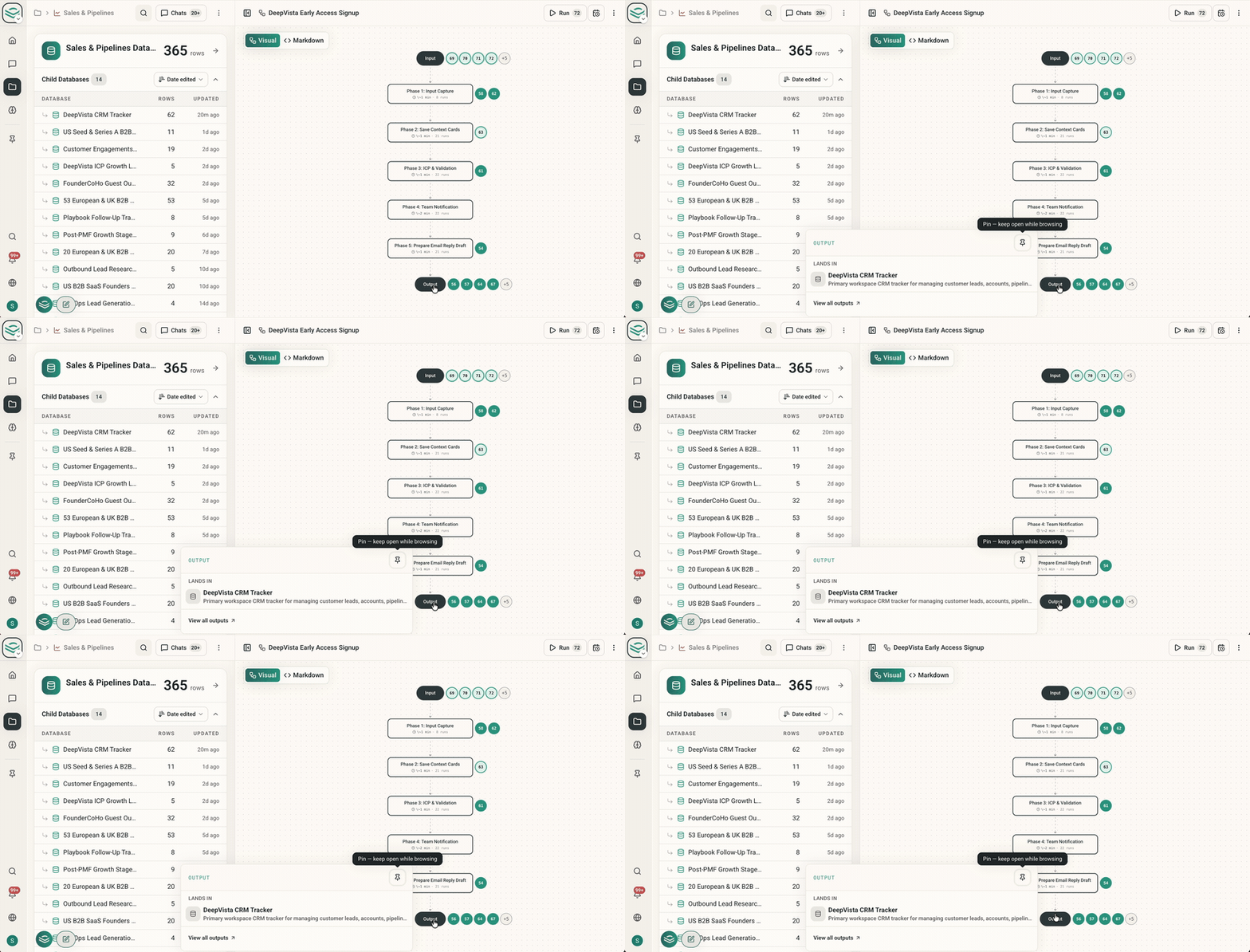
3. Jump straight from workflow outputs to your database
Want to see the records your workflow just produced? In the workflow diagram, click theOutput node to open the target database directly. No more switching views or searching through your workbench to find your new data.
Try it by opening any workflow and clicking its Output node.
4. Open your rollup database automatically
Workbenches now open directly to your aggregated database view. When you open a workbench to check leads, contacts, or research, your rollup table appears right away so you can get to work without an extra click. Try it by navigating to any workbench from your sidebar.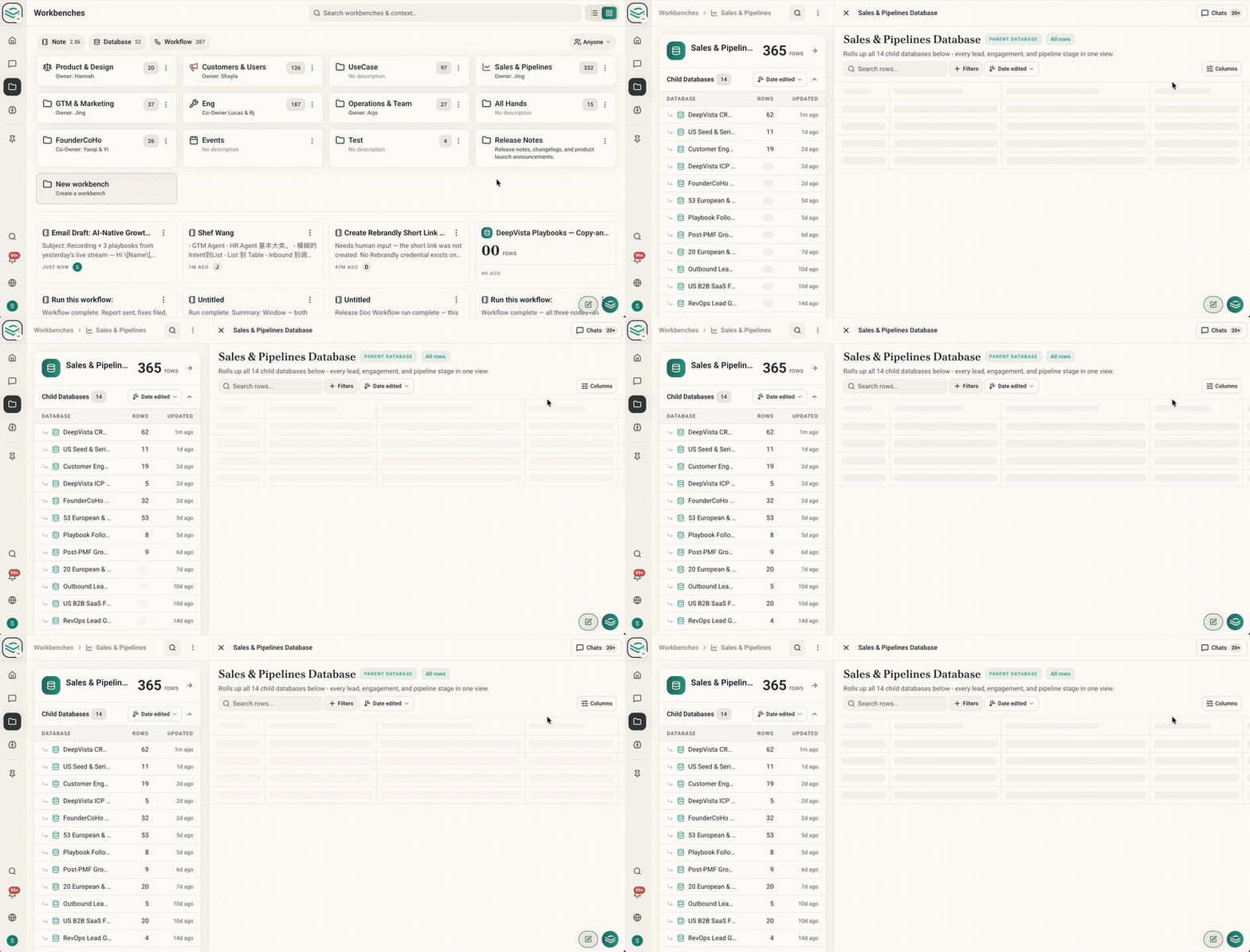
5. Browse and copy prompts in the updated Playbook library
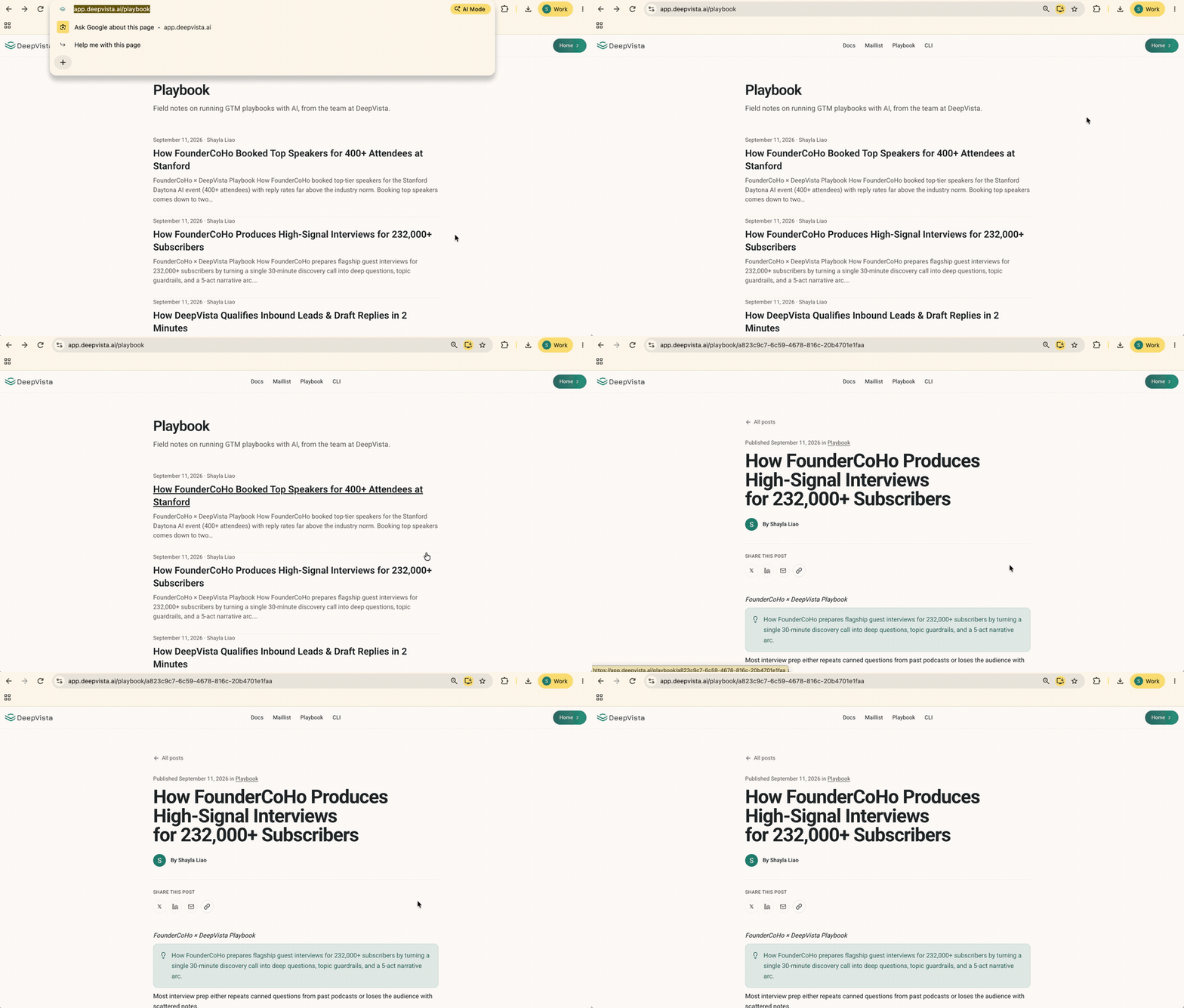
Looking for prompt templates? The/playbook directory has a clean new layout with prompt cards you can copy in one click, plus quick controls to save prompts and database settings directly to your workbenches.
Get started by visiting app.deepvista.ai/playbook.
6. Real-time status for your background workflow runs
Keep tabs on background runs without second-guessing. Dispatched workflow runs now update their status live: if a run hits an issue, you will see it marked in red right away. You can also click directly into the run’s chat session to review results or see what happened. Try it in any workflow from theRuns tab.