.png?fit=max&auto=format&n=jKjpuy2fz57OUcfn&q=85&s=d5b9cacebbb4a94e2c6bac33ad479982)
.png?fit=max&auto=format&n=jKjpuy2fz57OUcfn&q=85&s=0e6d93d474315b69b3046316150e4582)
1. Start with database, not workflows.
Don’t build complex workflows from scratch. Now you can generate a database (like target leads or user interview lists) with a single prompt, edit it, and only automate it once you like the results.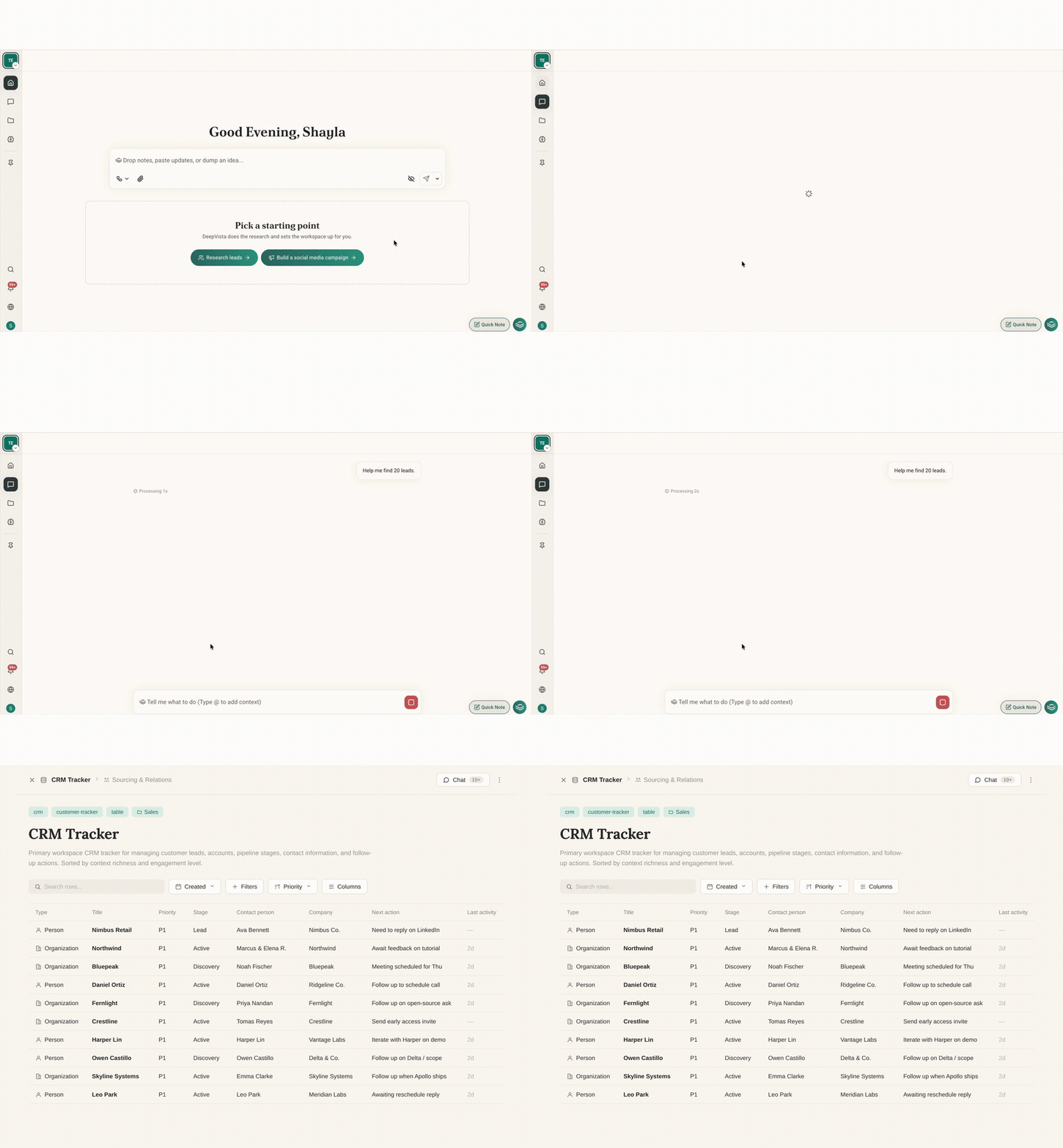
2. Drop long meeting audio directly into chat.
You can now upload long audio files straight into chat. DeepVista listens and extracts them directly with no separate transcription tool needed.3. Instant Command-K search.
Press⌘K from anywhere in the app to find any note, database, or workflow instantly.
4. Chats file themselves into Workbenches.
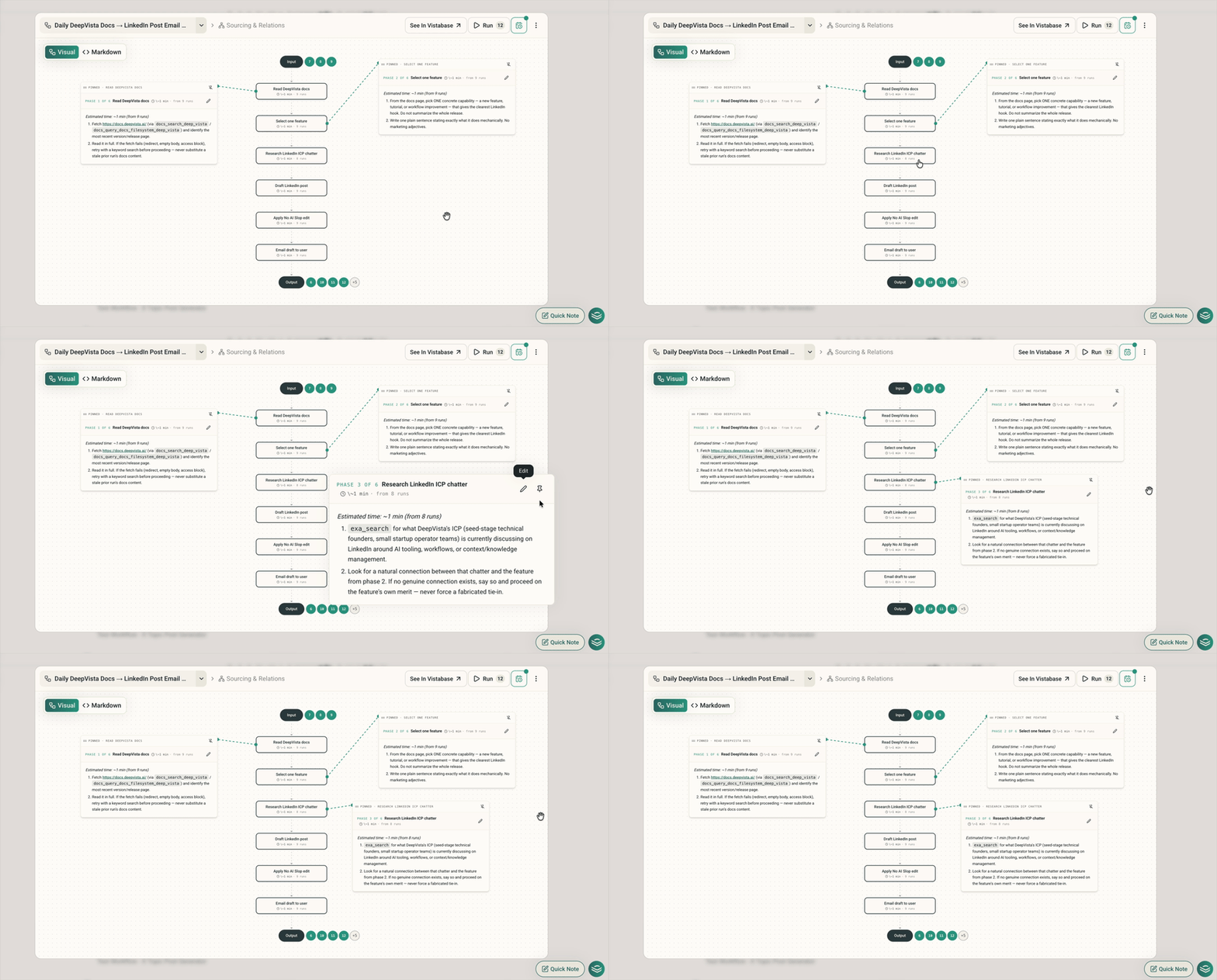
When you chat about a project or note inside a Workbench, the conversation automatically saves into that Workbench.5. Pin notes on workflow charts.
Pin multiple step popovers onto your visual workflow canvas like sticky notes so you can view the whole plan at once.