.png?fit=max&auto=format&n=jKjpuy2fz57OUcfn&q=85&s=d5b9cacebbb4a94e2c6bac33ad479982)
.png?fit=max&auto=format&n=jKjpuy2fz57OUcfn&q=85&s=0e6d93d474315b69b3046316150e4582)
✨ Editor & Workflow Enhancements
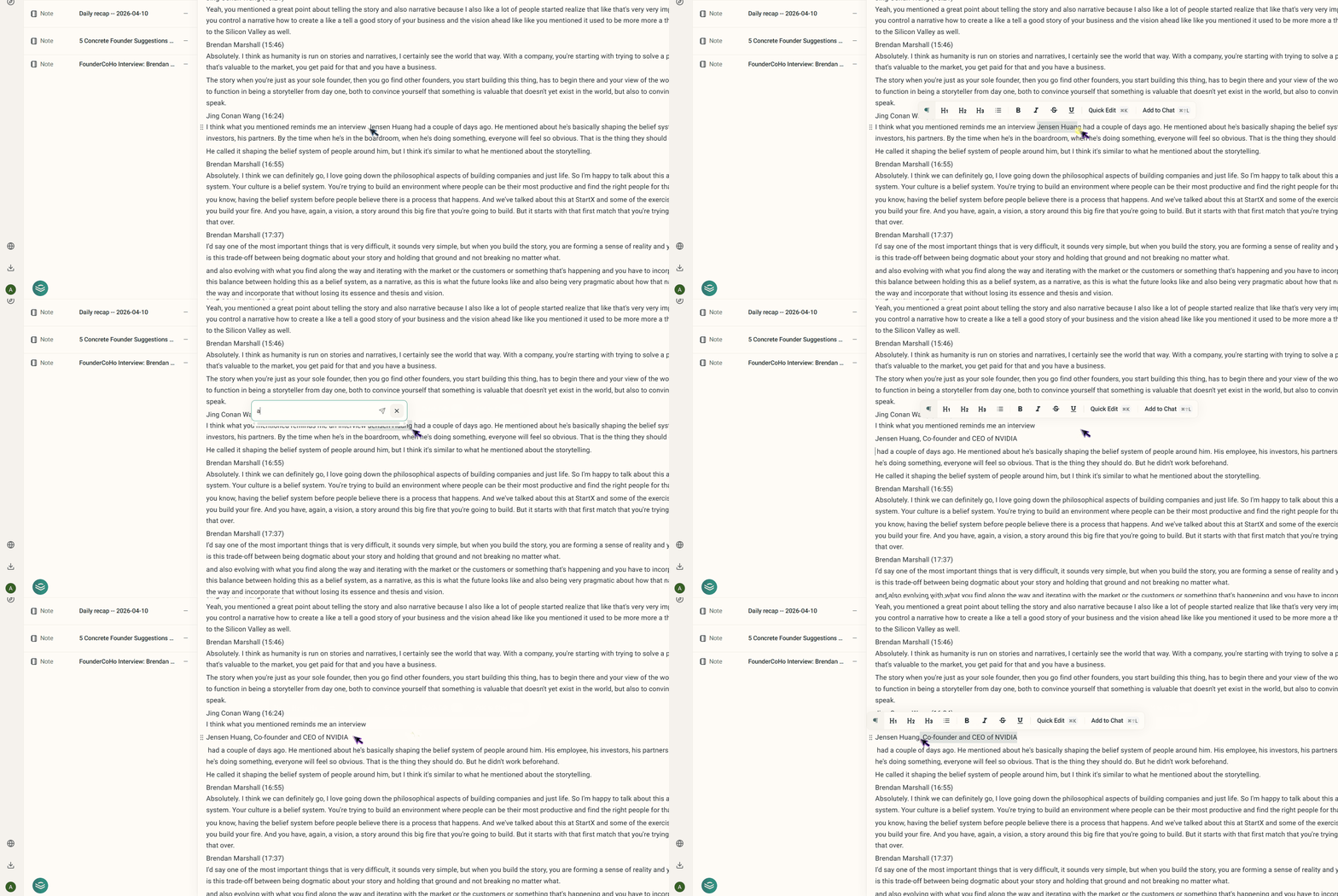
We have significantly upgraded the editor and workflow mechanics to eliminate friction and speed up your day-to-day operations.- Lightning-Fast AI Editing: You can now interact with our AI faster than ever. Simply highlight any text in the editor and hit
Cmd + K(Ctrl + Kon Windows) to instantly open a quick-edit prompt. You can also useCmd + Shift + Lto send an existing contact card directly to the embedded chat.
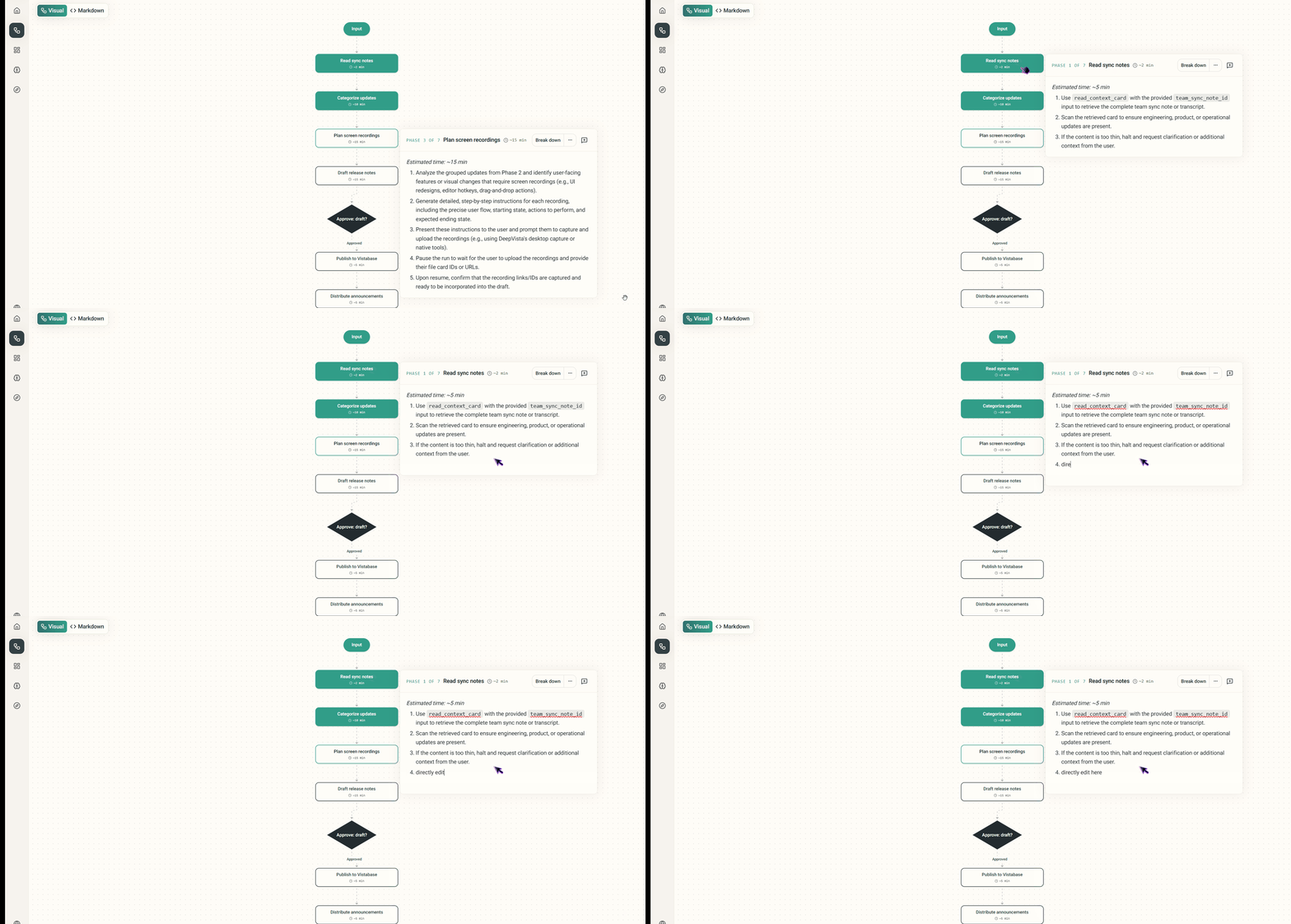
- Direct Workflow Editing: Say goodbye to unnecessary clicks. You can now edit your workflows directly in the main view, completely removing the friction of jumping into a separate Markdown window.
- Revamped Workflow UI: We’ve reorganized the workflow settings into a clean, new three-tab interface (Vista Base, Webhooks, and Input Forms). This makes configuring your inputs and managing connections much more interactive and straightforward.

📊 Better Data Views in Vista Base
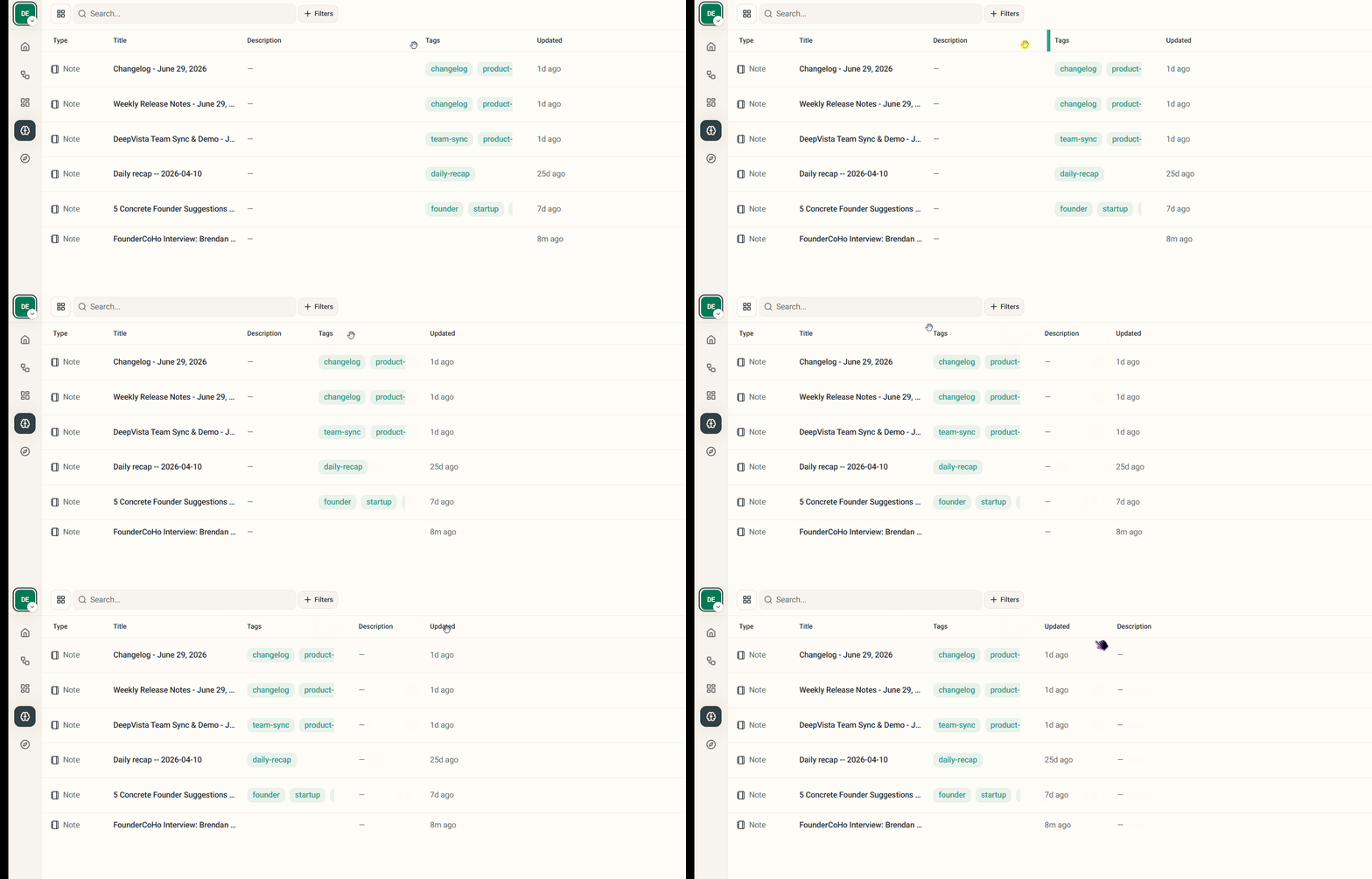
We’ve completely overhauled how you interact with datasets to give you full control over your layout and analysis.- Customizable Tables: Your data, your way. We’ve upgraded the Vista Base table displays to support column resizing and drag-and-drop reordering, making it easier to view what matters most to you.
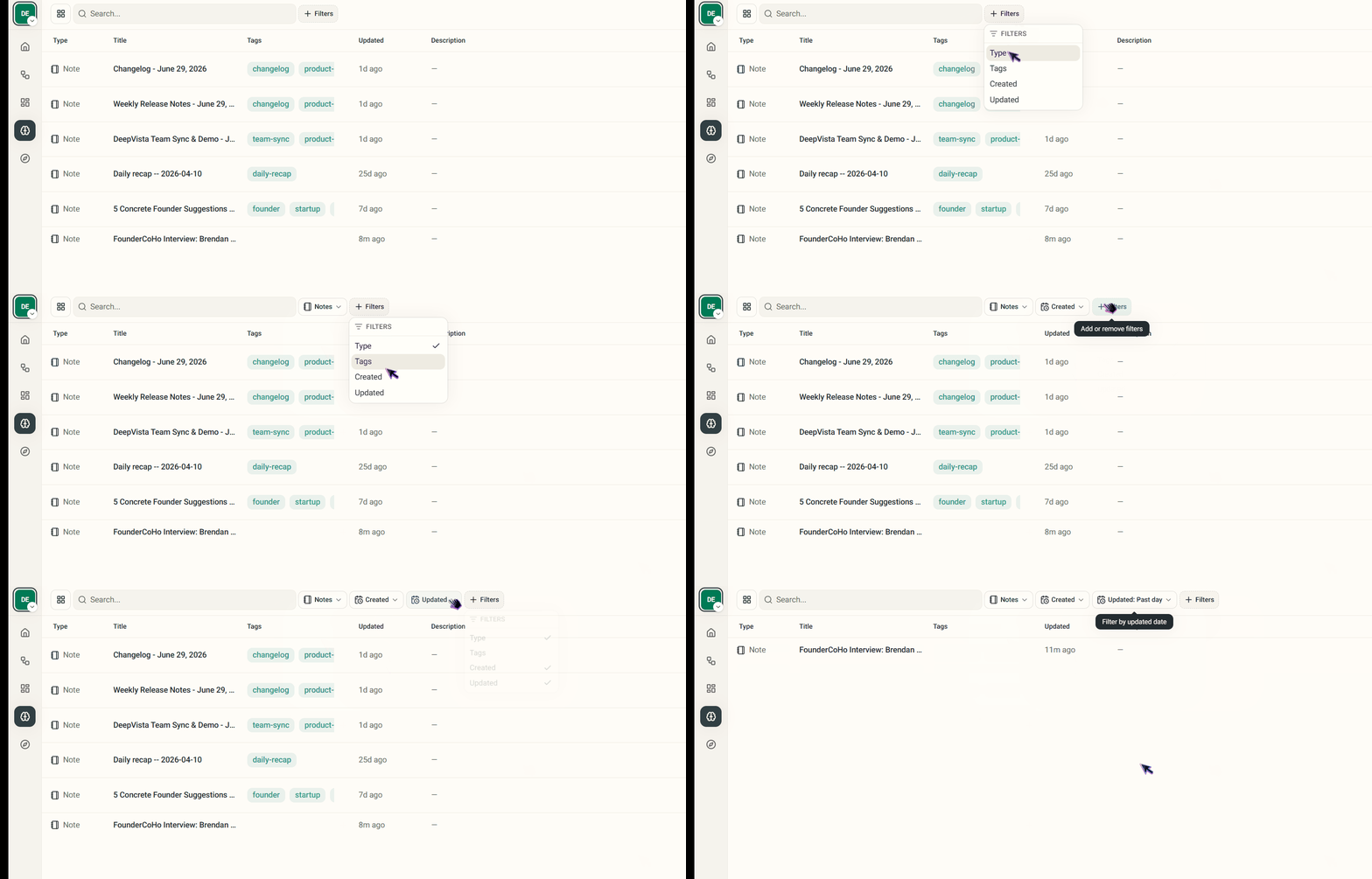
- Advanced Filtering: We’ve introduced robust multi-filter support for tables. You can now stack multiple filters on your datasets to find specific users or records in seconds.