.png?fit=max&auto=format&n=jKjpuy2fz57OUcfn&q=85&s=d5b9cacebbb4a94e2c6bac33ad479982)
.png?fit=max&auto=format&n=jKjpuy2fz57OUcfn&q=85&s=0e6d93d474315b69b3046316150e4582)
1. Create a workbench for each initiative
A workbench gives each initiative one home for its context, workflows, and results. Start from a template like Lead Research & Outreach, or choose Skip for now for a blank canvas.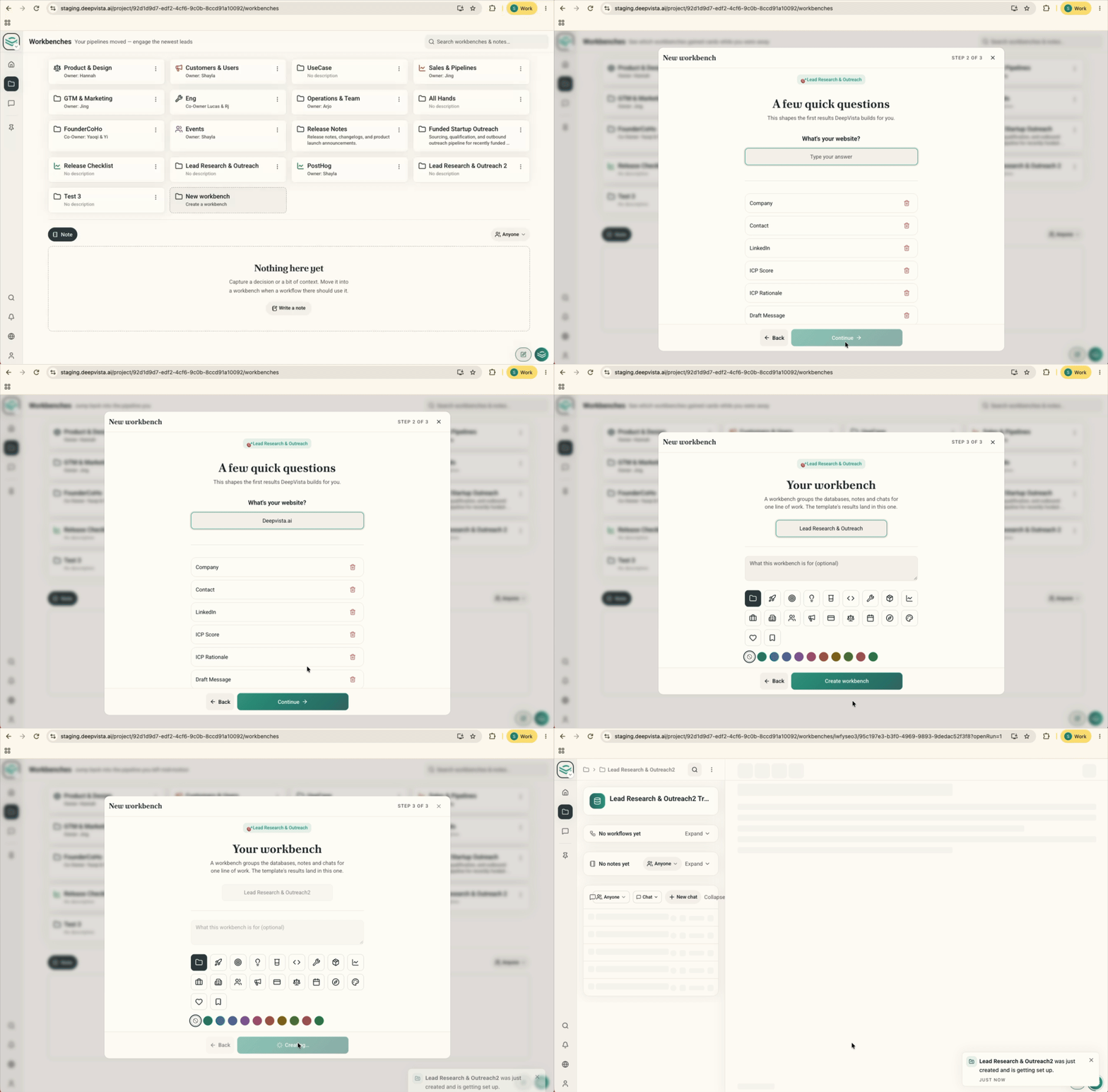
2. Drop raw context into Notes
Paste in discovery takeaways, interview quotes, objections, and rough thoughts as they are. Your agent searches Notes on its own to find real decision-makers and draft emails that quote actual customer problems.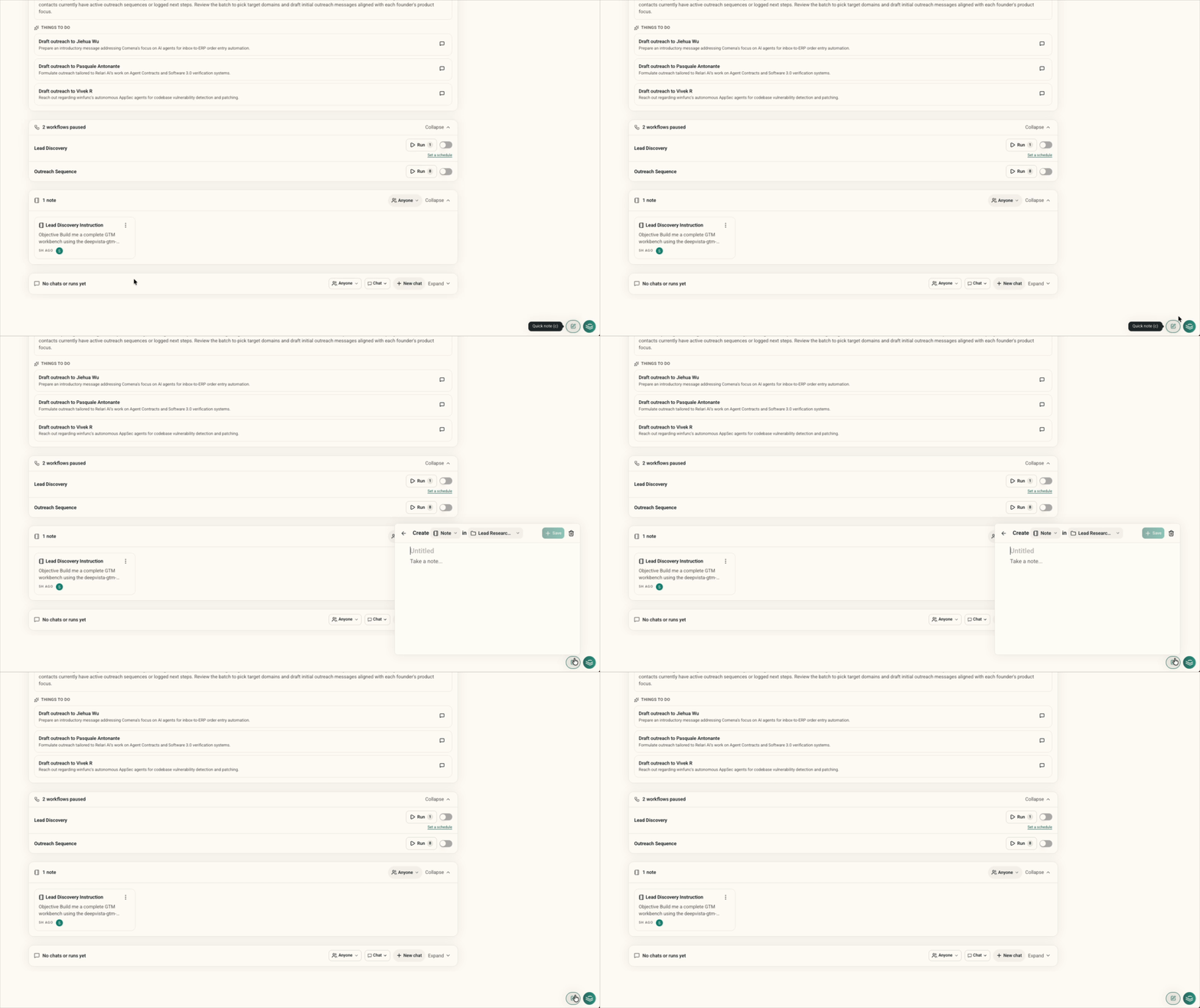
3. Run or create a workflow to repeat verified work
Refine your lead criteria and email drafts with your agent first. Once you find the angle that gets replies, turn it into a workflow and repeat it.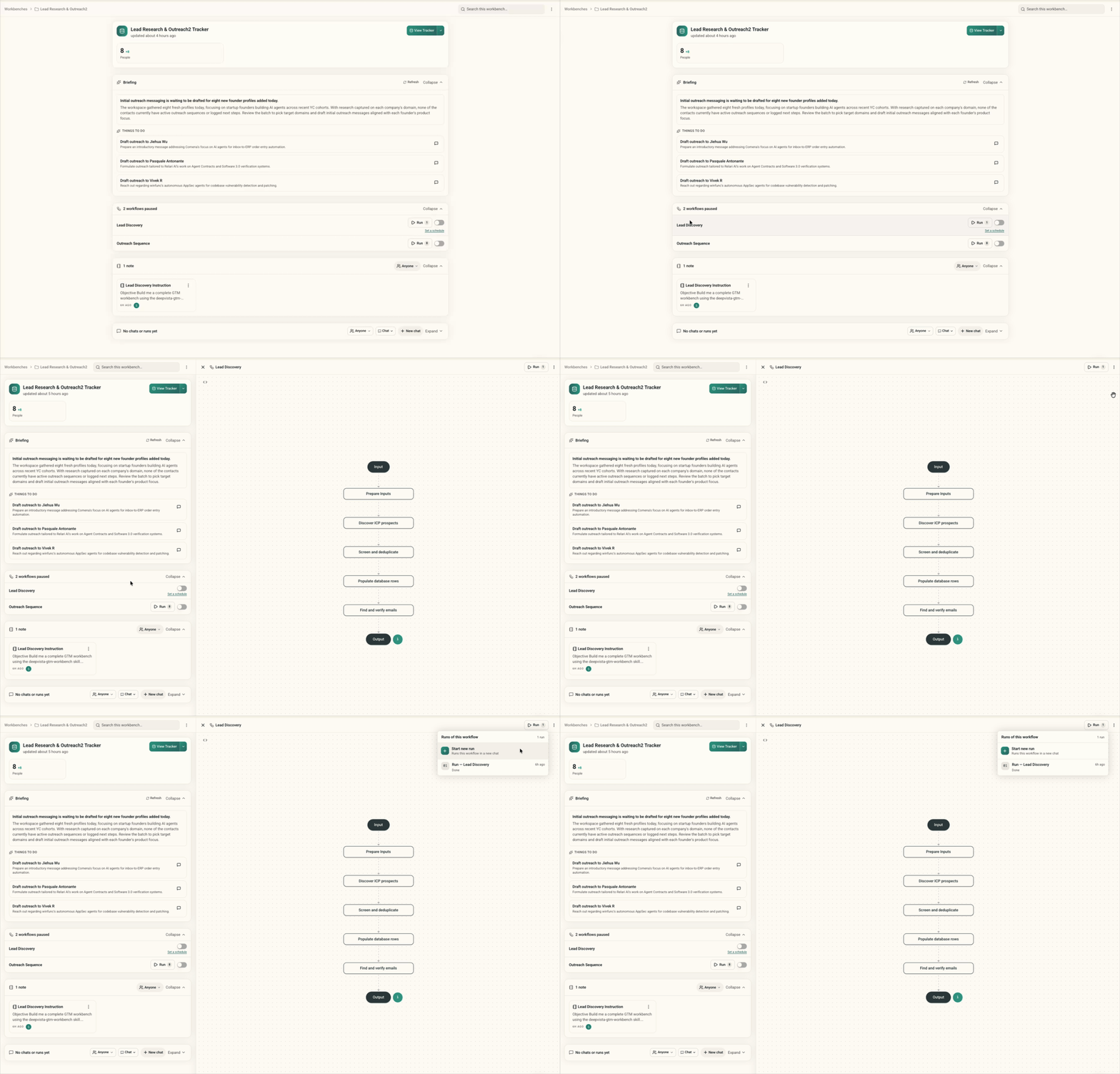
4. Track results in the Database
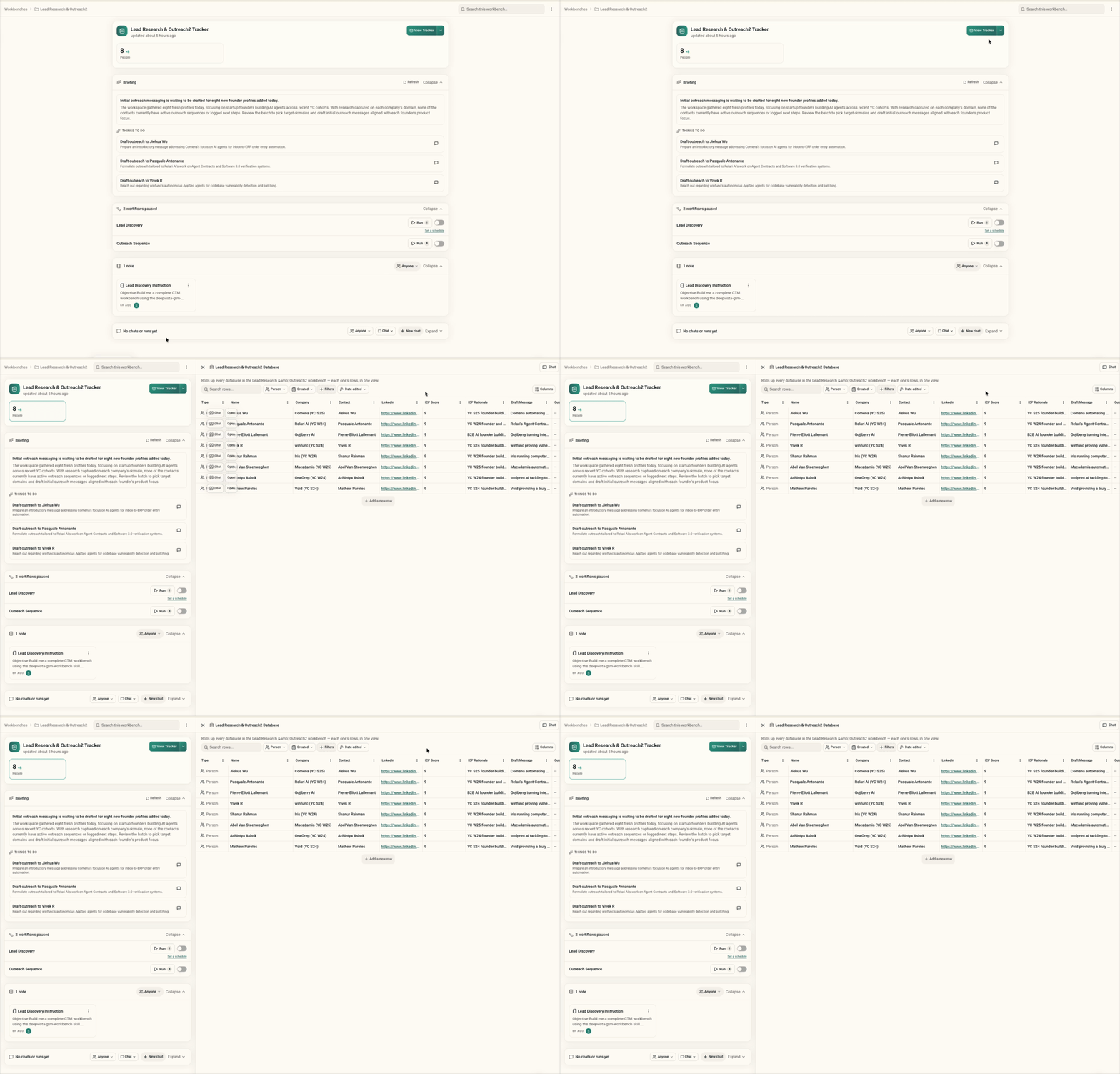
The Database records verified leads, email statuses, and booked meetings as your agent finishes tasks, so you can check results in one place.