.png?fit=max&auto=format&n=jKjpuy2fz57OUcfn&q=85&s=d5b9cacebbb4a94e2c6bac33ad479982)
.png?fit=max&auto=format&n=jKjpuy2fz57OUcfn&q=85&s=0e6d93d474315b69b3046316150e4582)
- Run 24/7 background workflows without keeping your laptop open. DeepVista now hosts and executes background tasks on cloud machines with 1-click browser terminal access.
- Upload files and talk to any content type in chat, with password protection. Upload documents, audio, and attachments directly into chat, with a 1-click private mode to pass API keys and passwords safely.
- Never miss a completed task with a unified notification inbox. Replaced scattered, hard-to-follow workspace alerts with one central notification feed showing what needs your attention.
- Connect AI agents directly to product docs and LinkedIn. Connect live Mintlify docs and LinkedIn accounts directly to your project so agents can look up setup guides and manage outreach automatically.
Workflows enhanced in our library
Feature updates like MCP connectors, notification alerts, and folder organization are building blocks that enhance real, end-to-end workflows in the DeepVista library. Here are the specific workflows that were upgraded this week:Automate Any Gmail Workflow
Connect Gmail and ask the agent to run any task you’d normally do by hand.
Automate Your Customer Relationship Tracker
Set up a CRM tracker and let DeepVista keep pipeline stages up to date from your conversations.
Automate Lead Research & Targeted Outreach
Research, score, and enrich high-fit prospects, then stage personalized outreach.
Automate Inbound Lead Capture & Qualification
Capture and qualify new accounts the moment they reach out to you.
What we shipped this week
🔔 Notification Center
Never miss a background update with the new centralized notification inbox that alerts you the moment tasks finish or fail.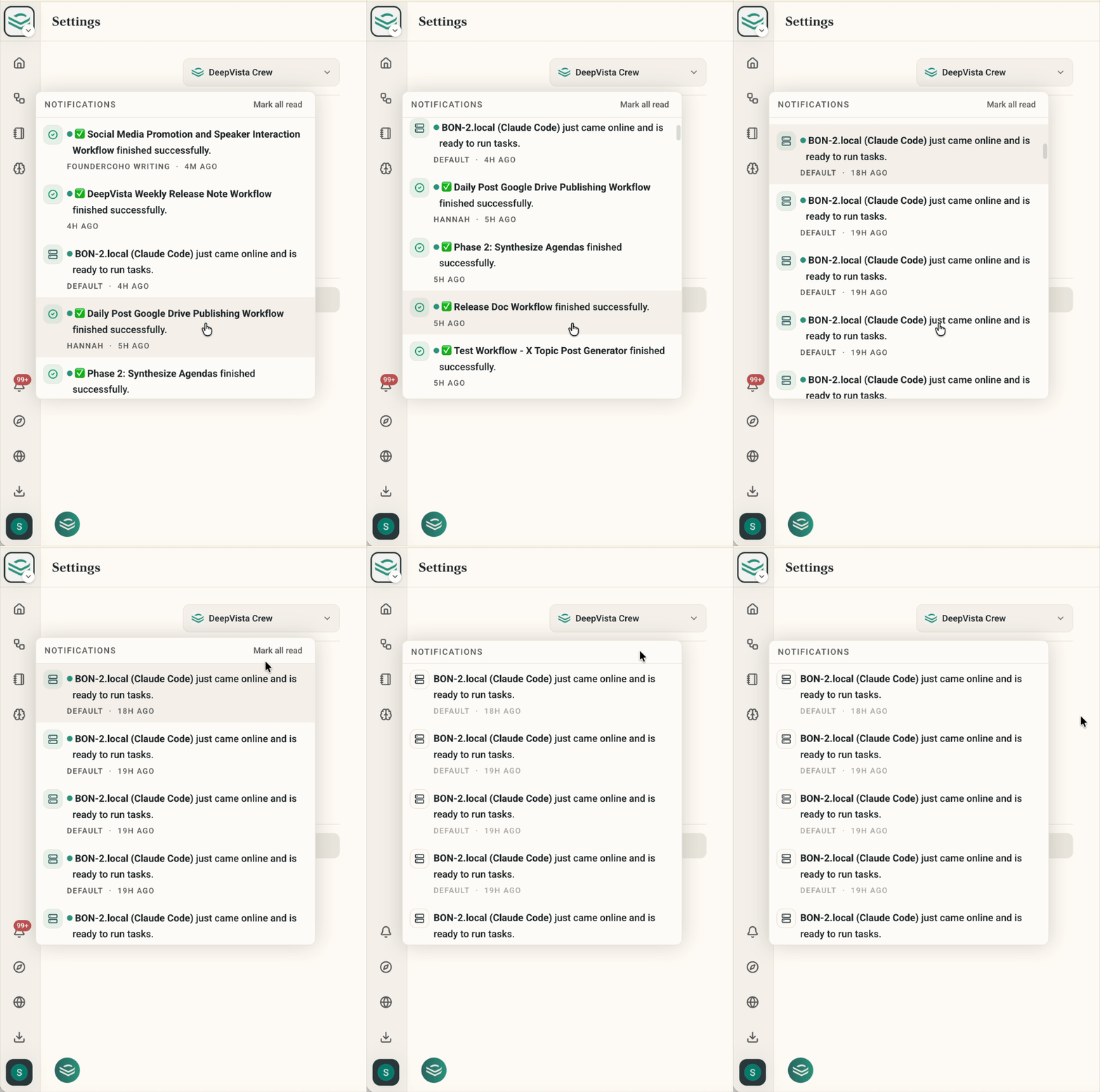
🧾 Comment-Based Task Logs
Keep your documents clean by automatically moving background task execution logs into expandable comments at the bottom of cards.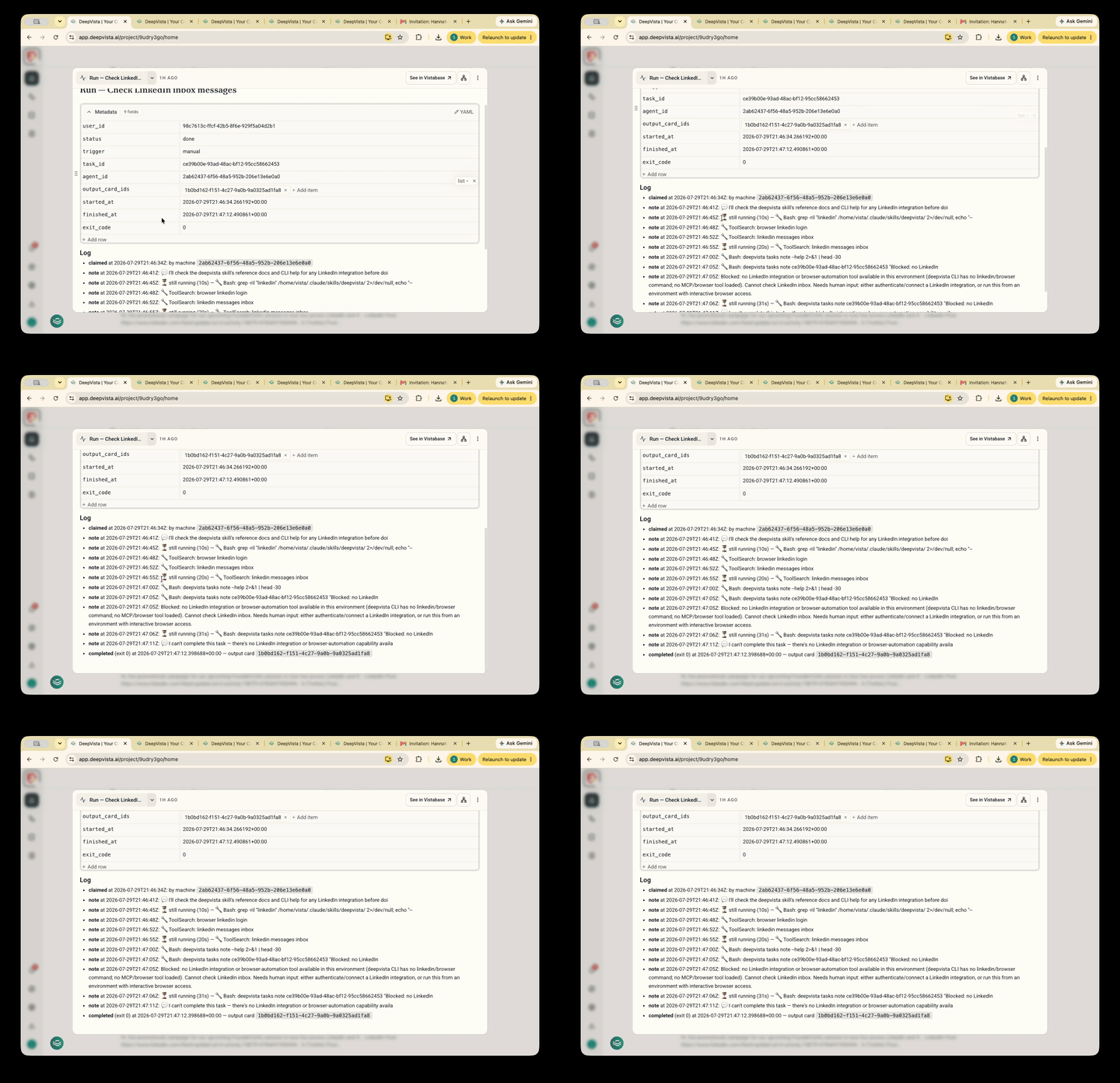
🔌 Project-Level MCP Servers
Connect custom documentation and LinkedIn directly to your projects so AI agents can query live tools and data natively.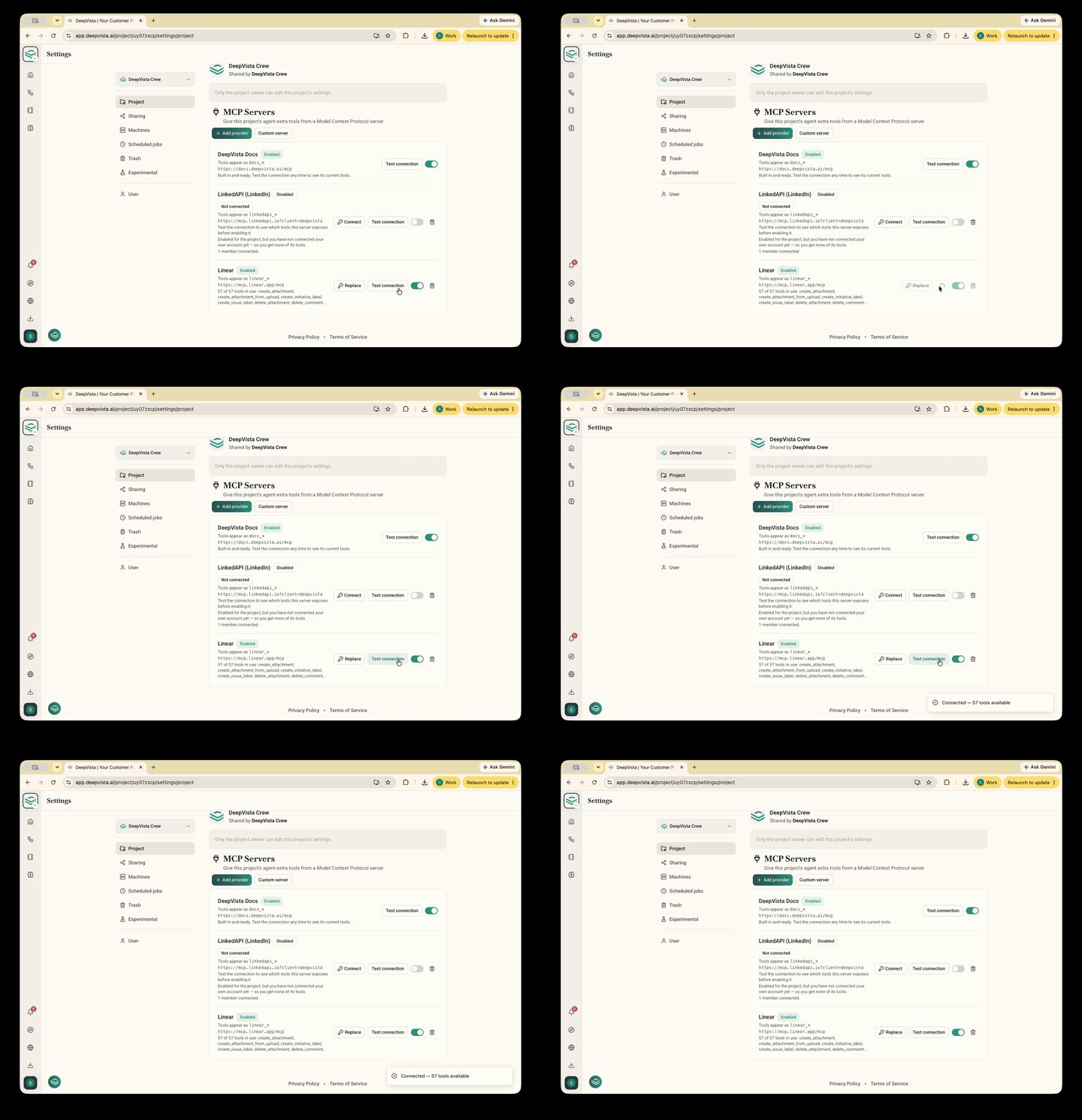
🕶️ Mark as Sensitive Mode
Protect private credentials by toggling sensitive mode in chat to execute prompts without saving passwords to database logs.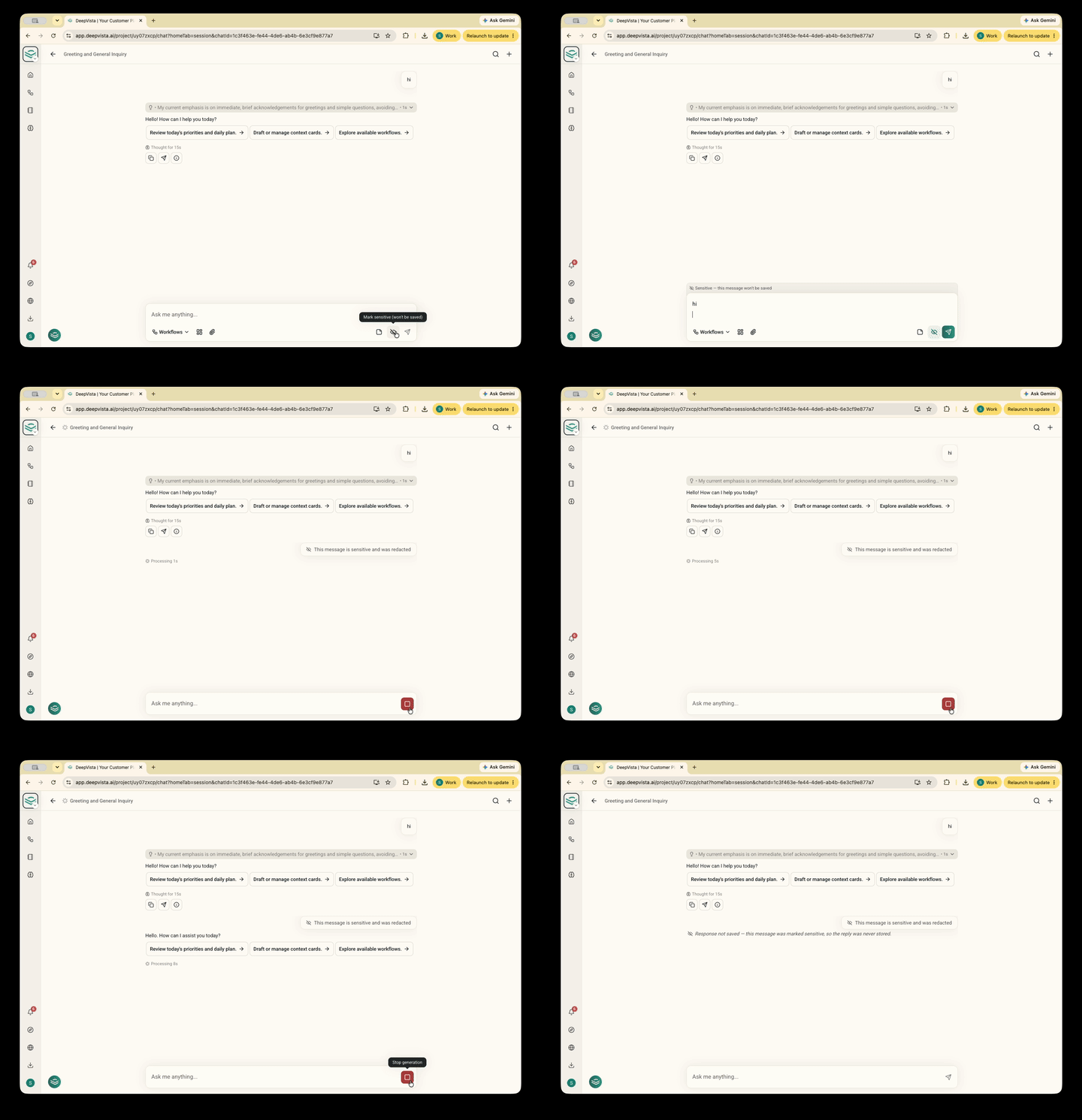
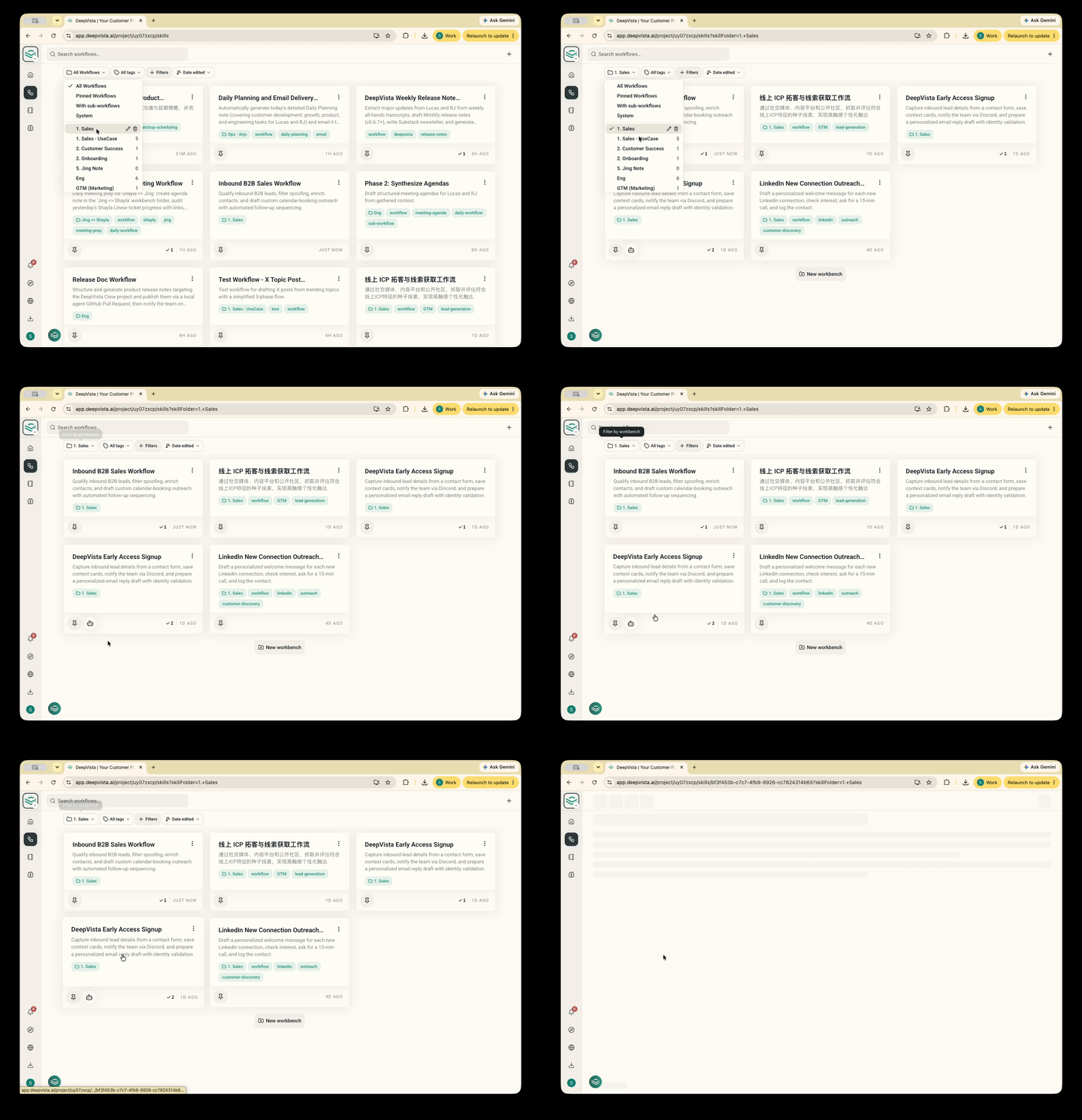
🗂️ Workspace Workflow Folder Organization
Organize your growing library of automated playbooks into structured project folders for instant navigation.