.png?fit=max&auto=format&n=jKjpuy2fz57OUcfn&q=85&s=d5b9cacebbb4a94e2c6bac33ad479982)
.png?fit=max&auto=format&n=jKjpuy2fz57OUcfn&q=85&s=0e6d93d474315b69b3046316150e4582)
What you can do
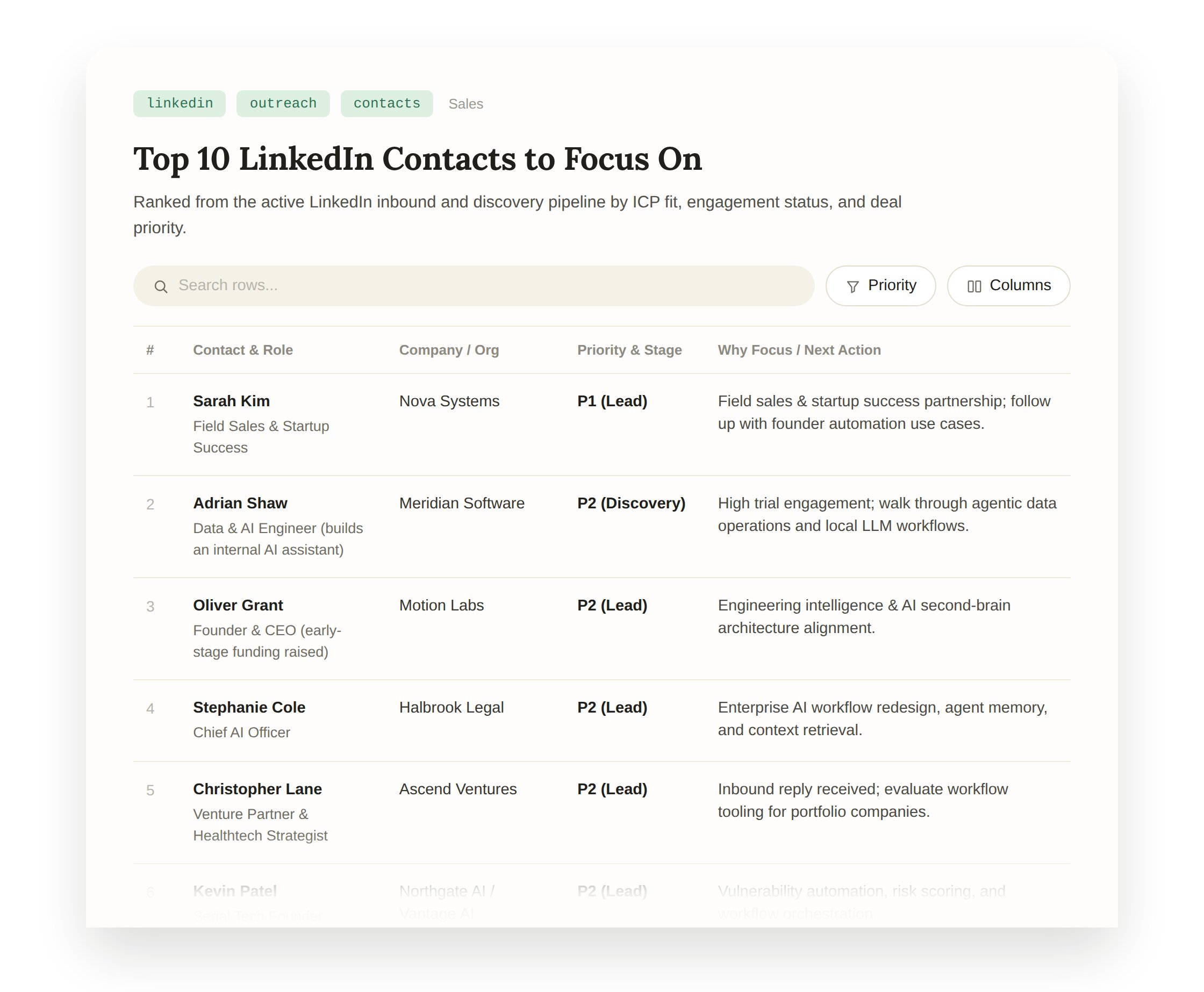
Ask DeepVista:- “List top 10 LinkedIn contacts I should focus on today.”
- “Draft personalized messages for them.”
- “Update lead status on the CRM tracker.”
Who should read this
This guide is designed for founders, marketing operators, and developer advocates who want to maintain an active social presence and respond instantly to inbound interest. You should follow this playbook if you:- Receive inbound messages or comments on LinkedIn and X and want contextually relevant replies drafted automatically.
- Want to capture leads from social interactions directly into your VistaBase CRM tracker.
- Convert internal notes, product updates, or trending topics into ready-to-publish X posts.
1. LinkedIn Auto-Reply
Auto-reply to new LinkedIn messages triggered by a webhook using a Unipile account.- Please sign up an DeepVista account at https://app.deepvista.ai
- Please sign up an Unipile account at: https://dashboard.unipile.com/signup/
Connect Unipile and DeepVista
1
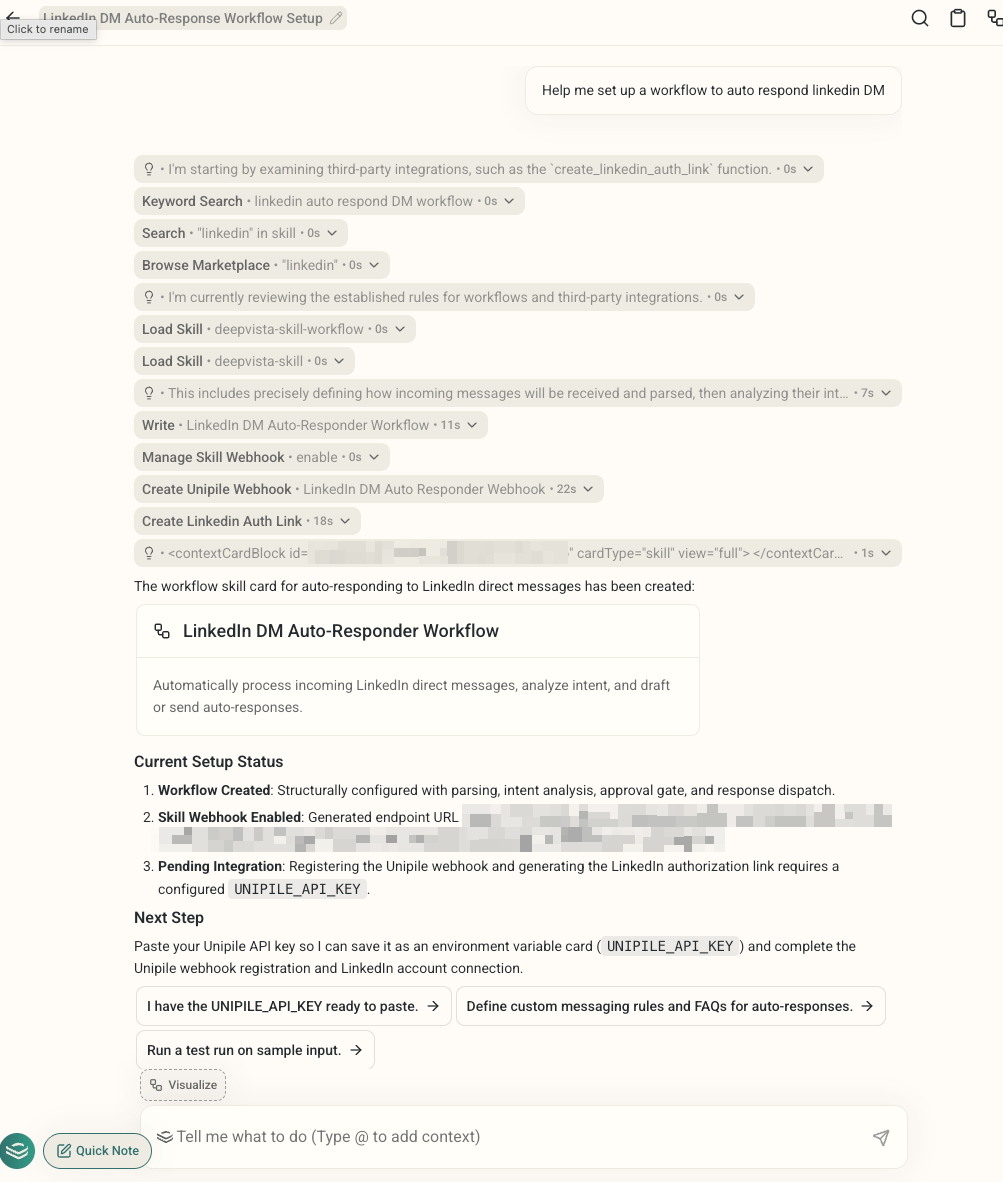
Type the following prompt in https://app.deepvista.ai
2
DeepVista will try to set up the workflow and configure the webhook. In order to move forward, DeepVista would need you to set up a Unipile account.
3
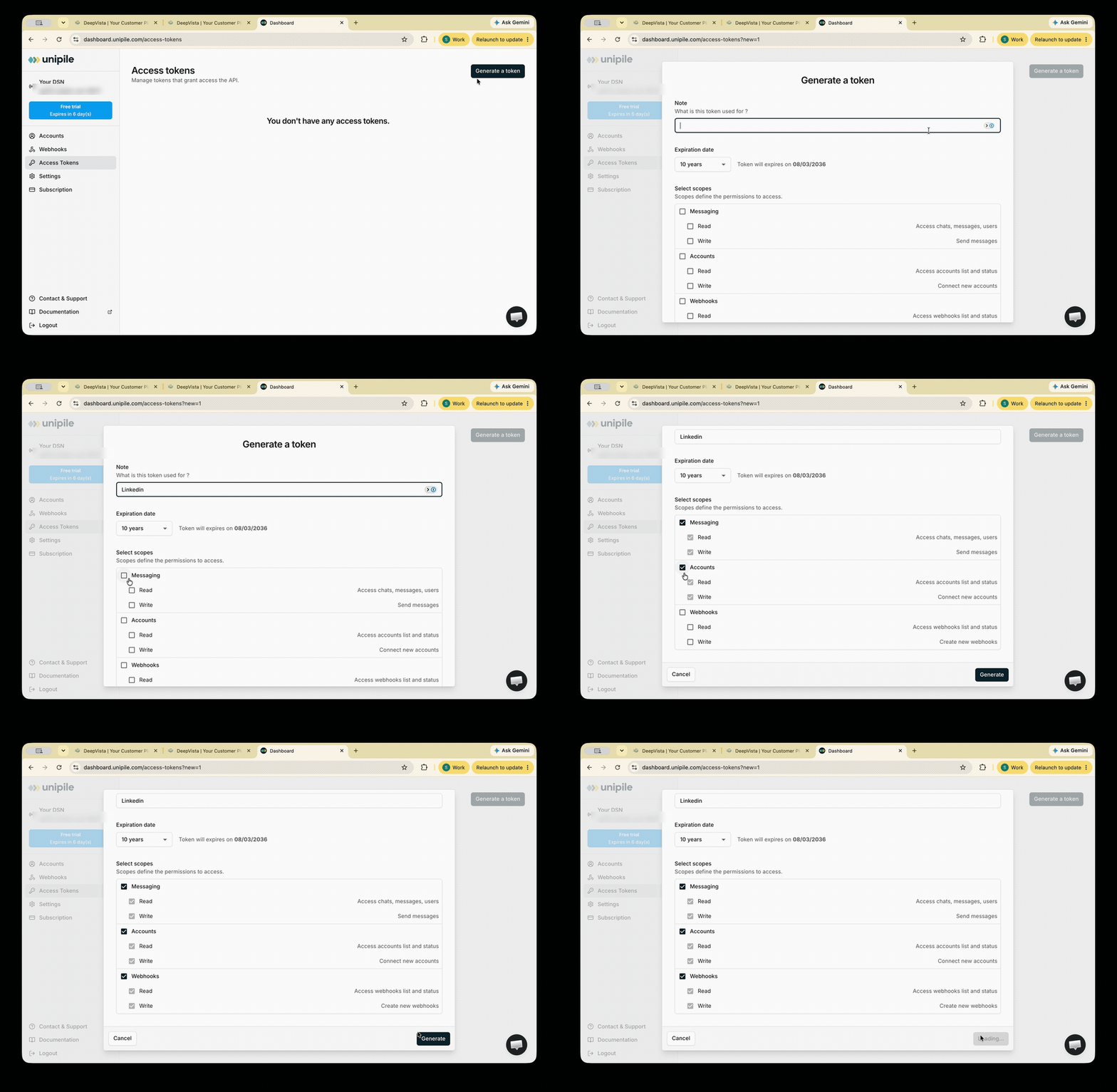
In your Unipile dashboard, you can generate an access token and copy the command
4
Copy your DSN
You’ll find it in the top-left corner of the sidebar.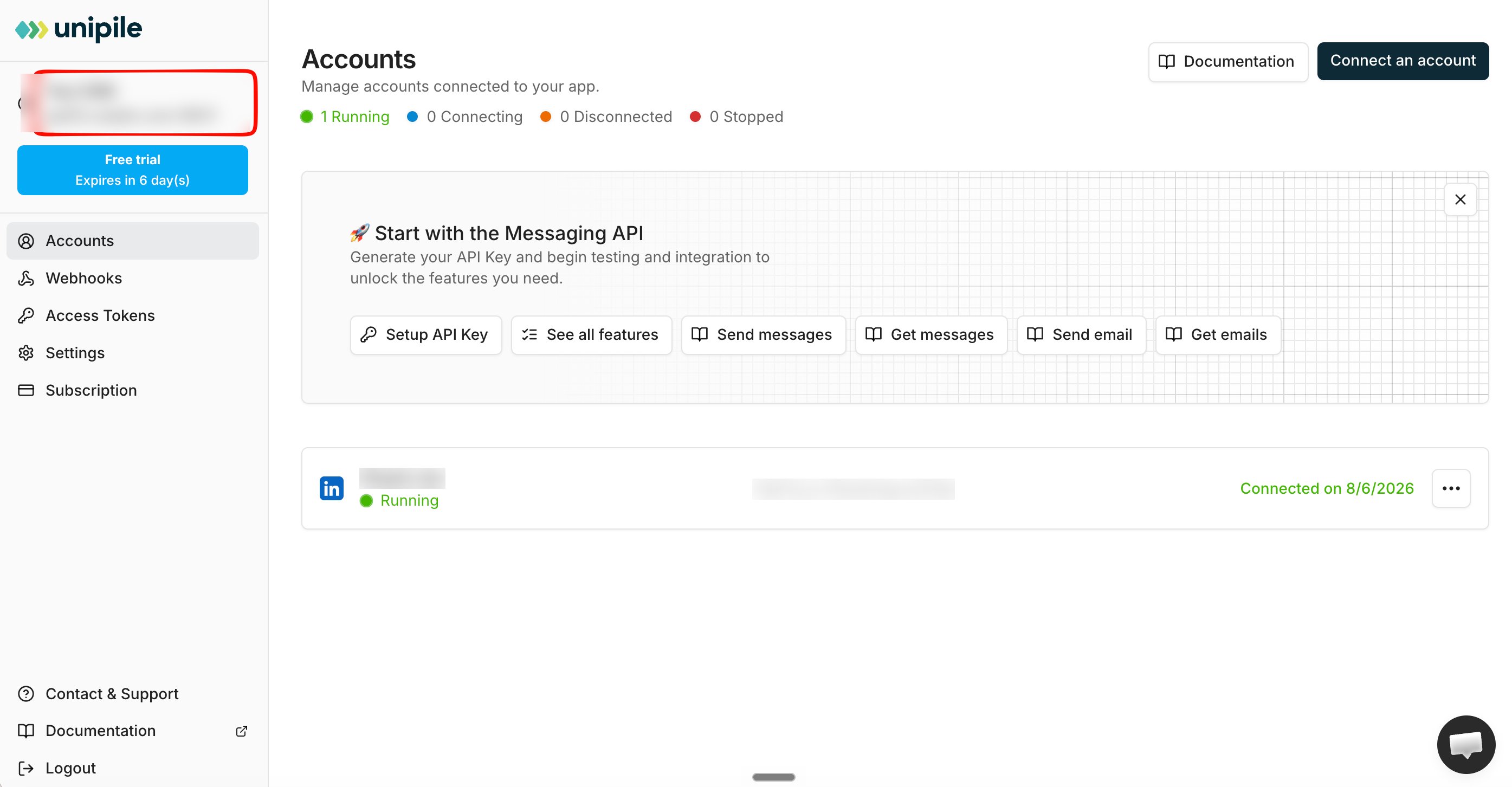
5
Provide the command and DSN to DeepVista
Authorize LinkedIn
1
DeepVista will guide you to authorize Linkedin
DeepVista will create a Linkedin authorization link.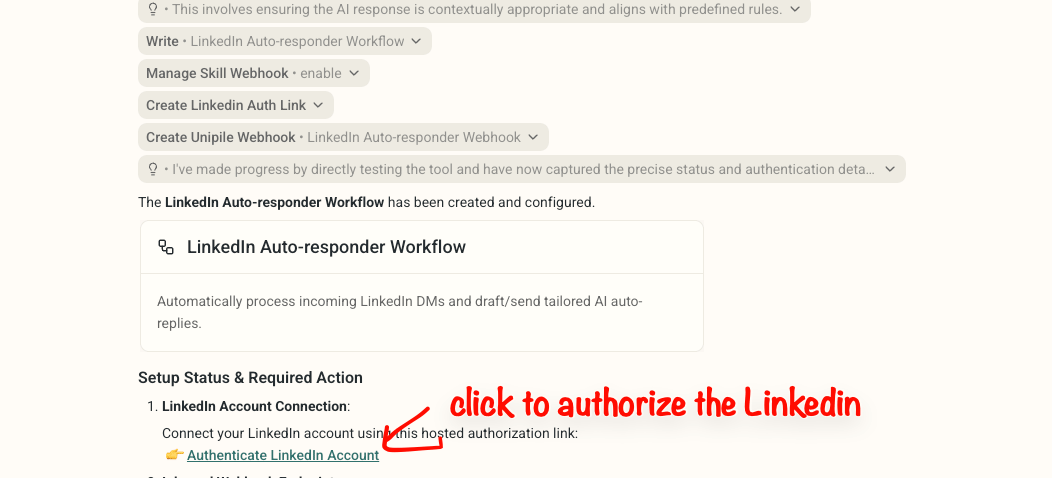
2
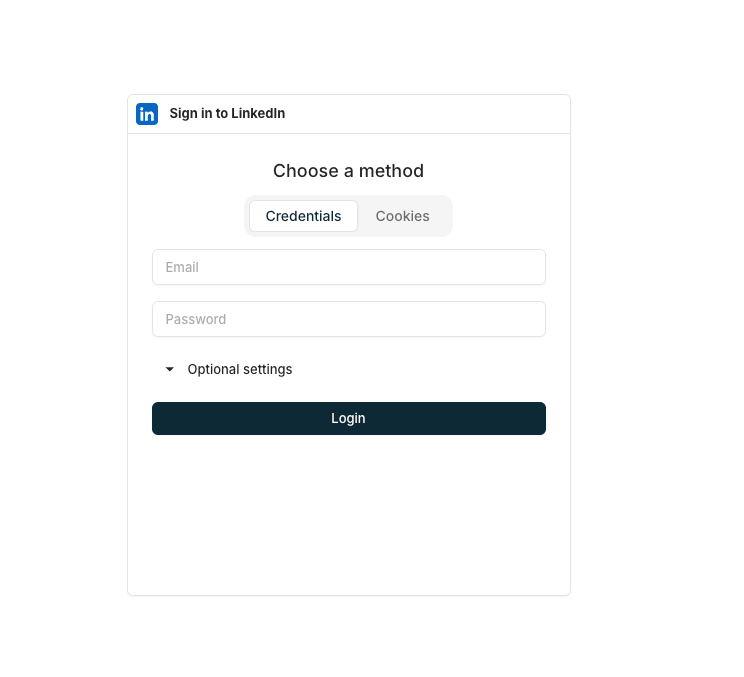
Authorize Linkedin, you will see a page like this.
Go Live
1
After you login, now you can go back to DeepVista and type
Set up the workflow webhook callback URL using manage_skill_webhook.It will set up the webhook connection for you.2
Now You're ready to go
You’re ready to auto-reply to any new LinkedIn messages. You can test it by having your friend to message you.