.png?fit=max&auto=format&n=jKjpuy2fz57OUcfn&q=85&s=d5b9cacebbb4a94e2c6bac33ad479982)
.png?fit=max&auto=format&n=jKjpuy2fz57OUcfn&q=85&s=0e6d93d474315b69b3046316150e4582)
1. Leave instant feedback on chat responses
Rate and leave notes directly under any message the agent generates. If an answer misses the mark or needs adjustment, submit a quick score and comment right in the thread. This feedback helps us spot patterns and tune agent behavior faster.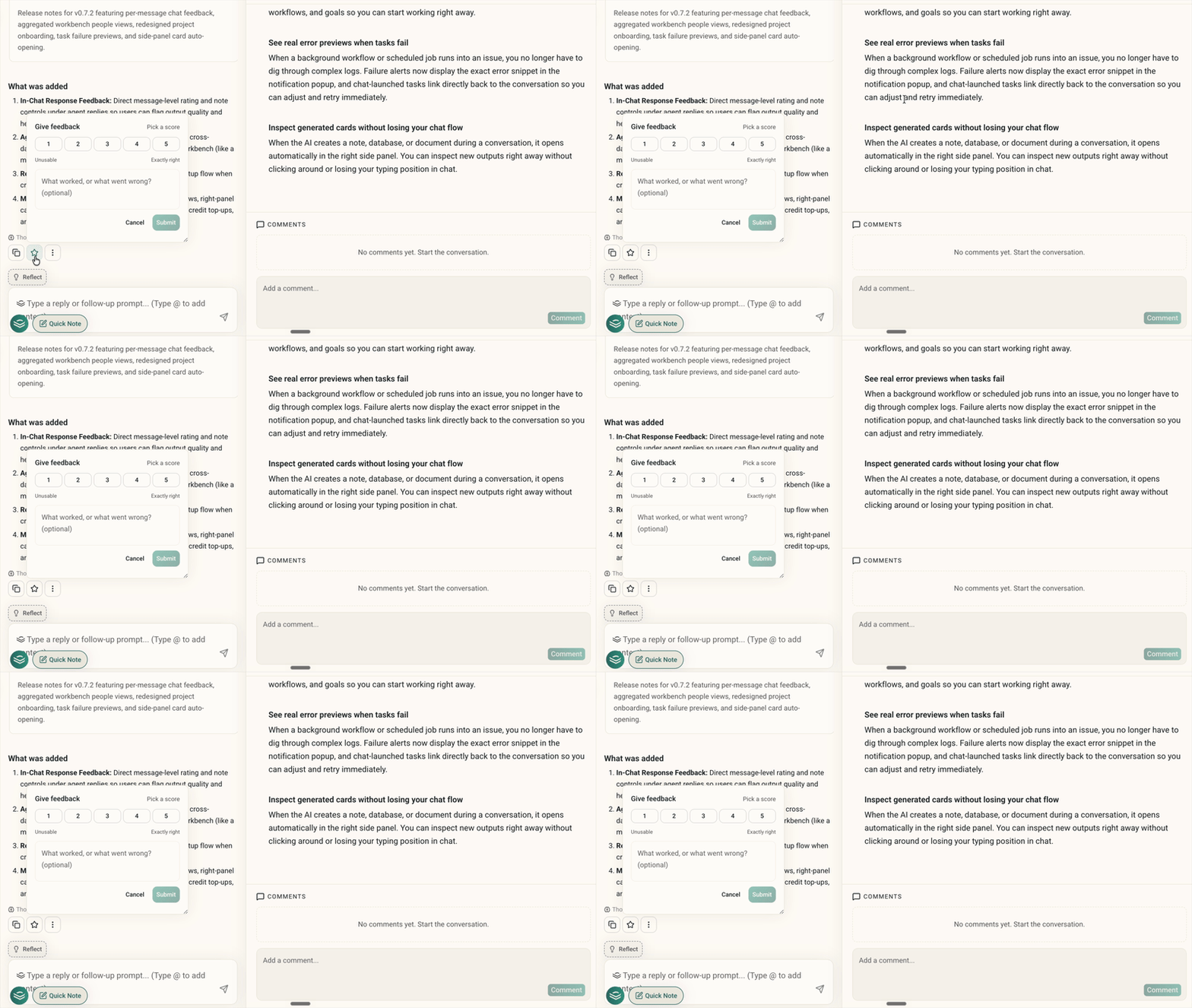
2. Aggregate people across workbench databases
Workbenches now roll up people across all your databases into one master roster, instead of making you click through separate lead lists or search outputs. Every outreach search or contact import you run adds to that same unified view.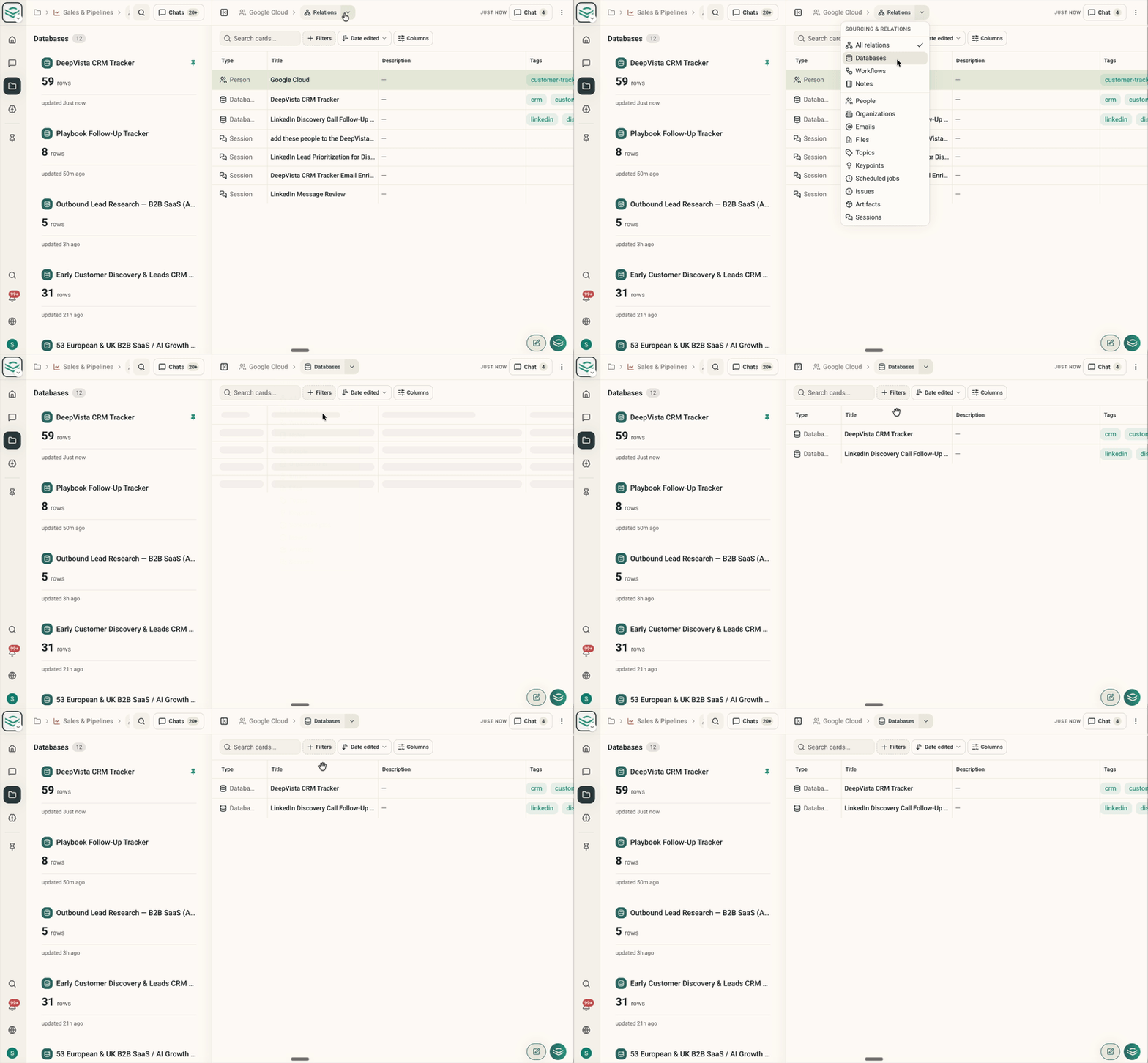
3. Redesigned project onboarding flow
Starting a new project is now faster with a guided setup. When you create a project, the flow walks you through setting up your initial workbenches, workflows, and goals so you can start working right away.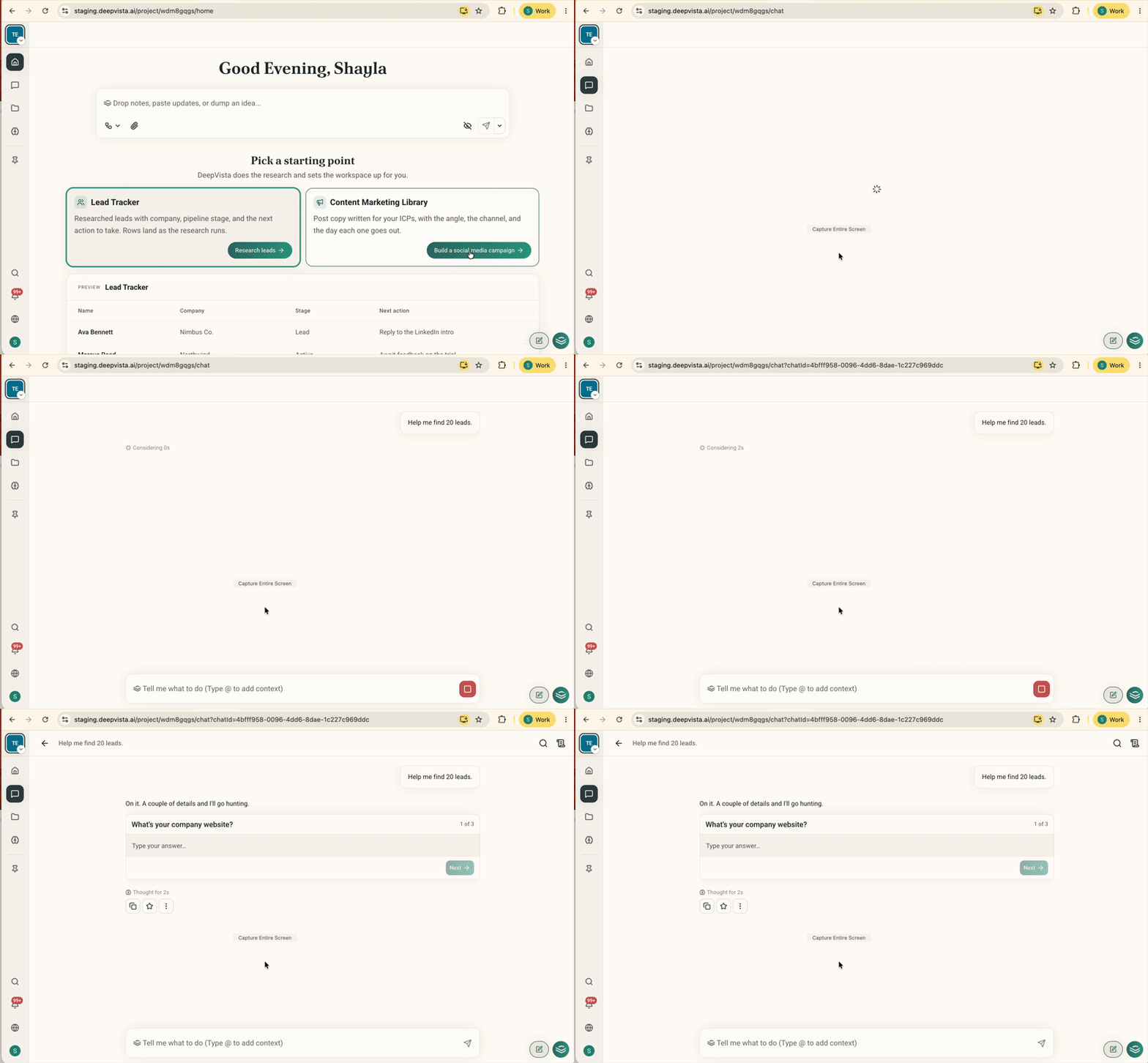
4. Inspect generated cards without losing your chat flow
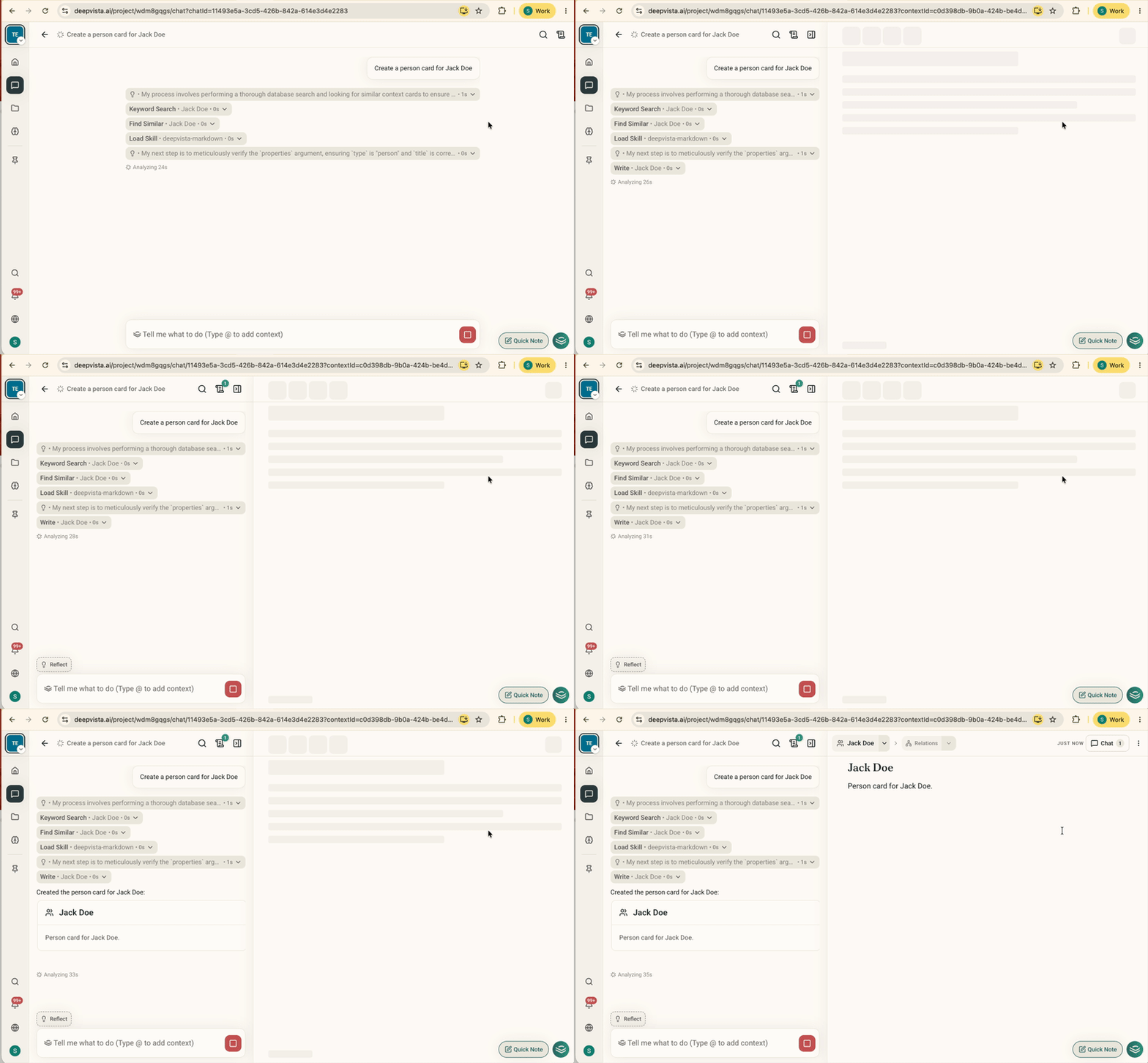
When the AI creates a note, database, or document mid-conversation, it now opens automatically in the right side panel. You can inspect new outputs right away without clicking around or losing your place in the chat.