.png?fit=max&auto=format&n=jKjpuy2fz57OUcfn&q=85&s=d5b9cacebbb4a94e2c6bac33ad479982)
.png?fit=max&auto=format&n=jKjpuy2fz57OUcfn&q=85&s=0e6d93d474315b69b3046316150e4582)
Ask DeepVista to Draft Outreach Email
1
Ask DeepVista: "Help me draft outreach emails for all of the leads."
DeepVista will save your email drafts as context cards.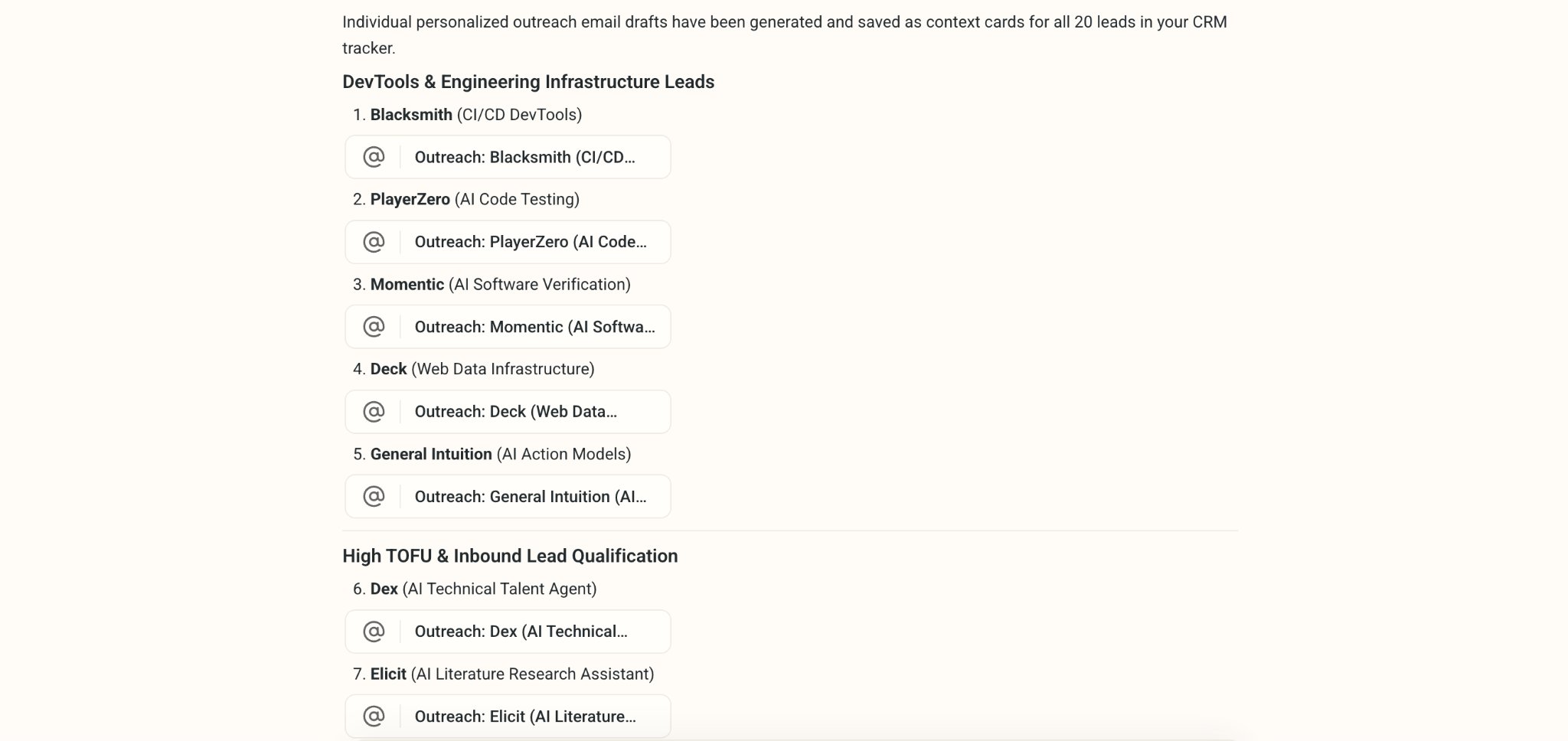
2
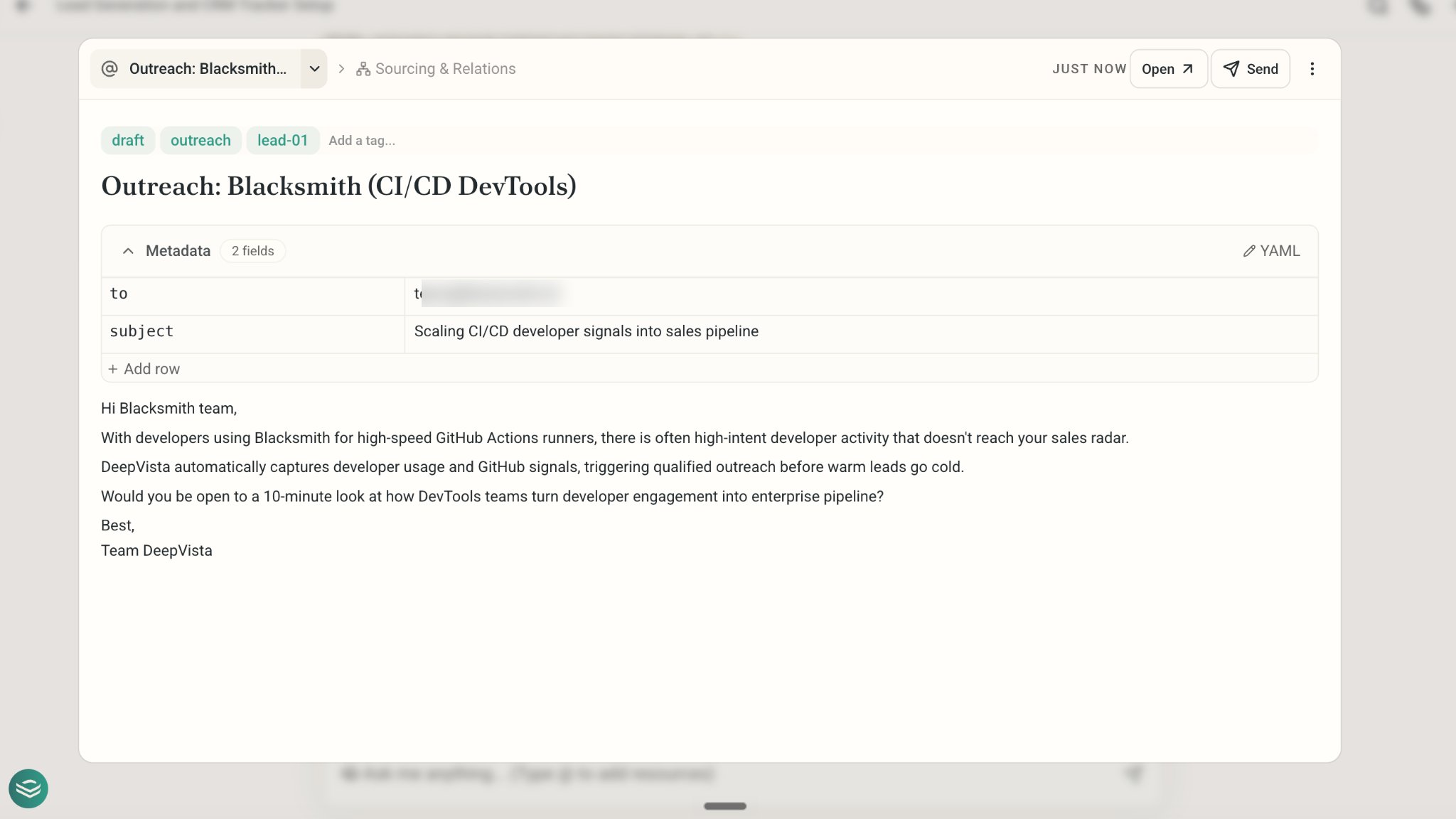
Click into the email card to view and edit the draft.
Connect Your Gmail and Send Your Email
1
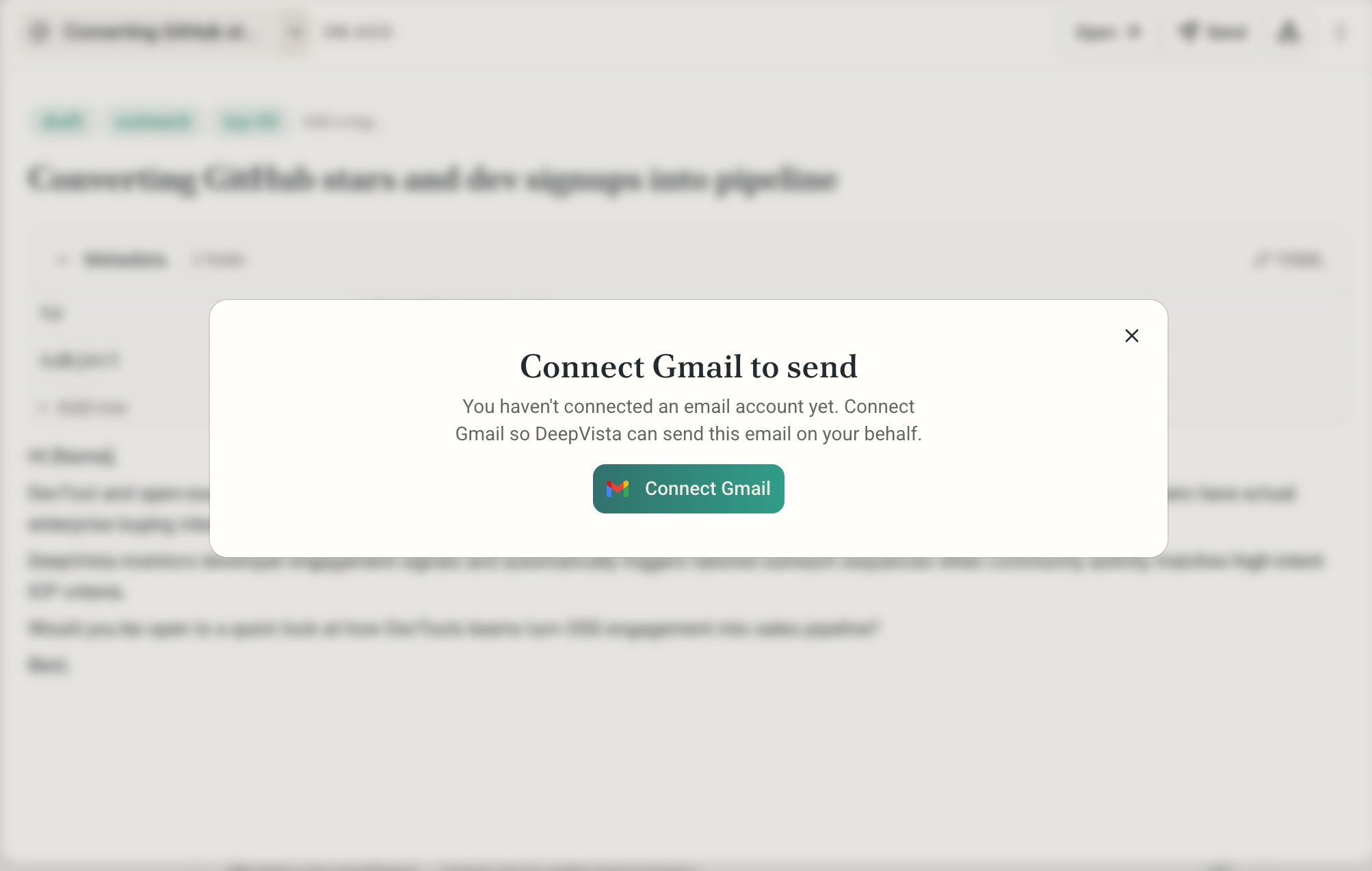
To send out an email, Click Send and connect your Gmail.
2
Make sure DeepVista has all the access it needs.
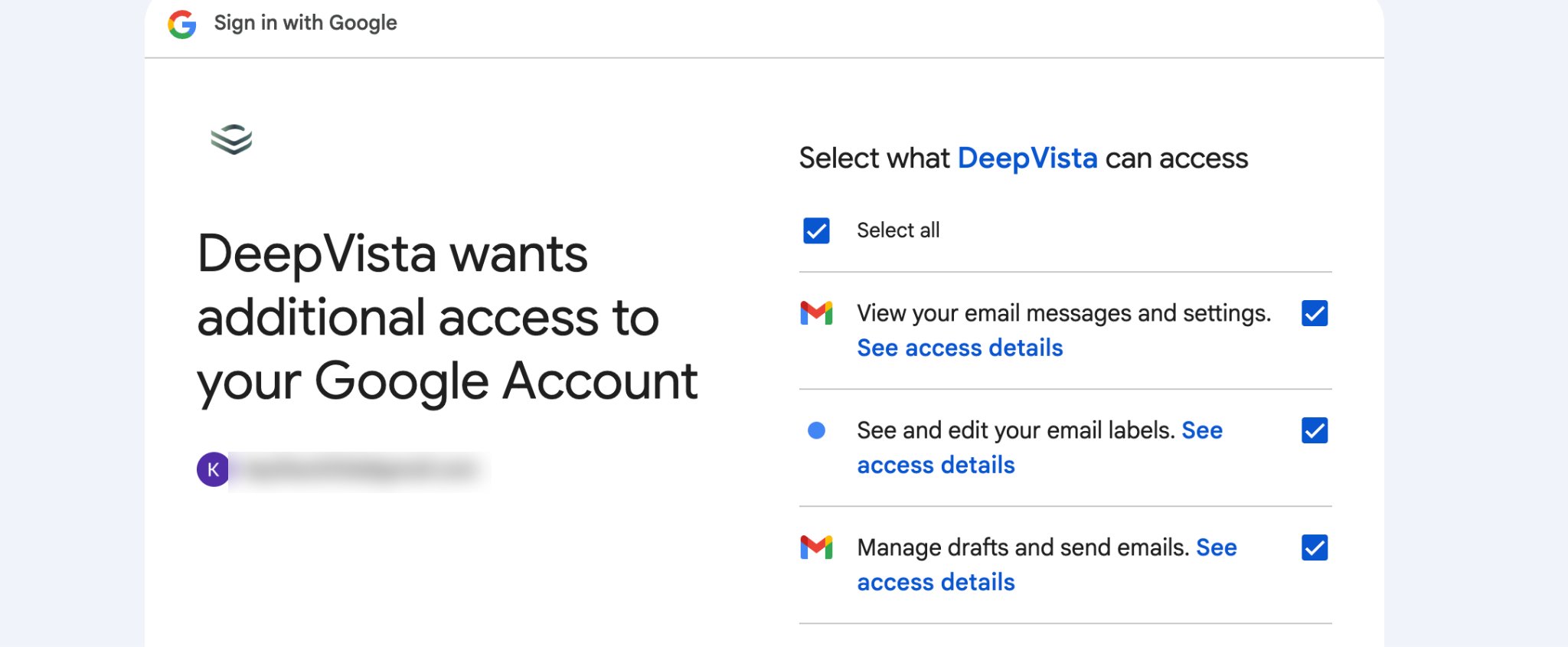
3
Upon success, you'll see the confirmation page below.
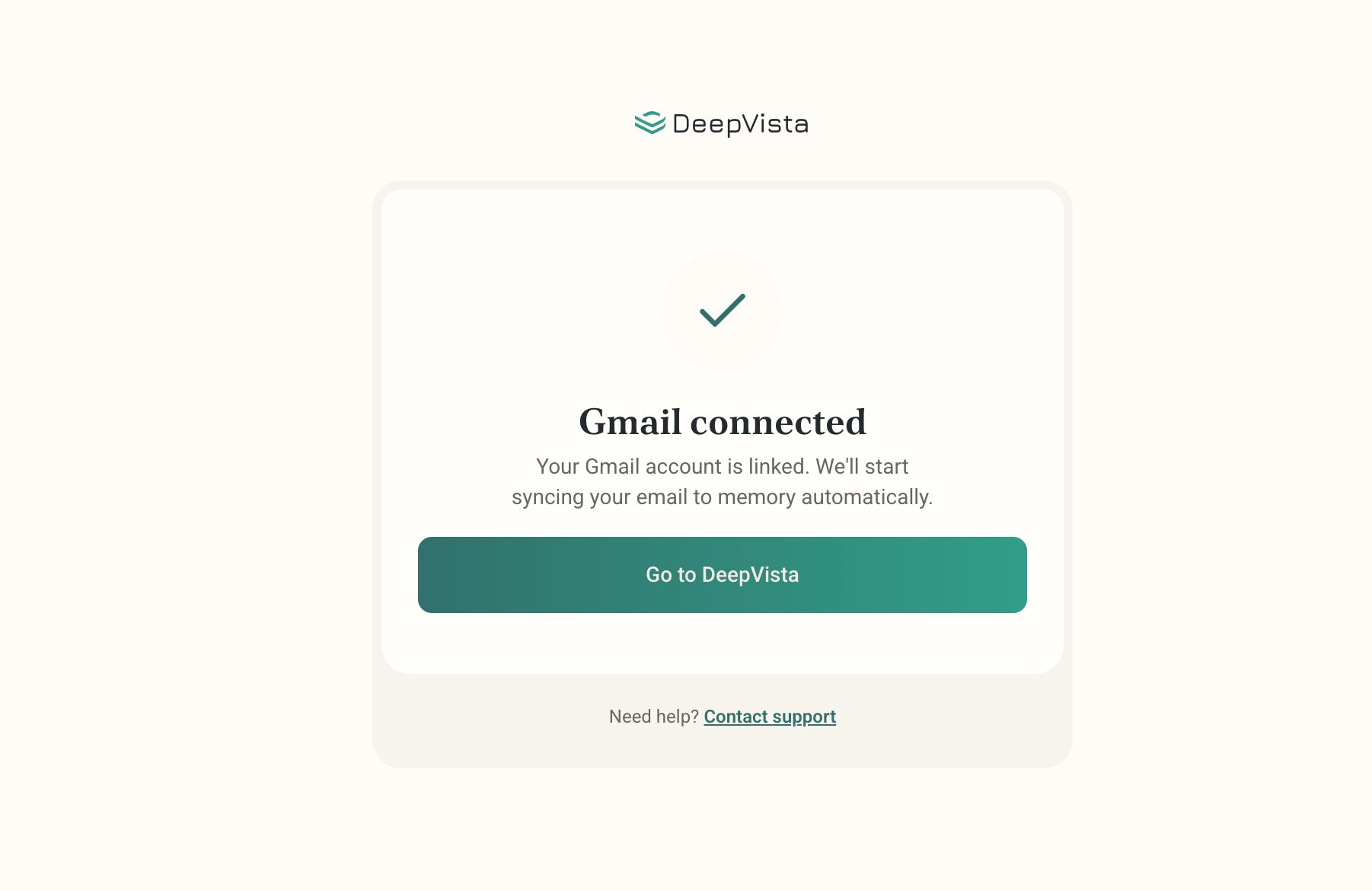
4
Once ready, click Send in the bottom-right corner, or ask DeepVista to send all of them automatically.
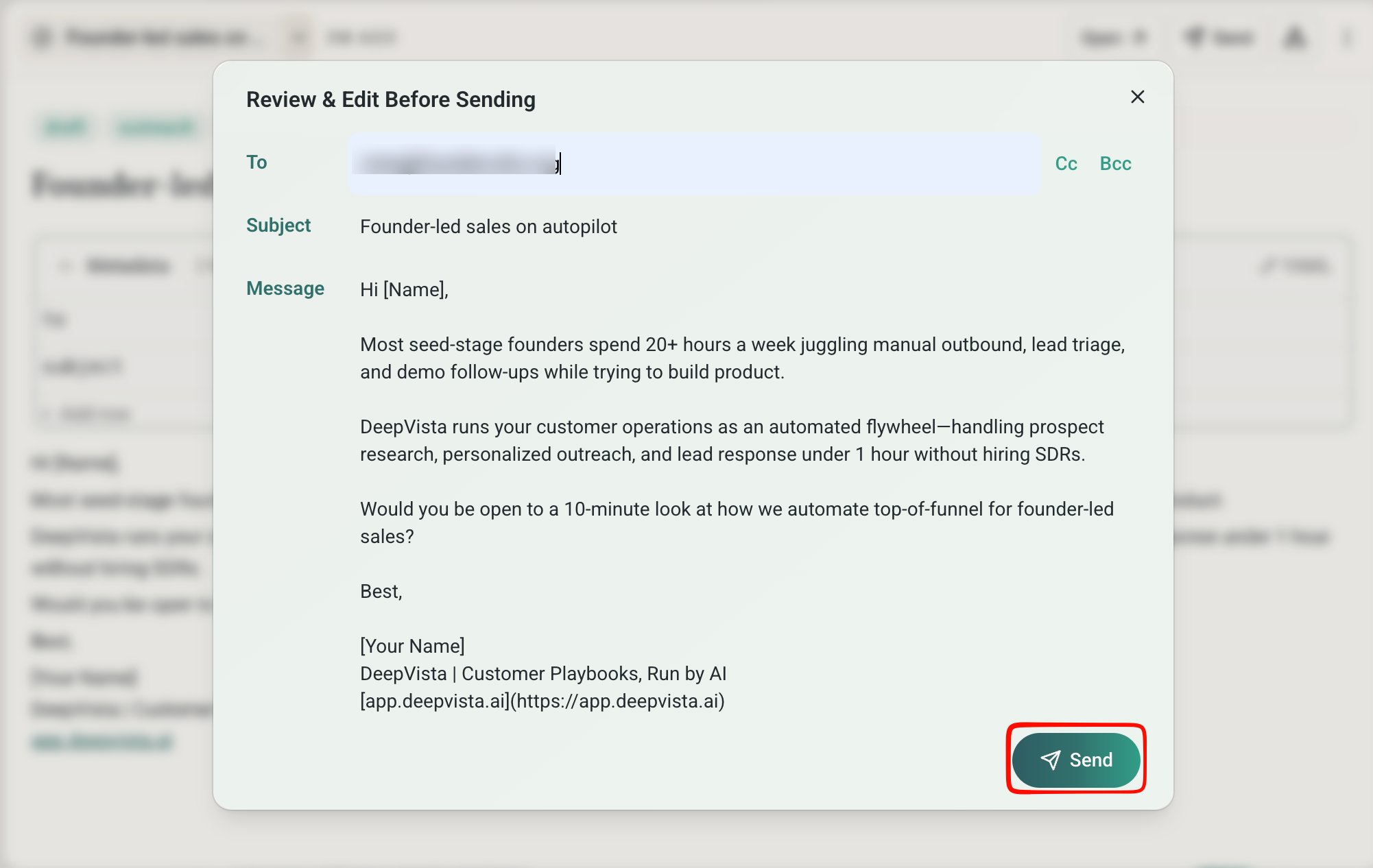
5
To confirm, open Gmail and find the sent email in your Gmail "Sent" tab.
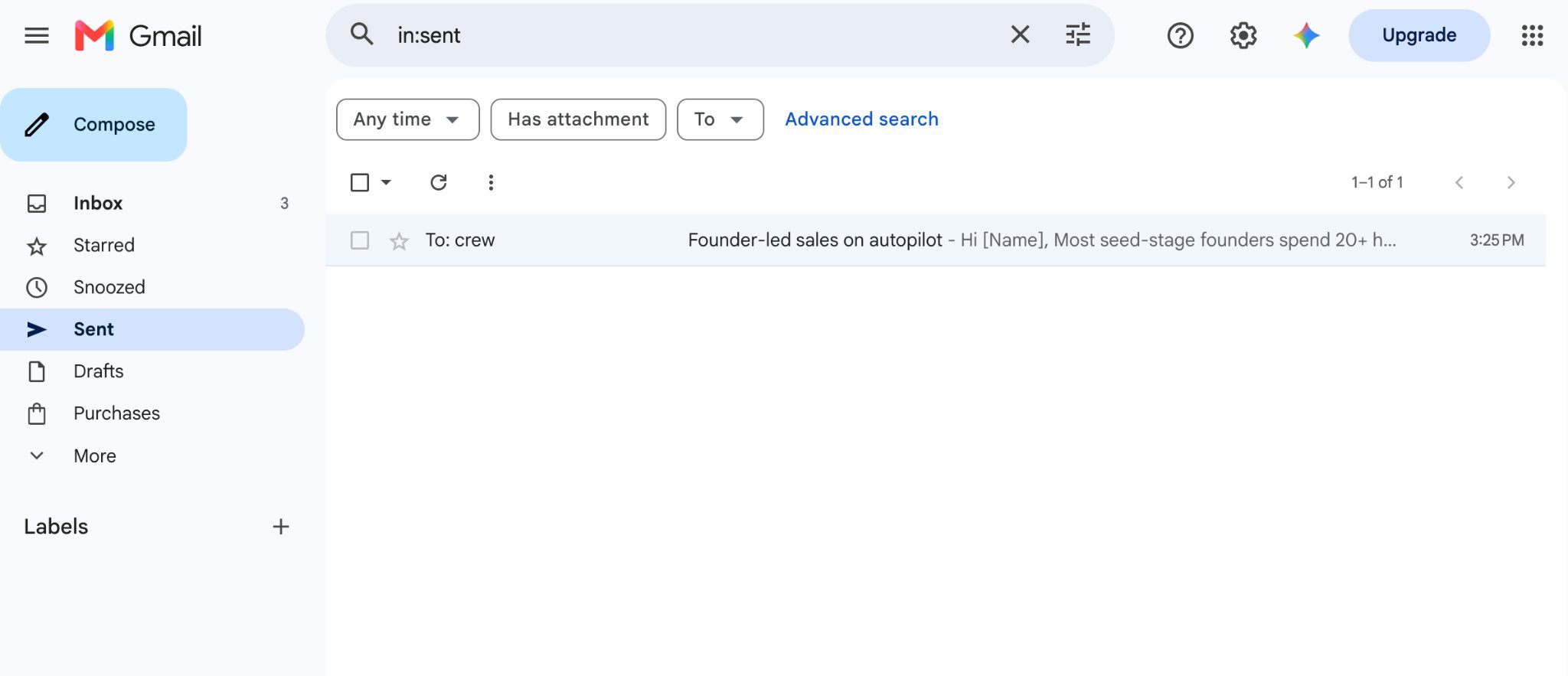
Ask DeepVista to Schedule a Daily Job
1
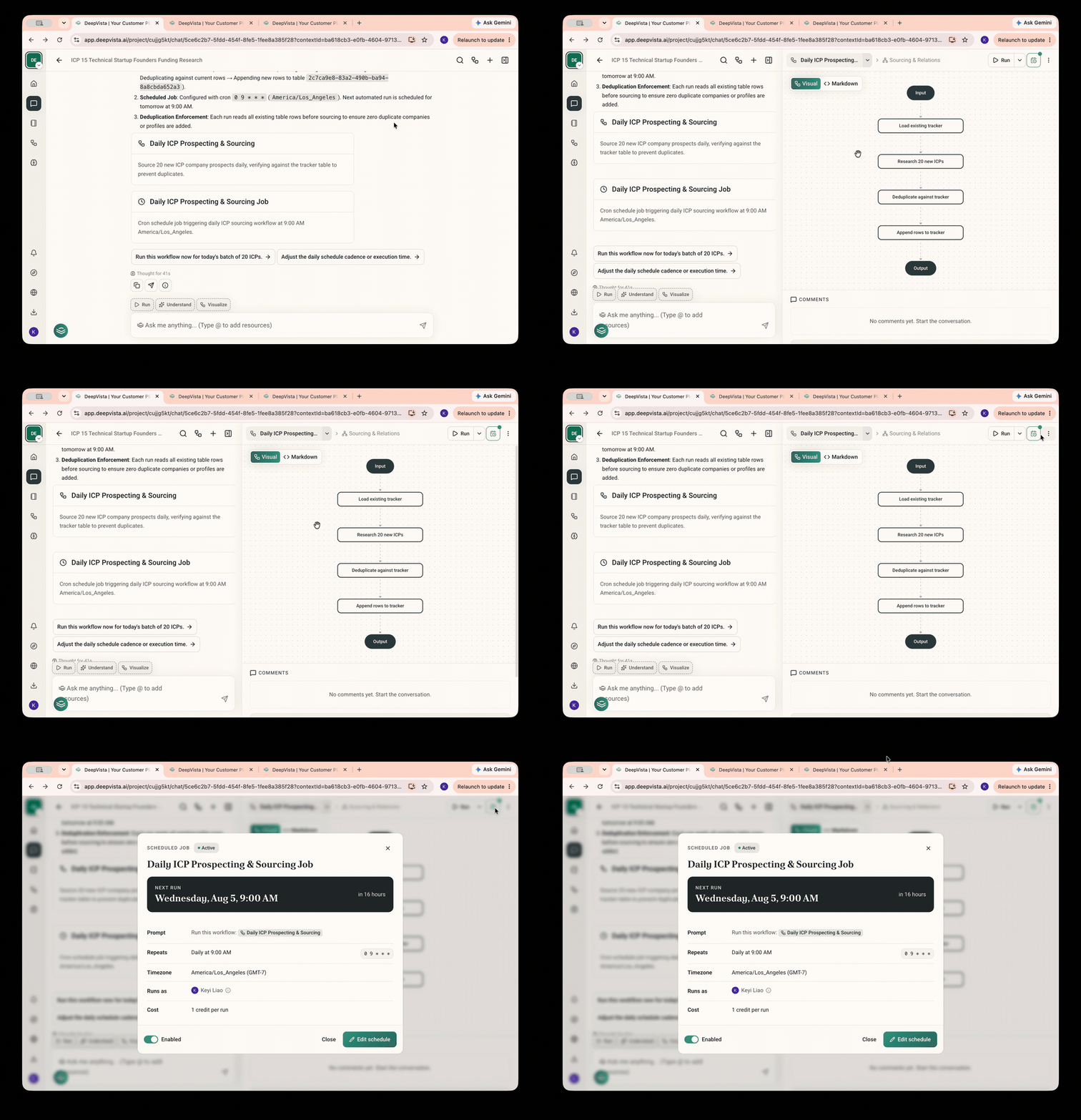
Ask DeepVista: "Schedule a daily task to source 20 new leads every day. Never repeat companies already in the tracker."
DeepVista will create an automated workflow and a scheduled job for you.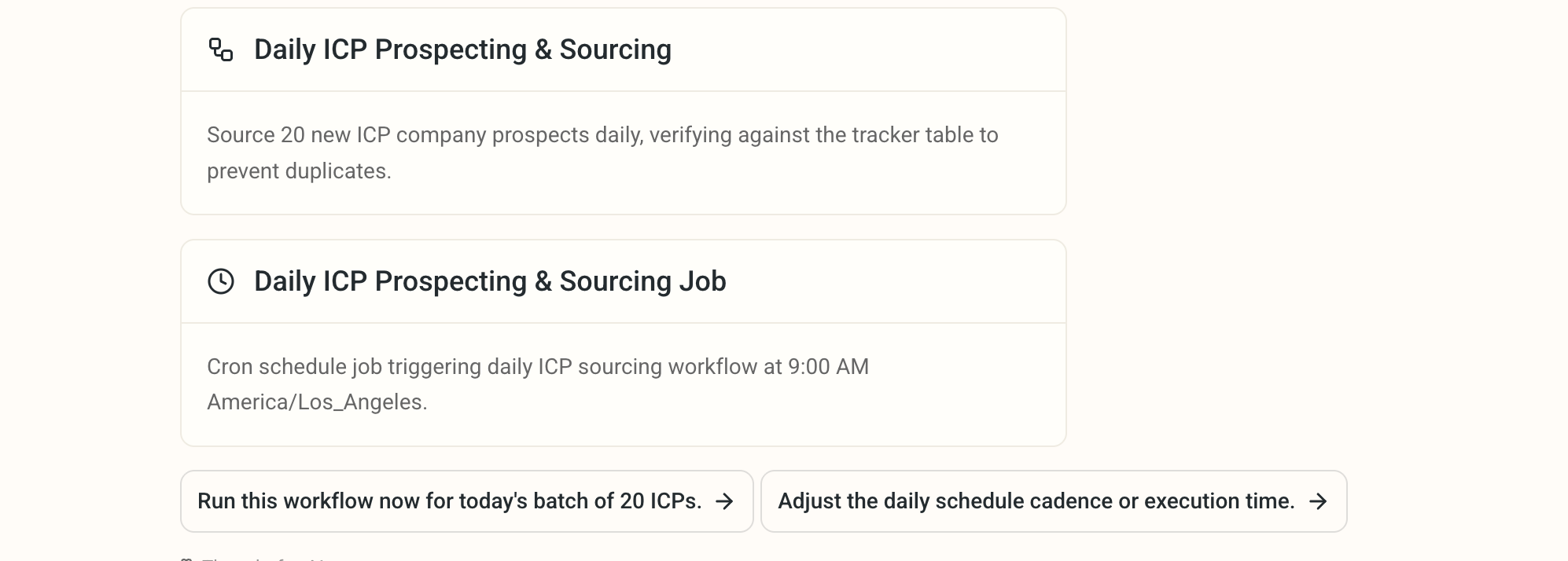
2
Click the context cards to view details and make changes.