.png?fit=max&auto=format&n=jKjpuy2fz57OUcfn&q=85&s=d5b9cacebbb4a94e2c6bac33ad479982)
.png?fit=max&auto=format&n=jKjpuy2fz57OUcfn&q=85&s=0e6d93d474315b69b3046316150e4582)
Capture Inbound Leads
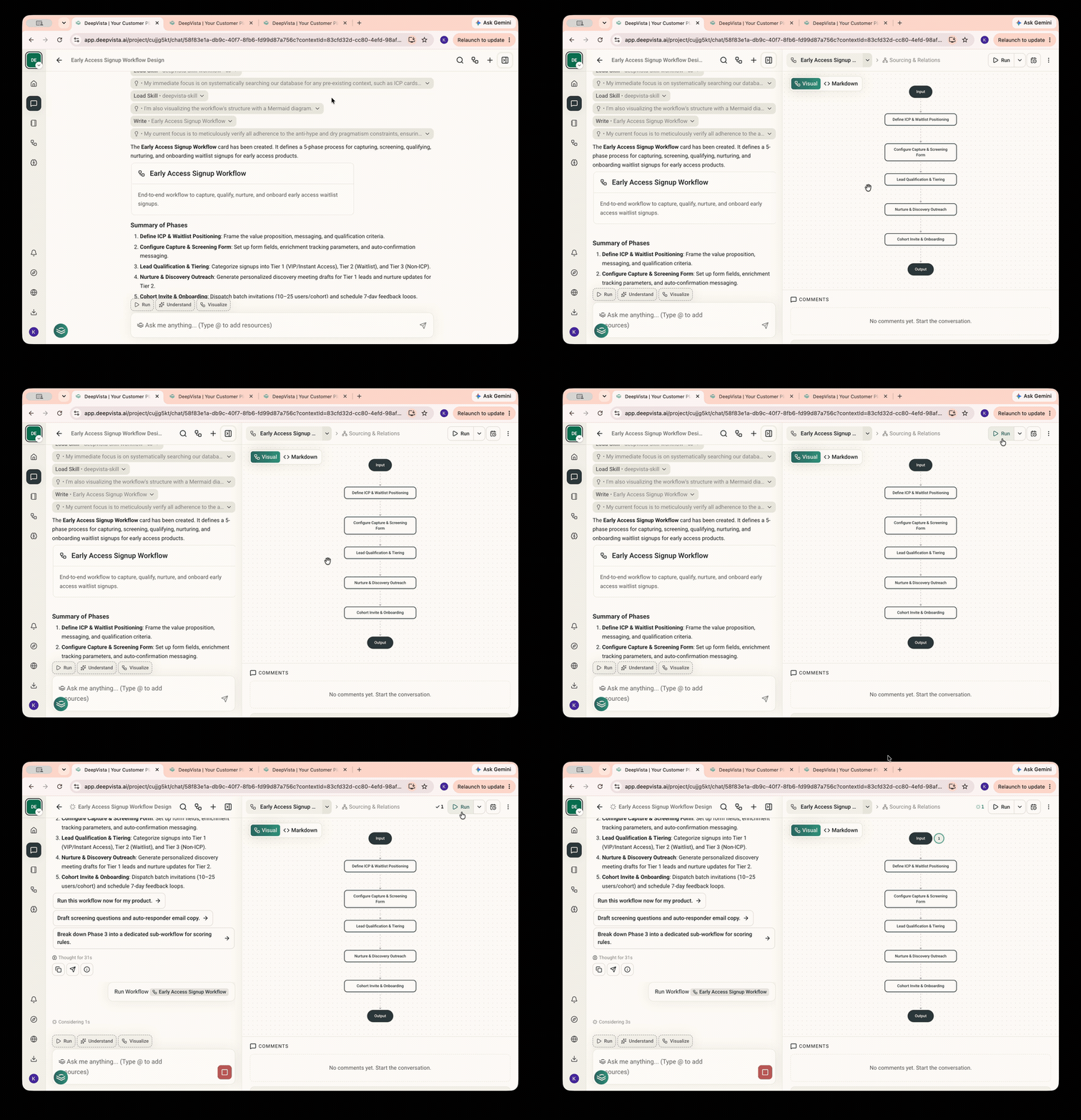
Ask DeepVista: Help me create an early-access signup workflow.
Click into the context card to Run the workflow.
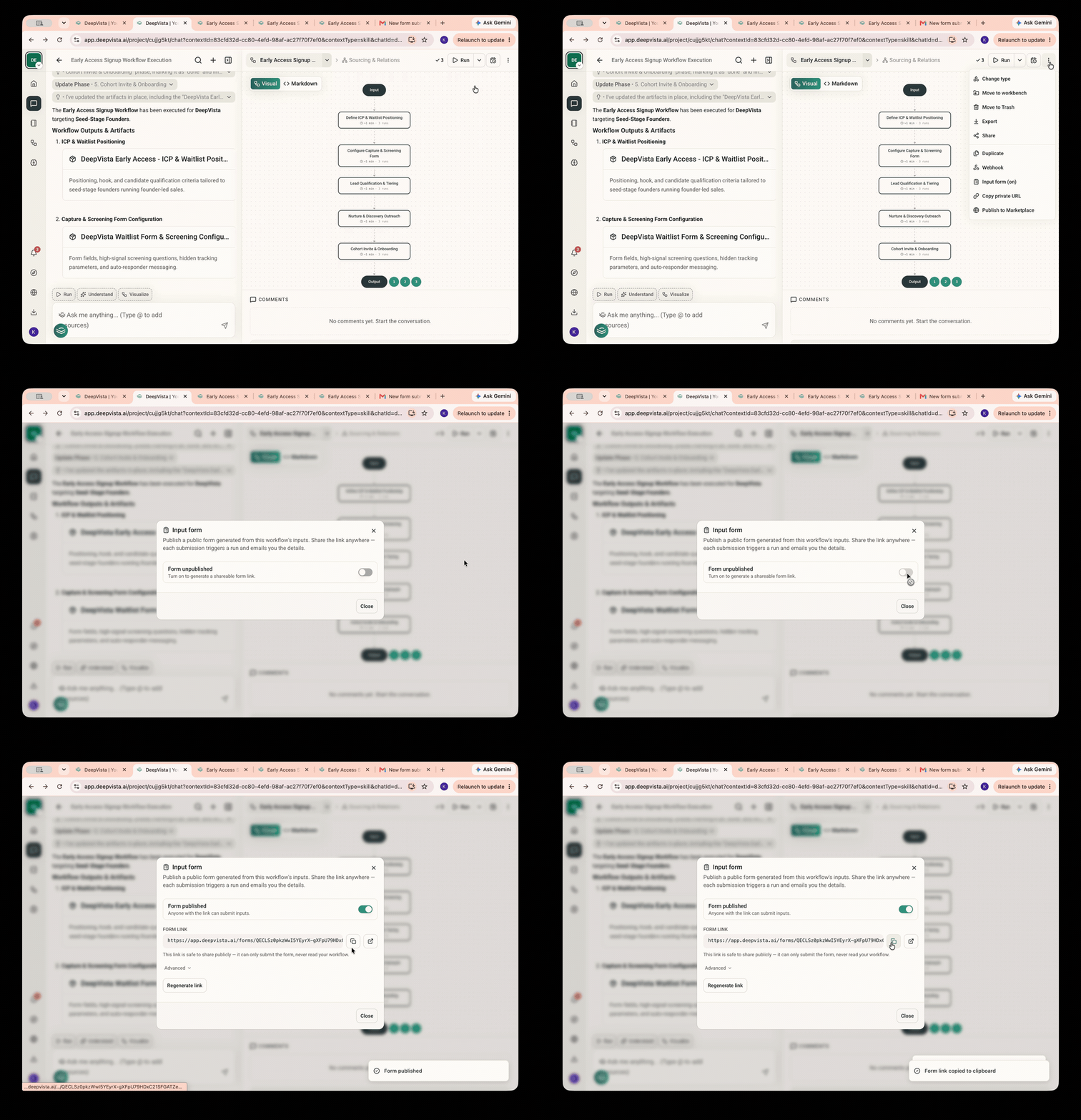
You'll be asked to set up an input form. Hover over to the upper right corner and generate a URL for your input form.
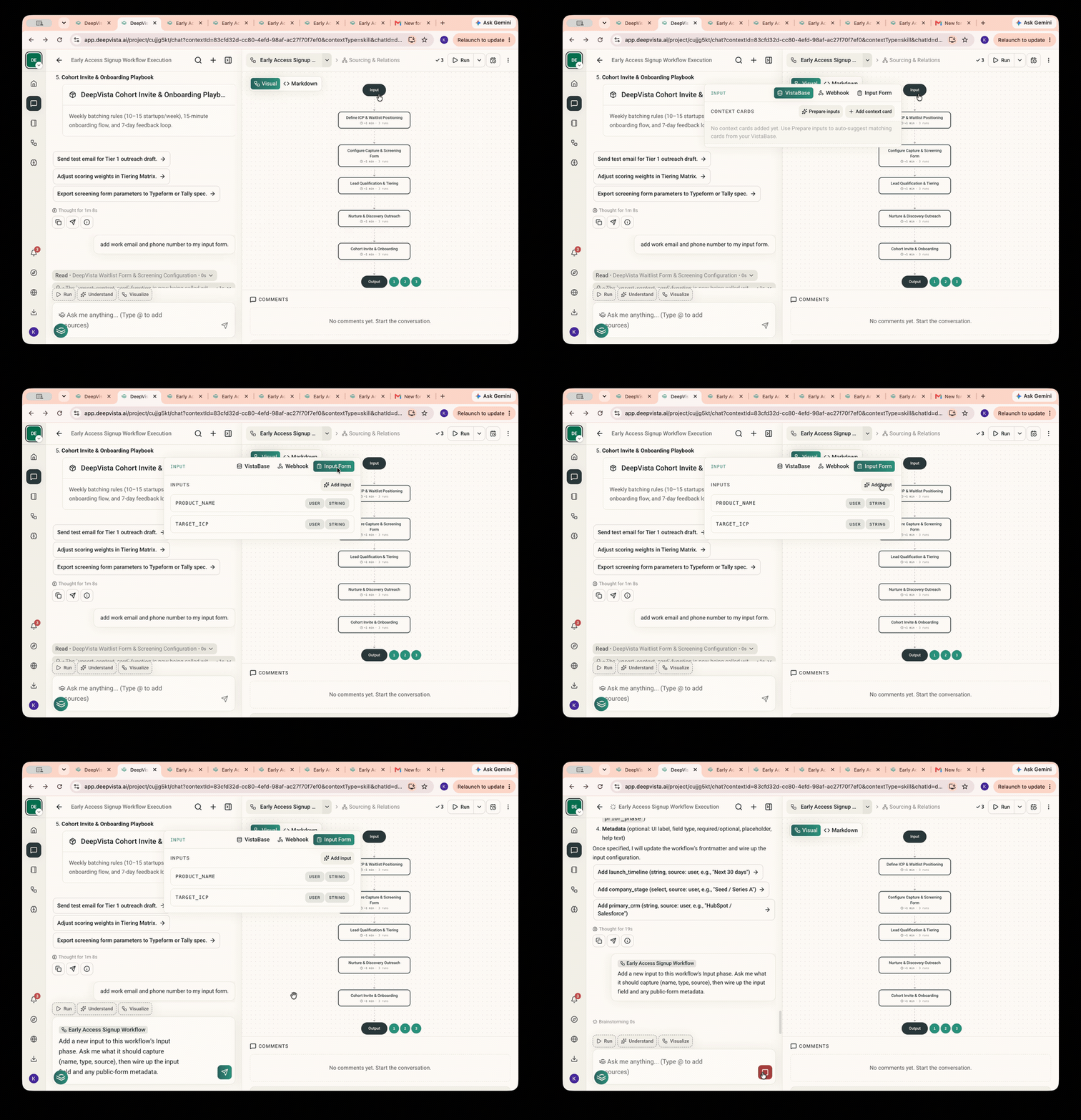
To customize the input form, on the workflow page, click "Input" >"Input Form" > "Add input" to get a sample prompt you can modify easily.
Get Notified with Inbound Activities
You can now share the input form URL with potential leads via email.
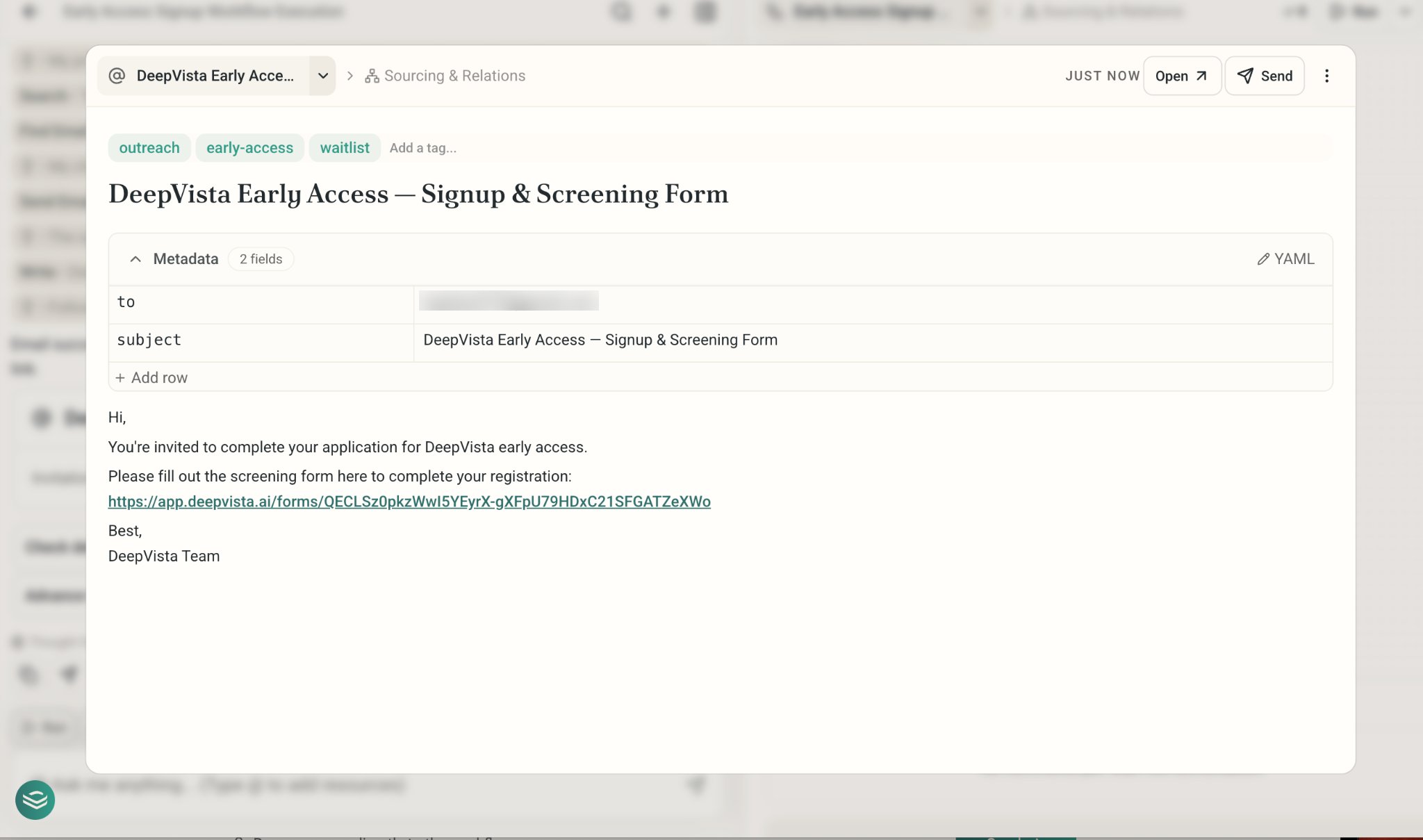
Once someone fills out the form, you'll get an email notification.
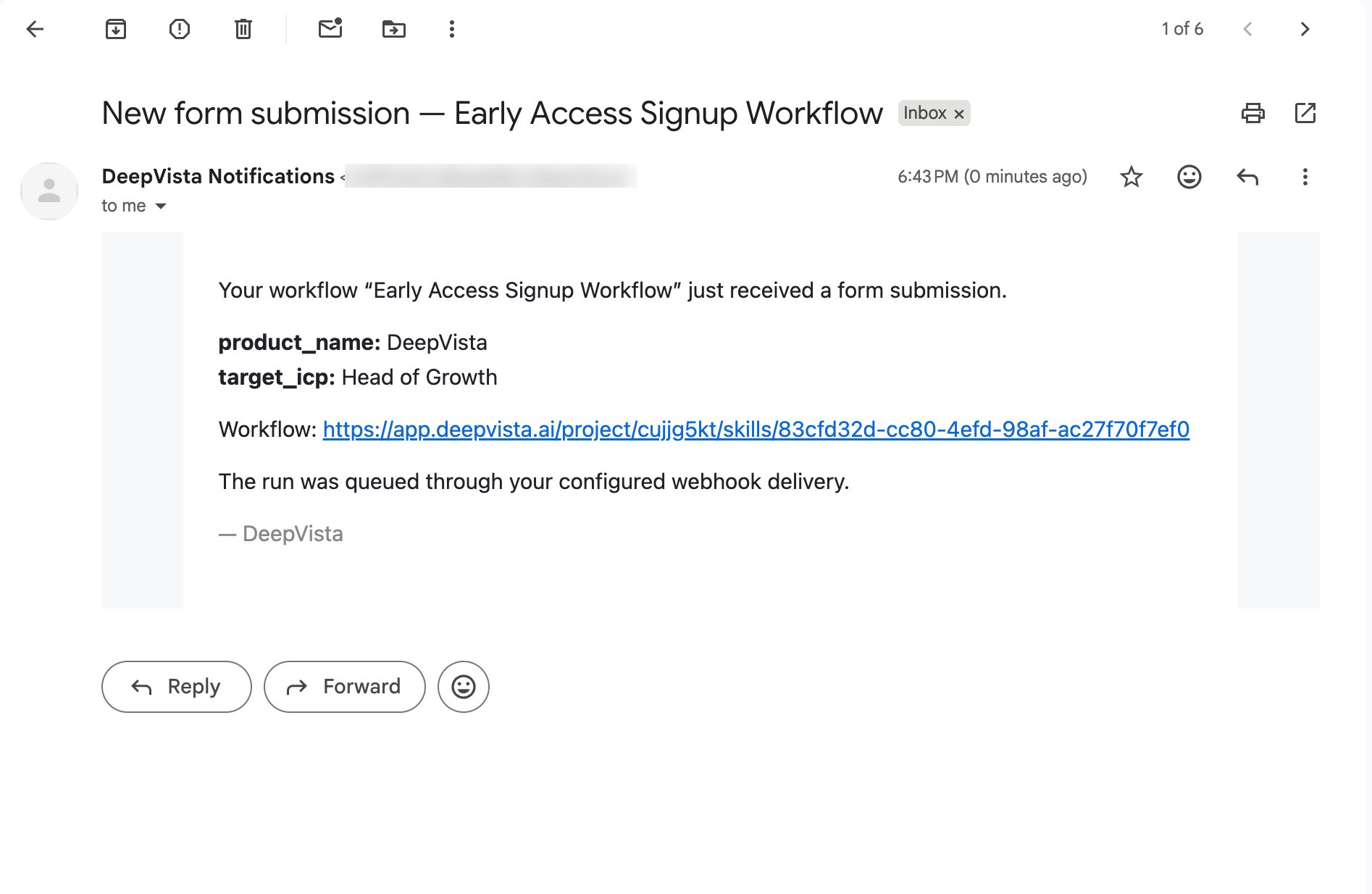
Follow up with High-fit Leads
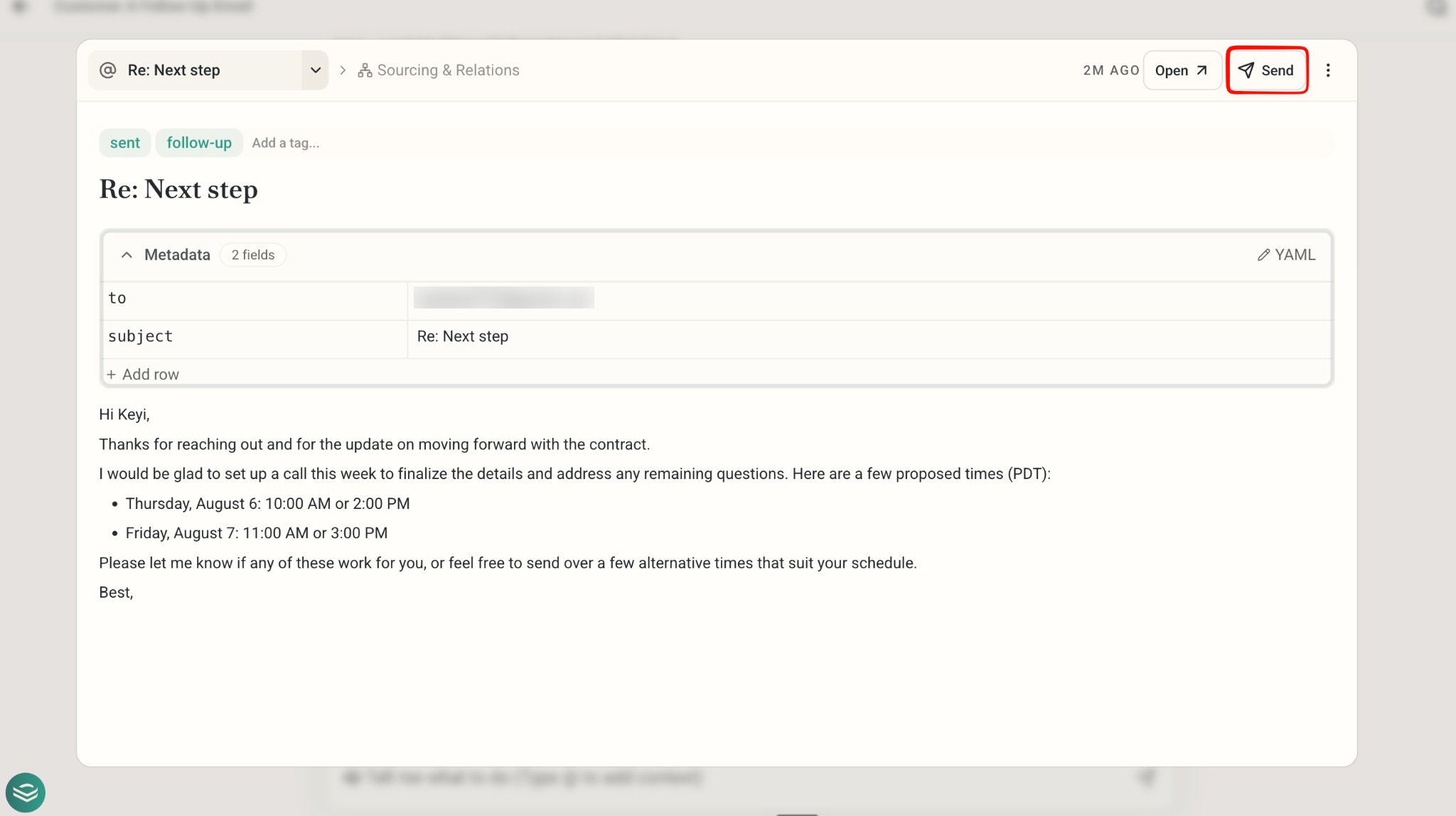
Capture a screenshot of the message. Copy and paste to DeepVista. Ask it: Create a follow up email for me.
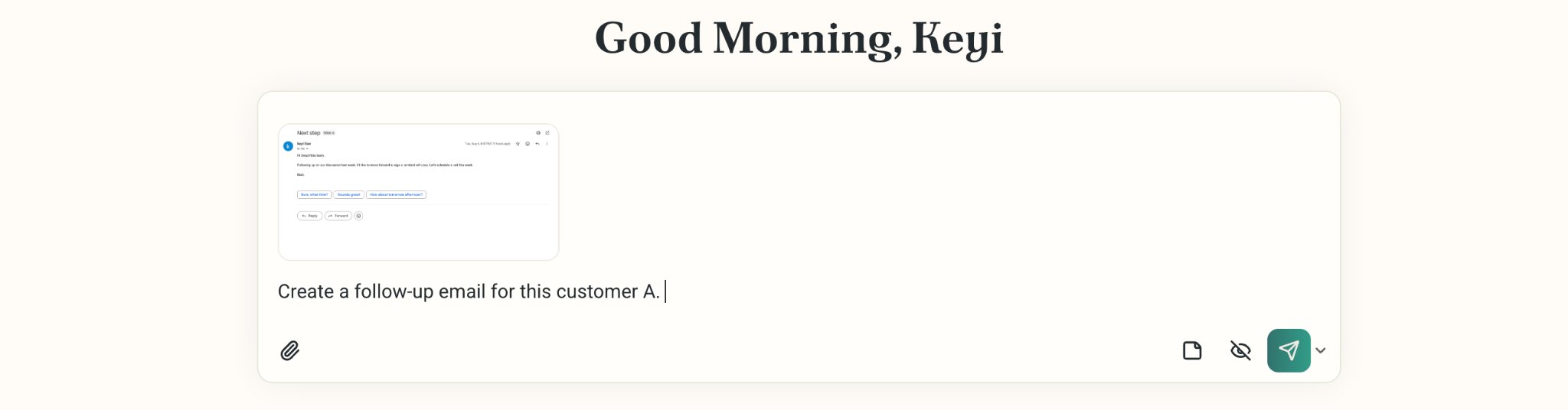
DeepVista will search across VistaBase to retrieve relevant context about this person, email, and relationship.
In the email card, edit and hit Send.