.png?fit=max&auto=format&n=jKjpuy2fz57OUcfn&q=85&s=d5b9cacebbb4a94e2c6bac33ad479982)
.png?fit=max&auto=format&n=jKjpuy2fz57OUcfn&q=85&s=0e6d93d474315b69b3046316150e4582)
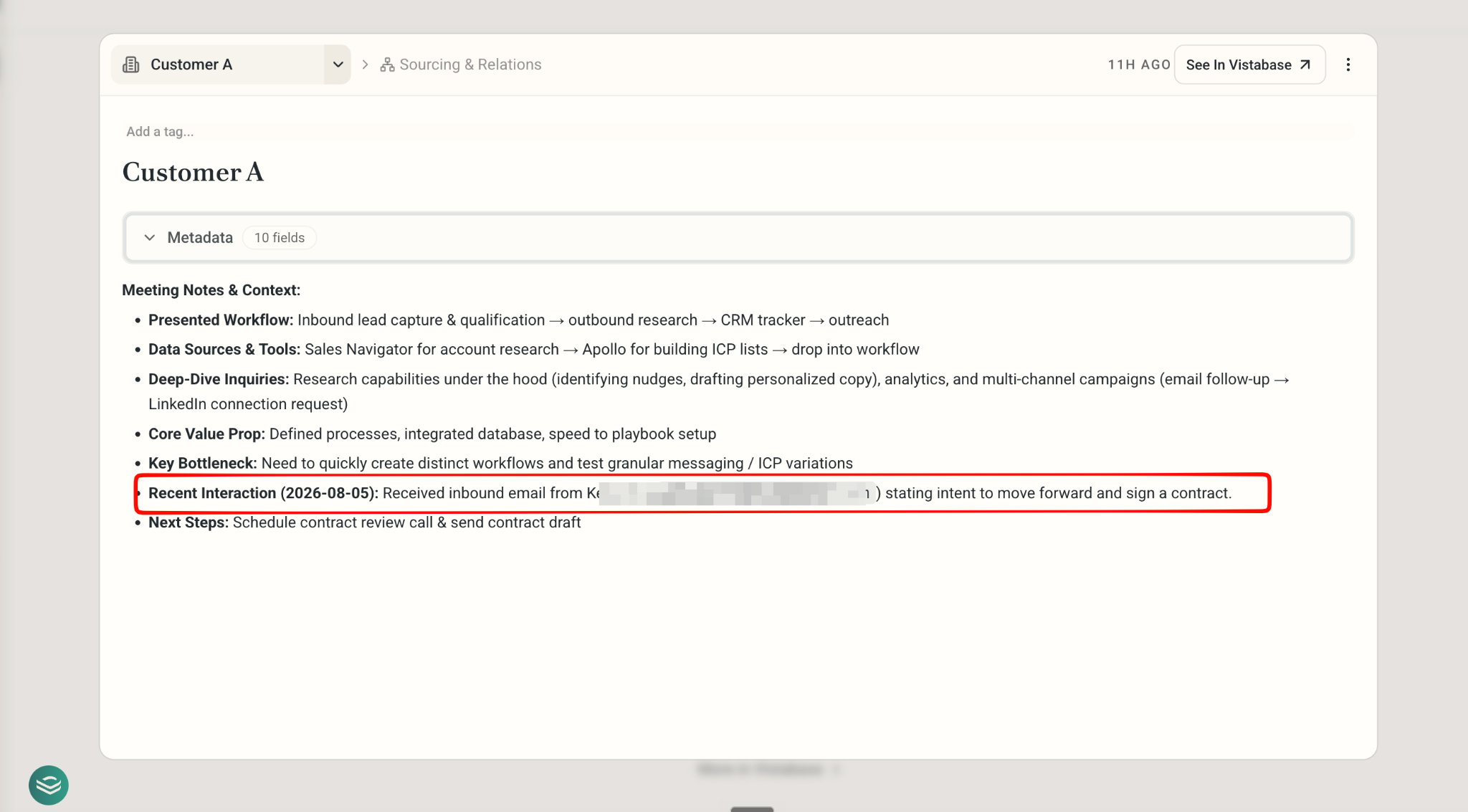
Capture a Note/ a Screenshot
- Copy and paste it in chat, ask DeepVista to “add customer A to my CRM Tracker.” DeepVista will automatically update the row.
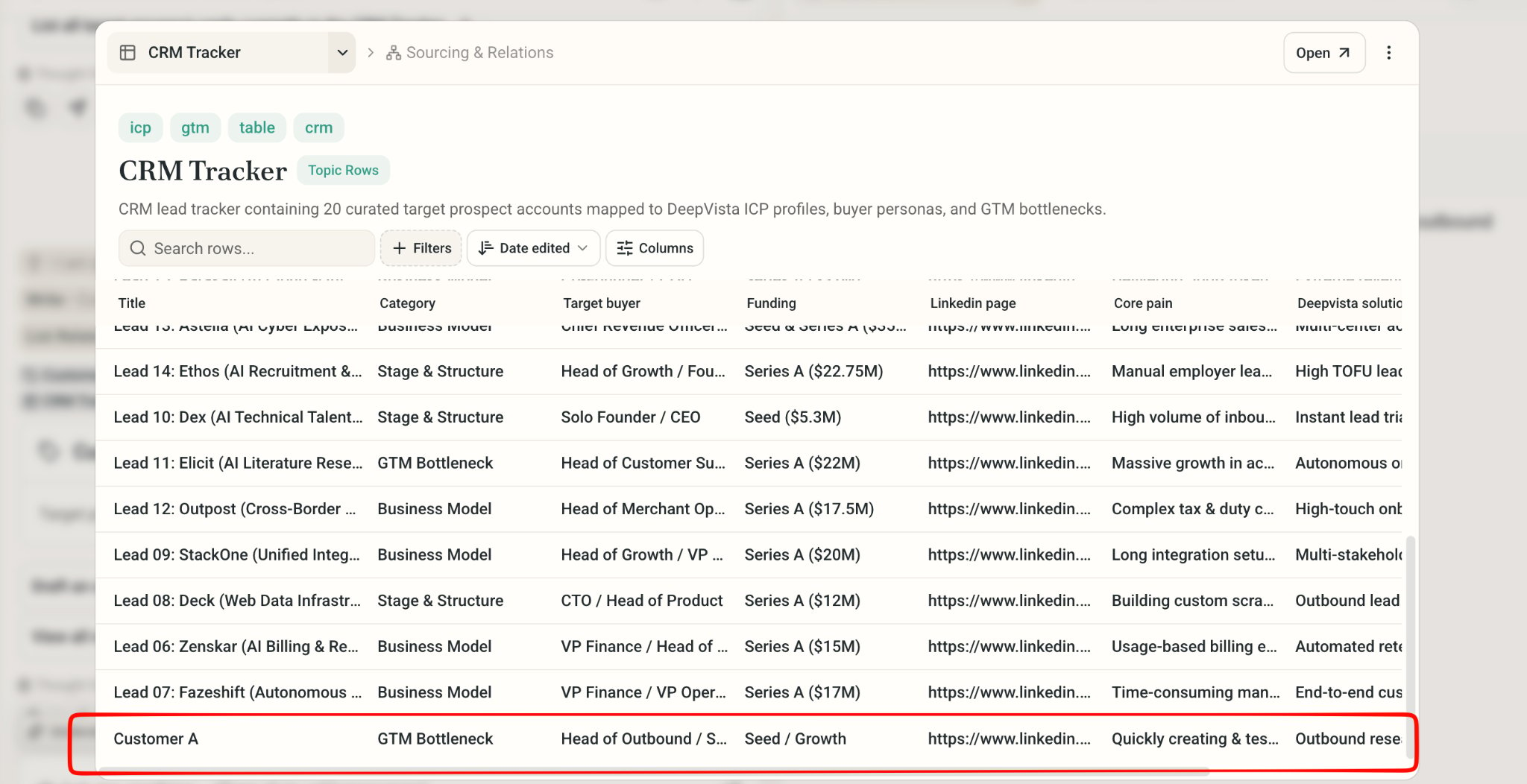
Monitor your Email
1
Ask DeepVista: Monitor my email inbox and update the CRM Tracker everyday.
DeepVista will create a Scheduled job to run the monitor workflow automatically.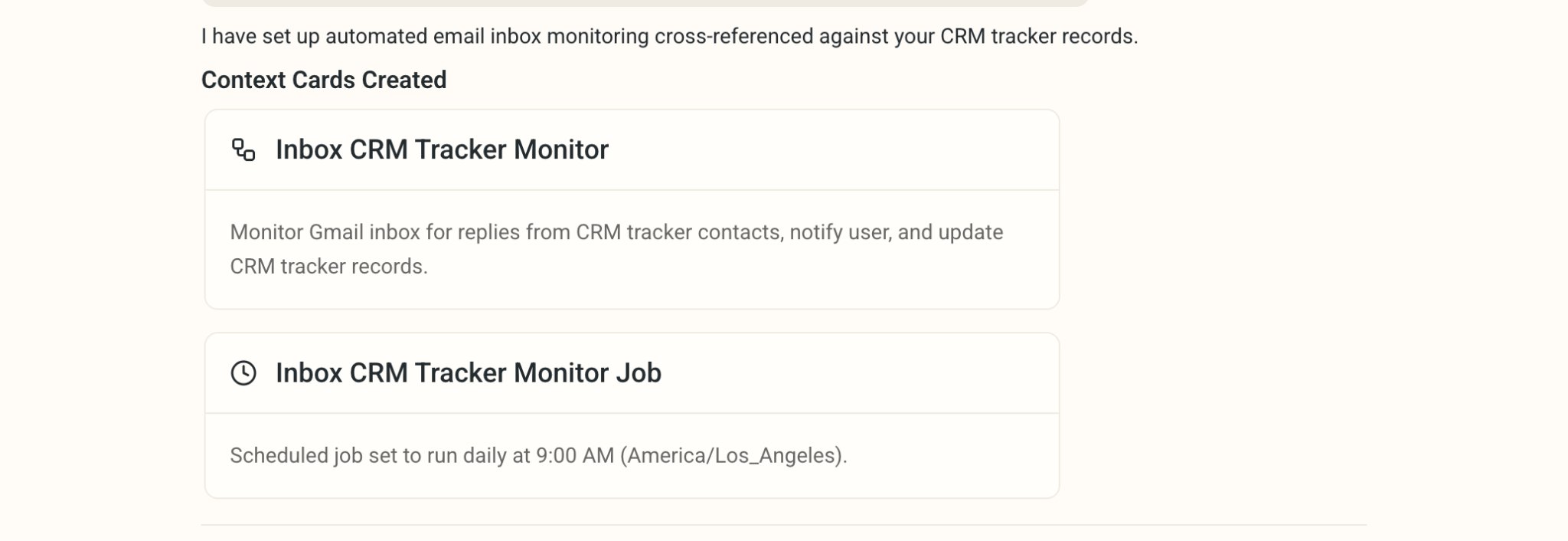
2
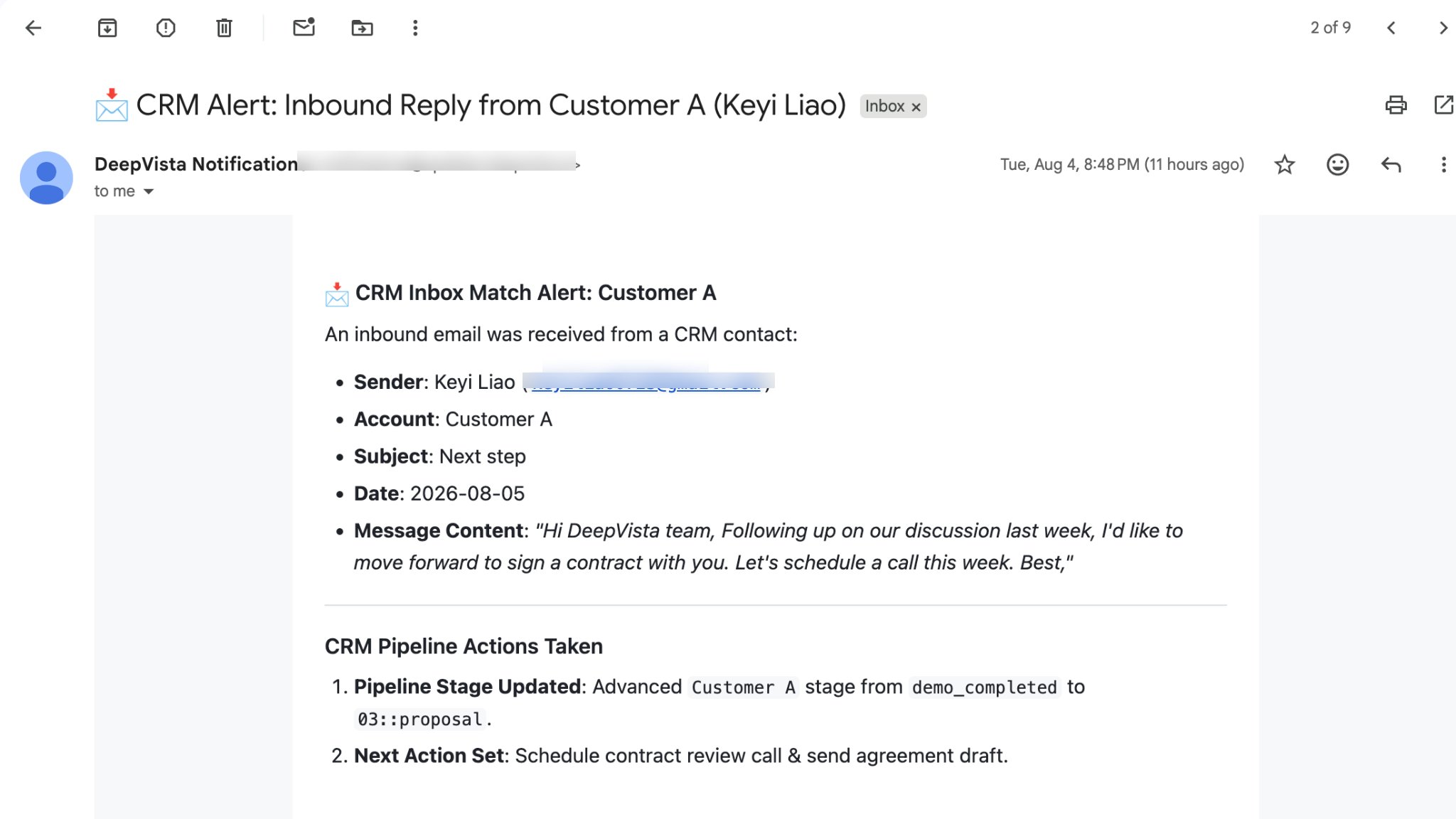
Get an email alert when a CRM contact has an update.
3
On the CRM tracker, click to check Person Card for recent interaction.