.png?fit=max&auto=format&n=jKjpuy2fz57OUcfn&q=85&s=d5b9cacebbb4a94e2c6bac33ad479982)
.png?fit=max&auto=format&n=jKjpuy2fz57OUcfn&q=85&s=0e6d93d474315b69b3046316150e4582)
Prerequisites
Before you start, make sure you have a DeepVista account with an active project. To create an account, sign up here. Once you’re in, you’ll land on a blank homepage, ready to start.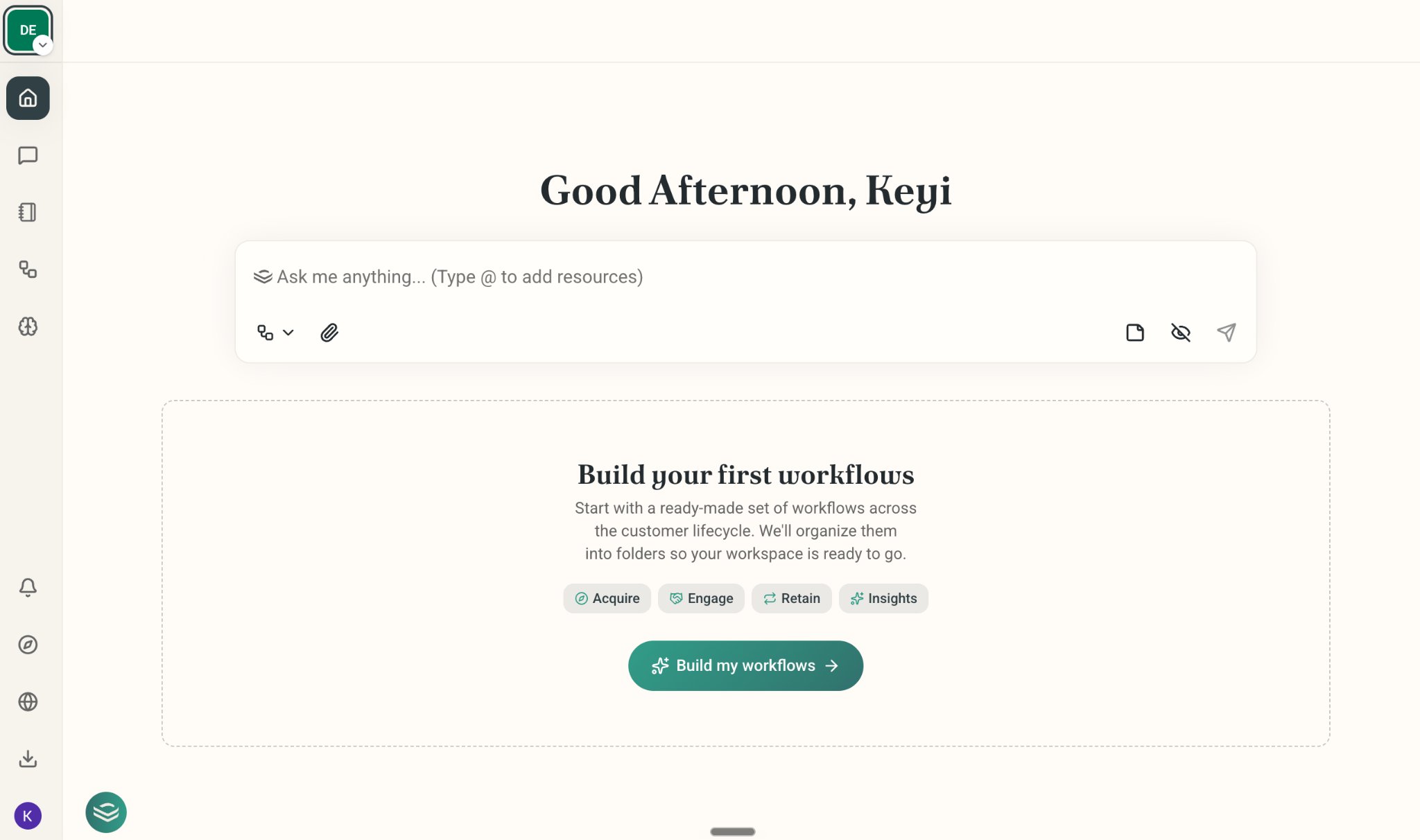
Onboard Your Company and Ask DeepVista to Search Leads for You
1
Ask DeepVista: "Here's my company website: https://www.yourcompany.com. Help me find 20 leads."
DeepVista will learn your value propositions, ICPs, and key capabilities, then research and generate a table card, which serves as your CRM tracker 1.0.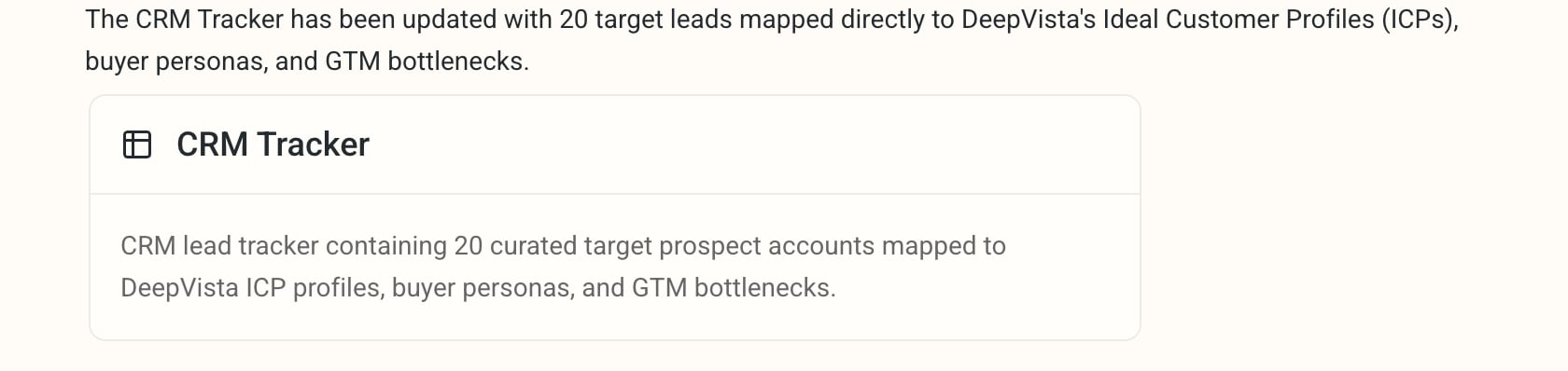
2
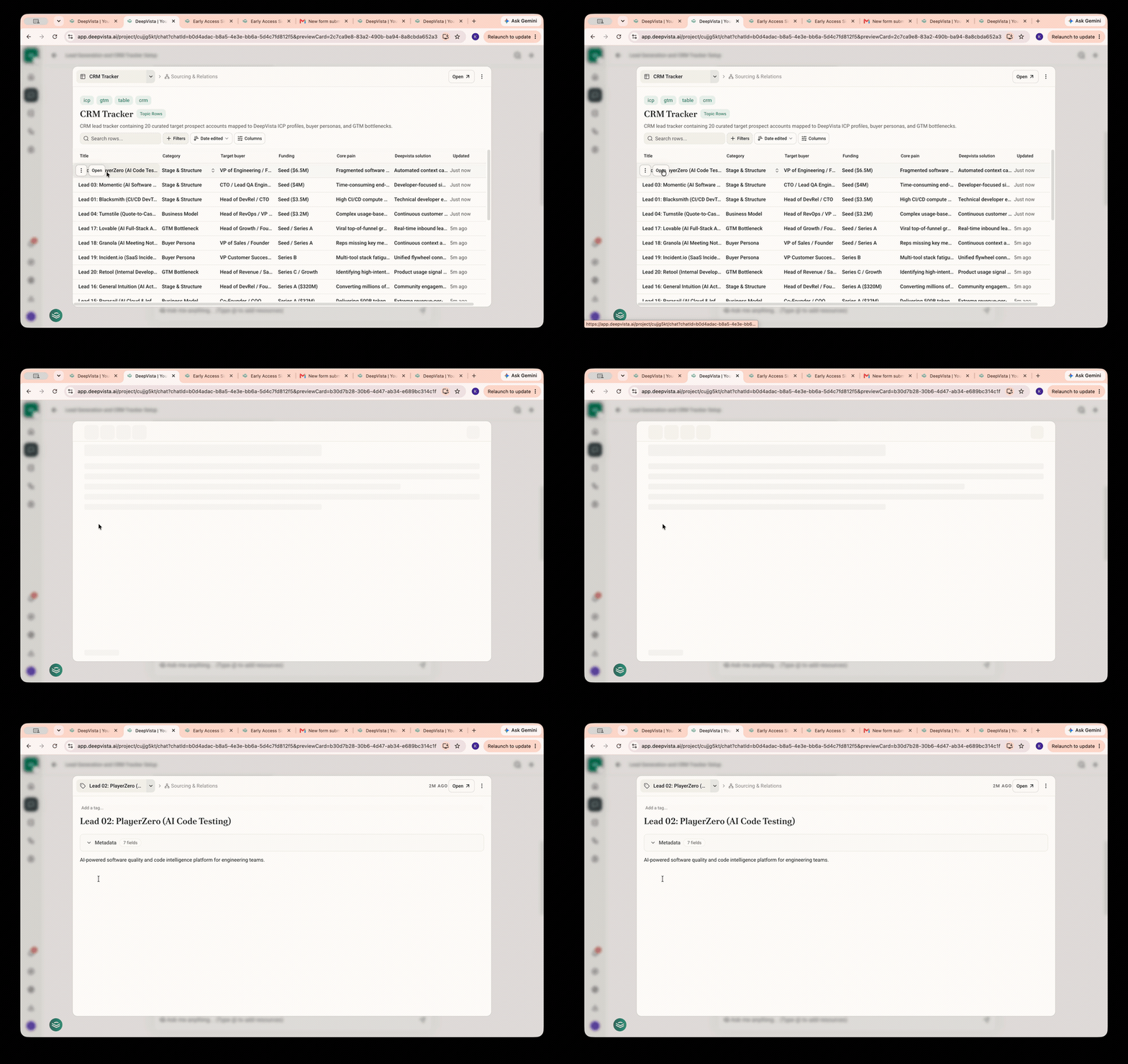
Click the table card to expand the full list.
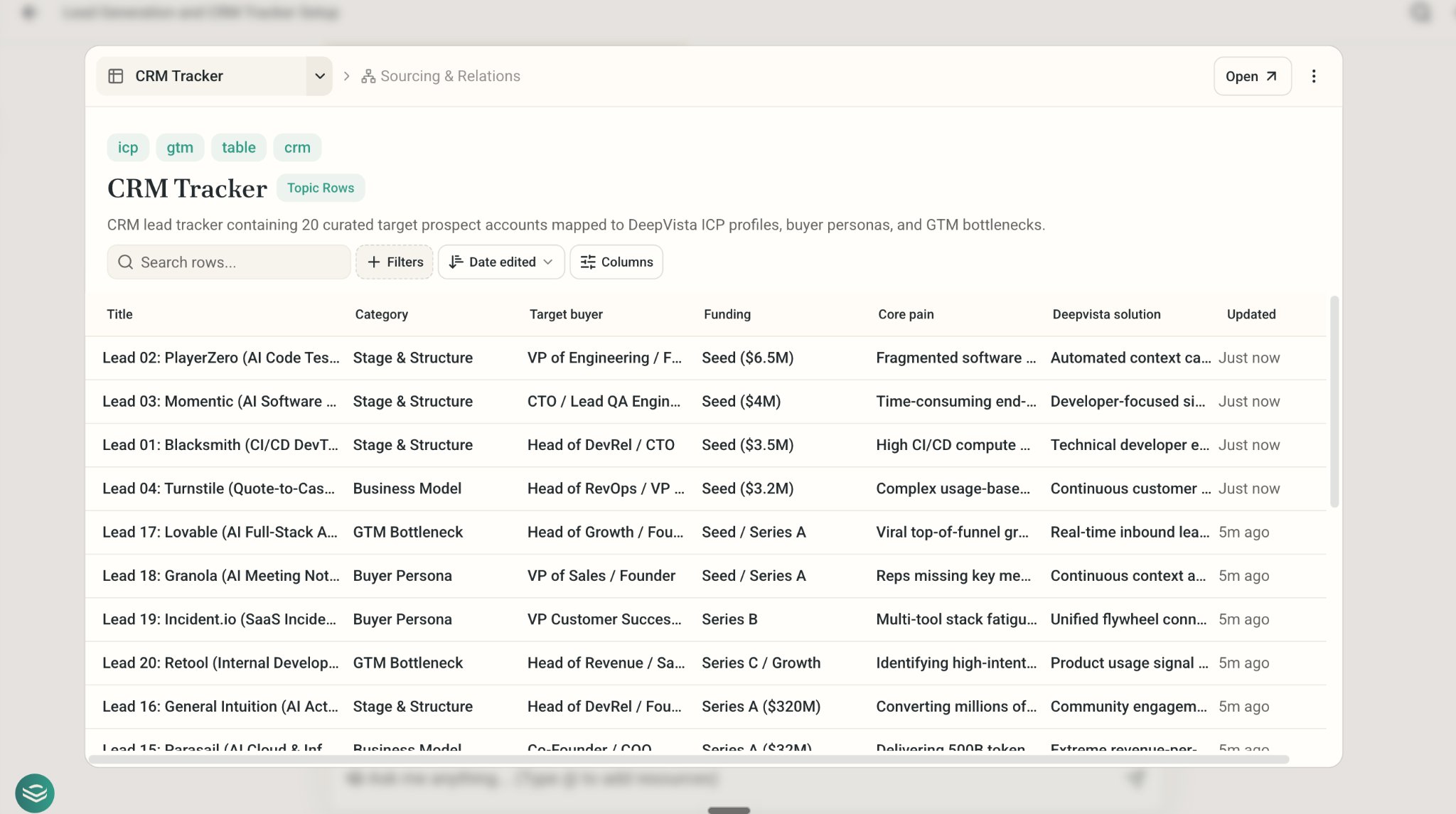
3
To view details for a specific entry, hover over the table row and click "Open."
Customize Your Search Fields
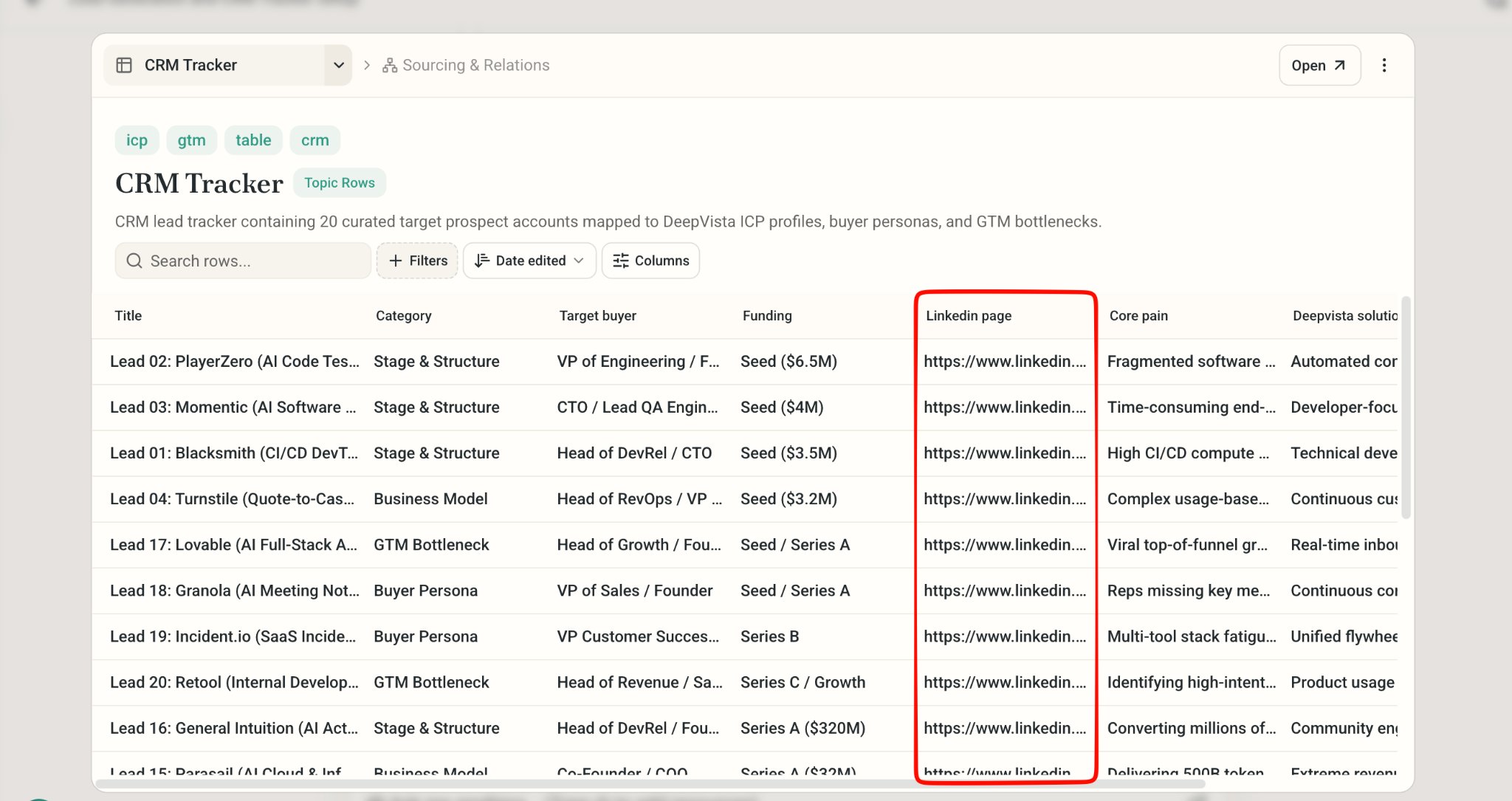
- To retrieve additional information, prompt DeepVista: “Please add a column for the LinkedIn page. Research and populate it.” The system will automatically add and populate the new column with the requested data.