.png?fit=max&auto=format&n=jKjpuy2fz57OUcfn&q=85&s=d5b9cacebbb4a94e2c6bac33ad479982)
.png?fit=max&auto=format&n=jKjpuy2fz57OUcfn&q=85&s=0e6d93d474315b69b3046316150e4582)
- Please sign up an DeepVista account at https://app.deepvista.ai
- Please sign up an Unipile account at: https://dashboard.unipile.com/signup/
1
Type the following prompt in https://app.deepvista.ai
2
DeepVista will try to set up the workflow and configure the webhook. In order to move forward, DeepVista would need you to set up a Unipile account.
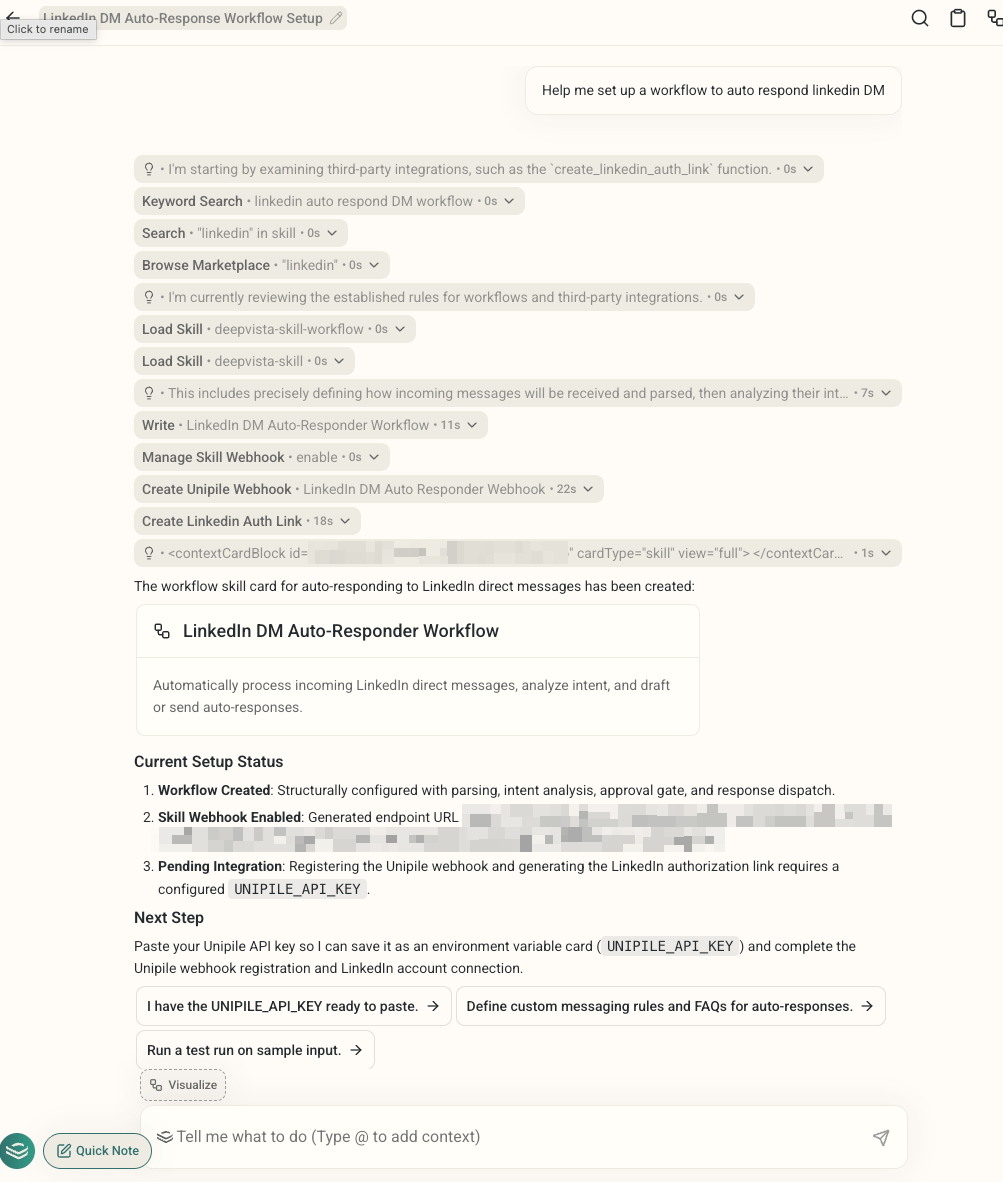
3
In your Unipile dashboard, you can generate an access token and copy the command
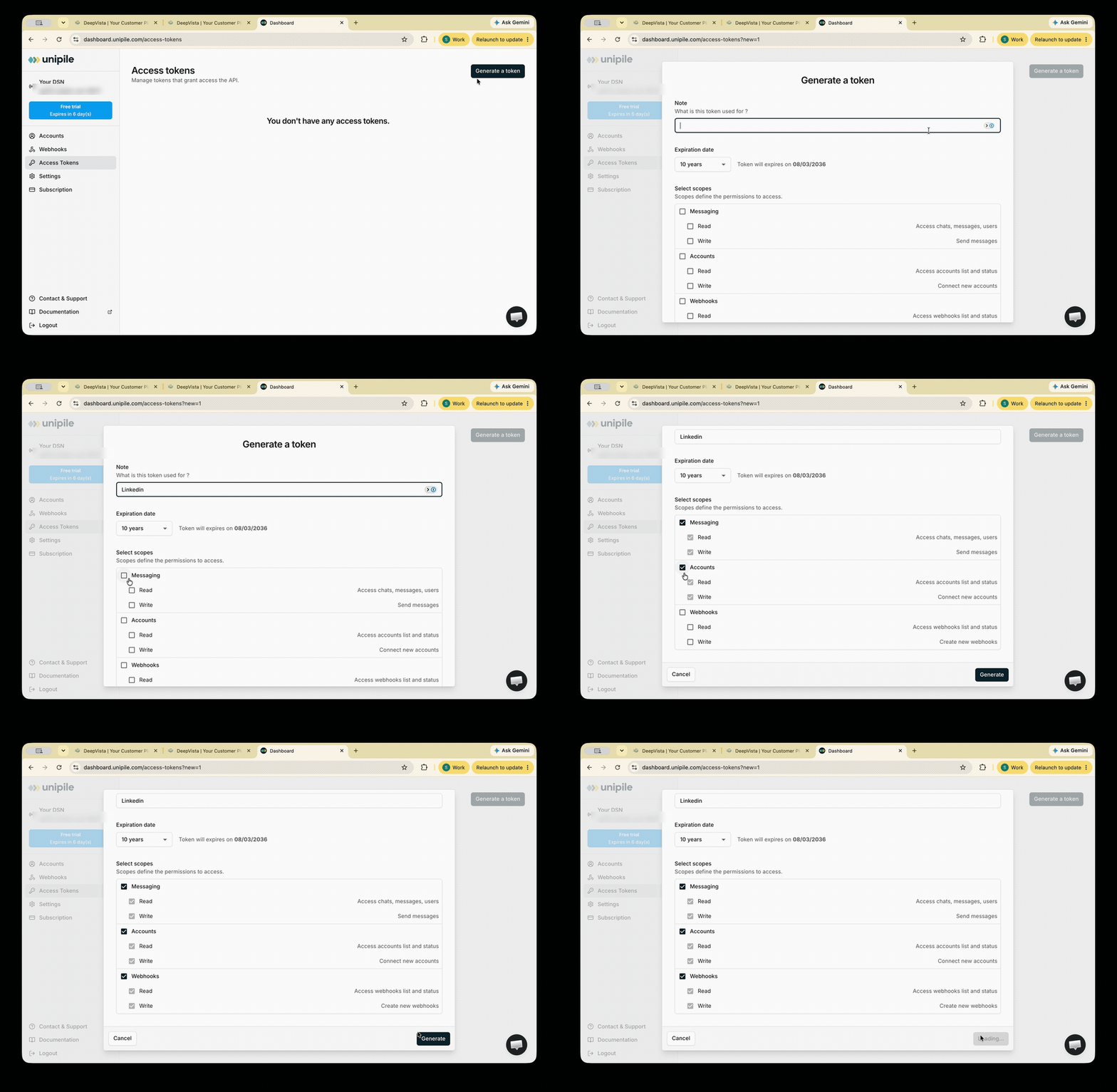
4
Copy your DSN
You’ll find it in the top-left corner of the sidebar.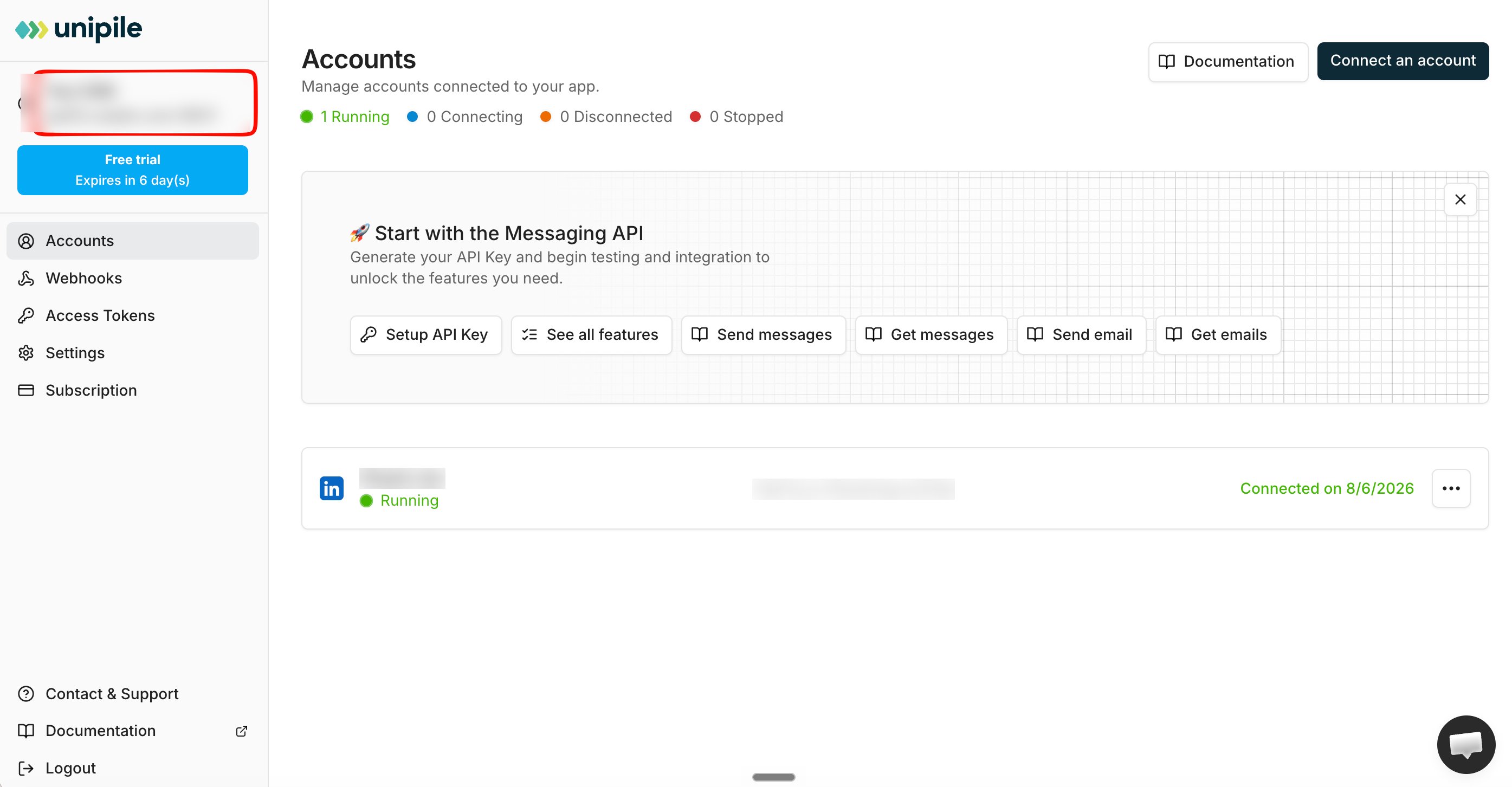
5
Provide the command and DSN to DeepVista
6
DeepVista will guide you to authorize Linkedin
DeepVista will create a Linkedin authorization link.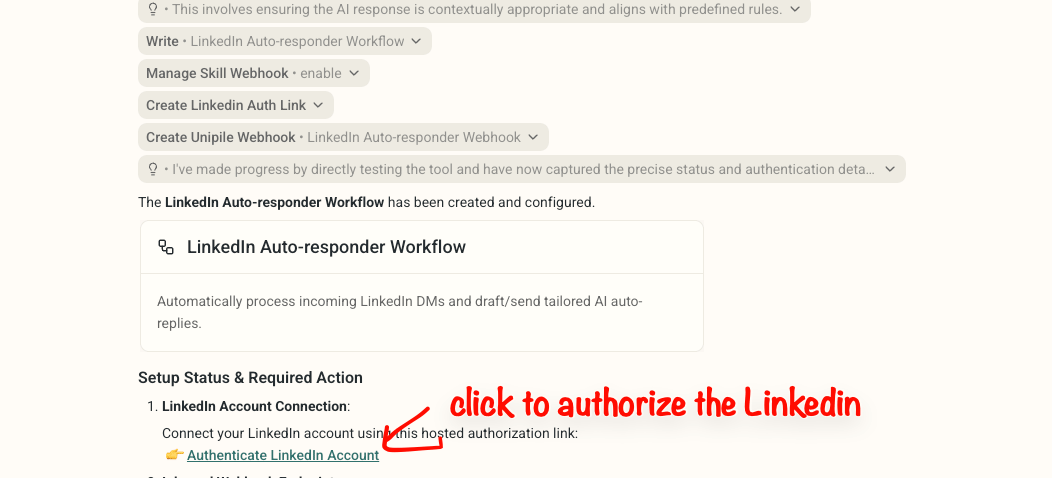
7
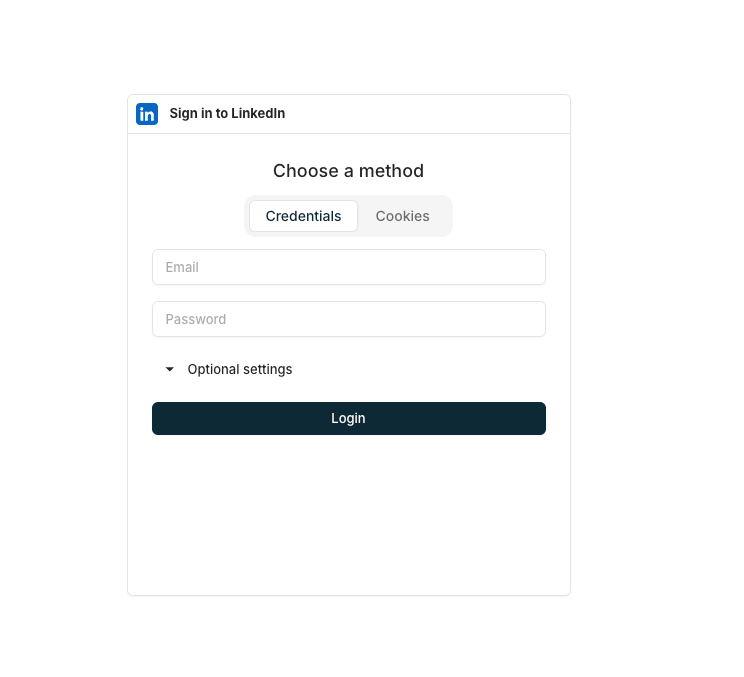
Authorize Linkedin, you will see a page like this.
8
After you login, now you can go back to DeepVista and type
Set up the workflow webhook callback URL using manage_skill_webhook.It will set up the webhook connection for you.9
Now You're ready to go
You’re ready to auto-reply to any new LinkedIn messages. You can test it by having your friend to message you.