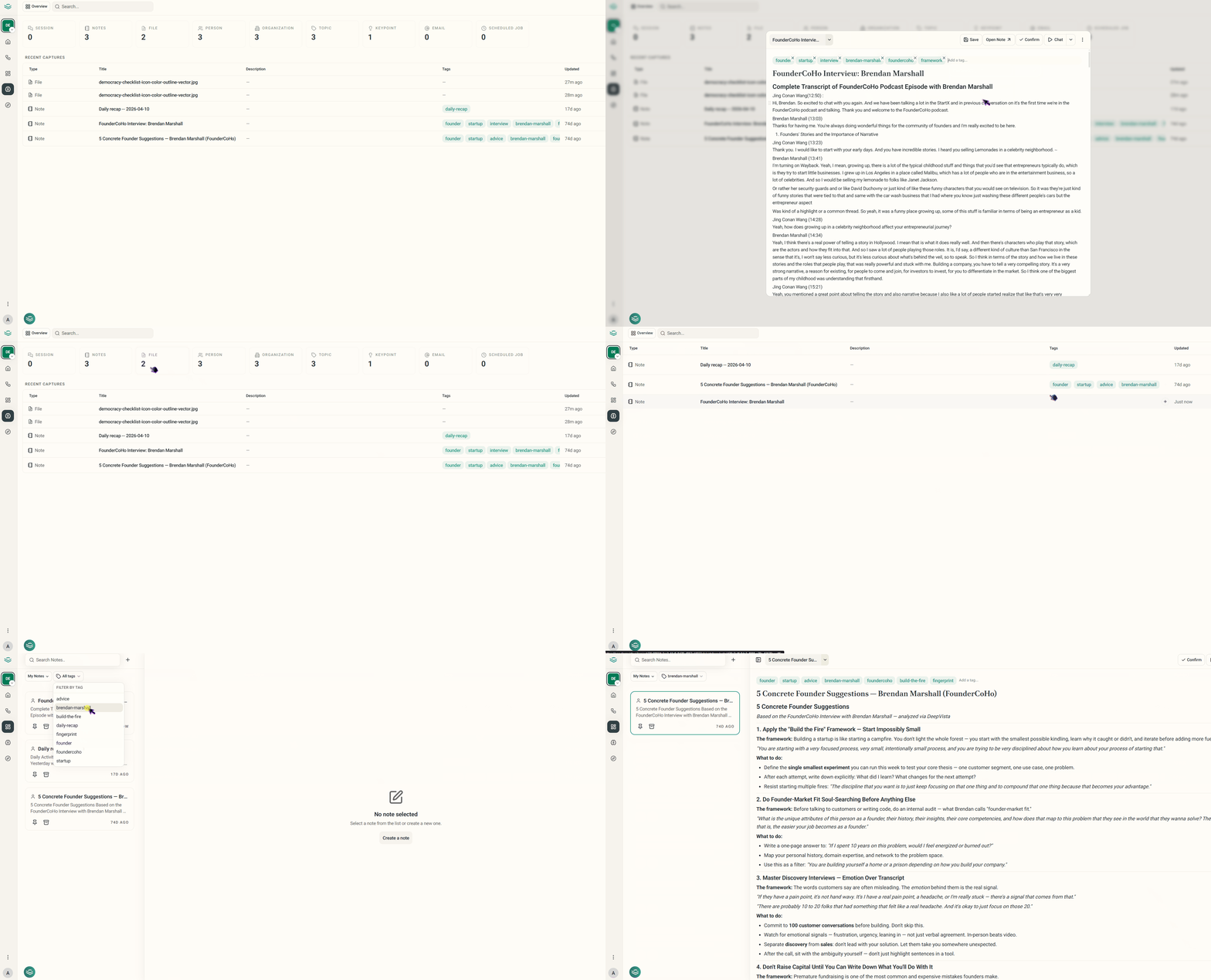
📂 A Smarter, Project-Scoped Workspace
We have fundamentally rearranged how data is organized in DeepVista to make context switching seamless.- Project-Scoped Architecture: Everything you work on—including your workflows, notes, databases, and chat histories—is now strictly tied to its respective project. This ensures your data remains completely organized and isolated.

- Custom Project Cover Images: Give your workspace some personality! You can now upload custom images when creating or editing a project to make them instantly recognizable.
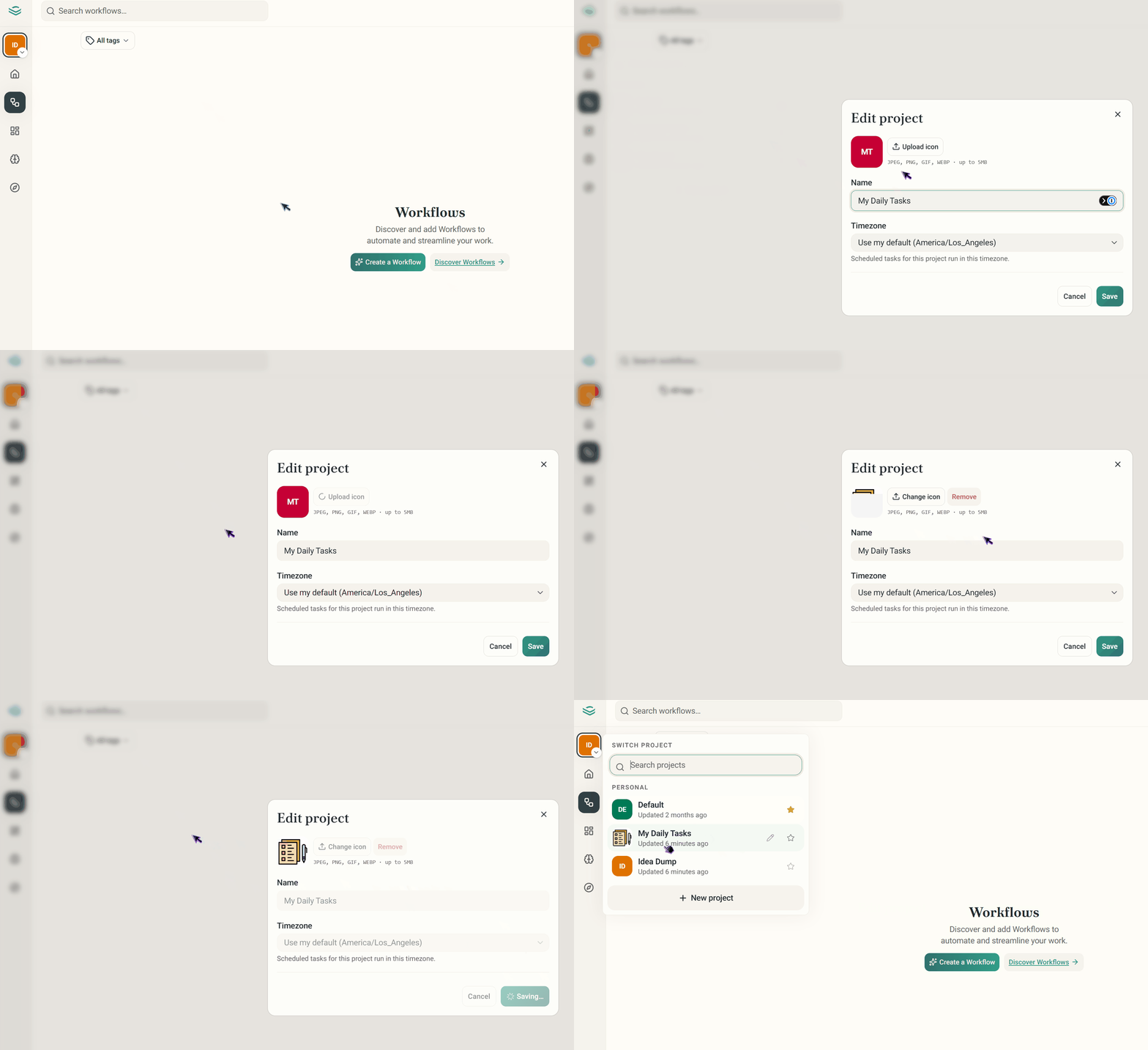
📊 Base Pages & View Enhancements
Managing your information at scale is now faster and highly customizable.- Interactive Table Views: The DeepVista Base page has been upgraded to a clean table view layout.
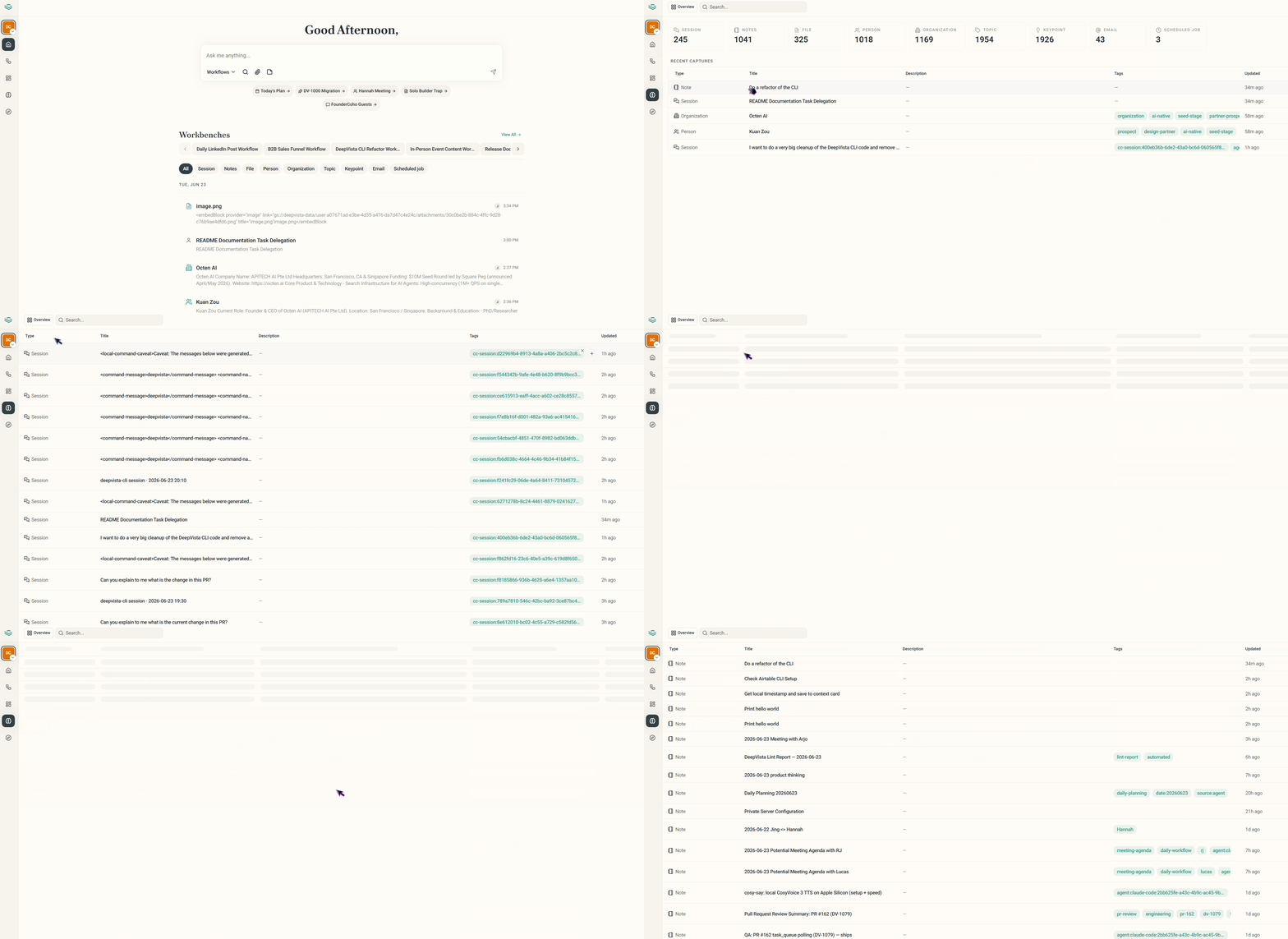
💬 Streamlined Chat & Workspace Navigation
Conversing with your knowledge base is smoother and more intuitive than ever.- Full History Embedded Chats: Embedded chat interfaces have been updated into a full layout that displays your entire conversation history. Users can seamlessly click through and navigate across individual past chat sessions.
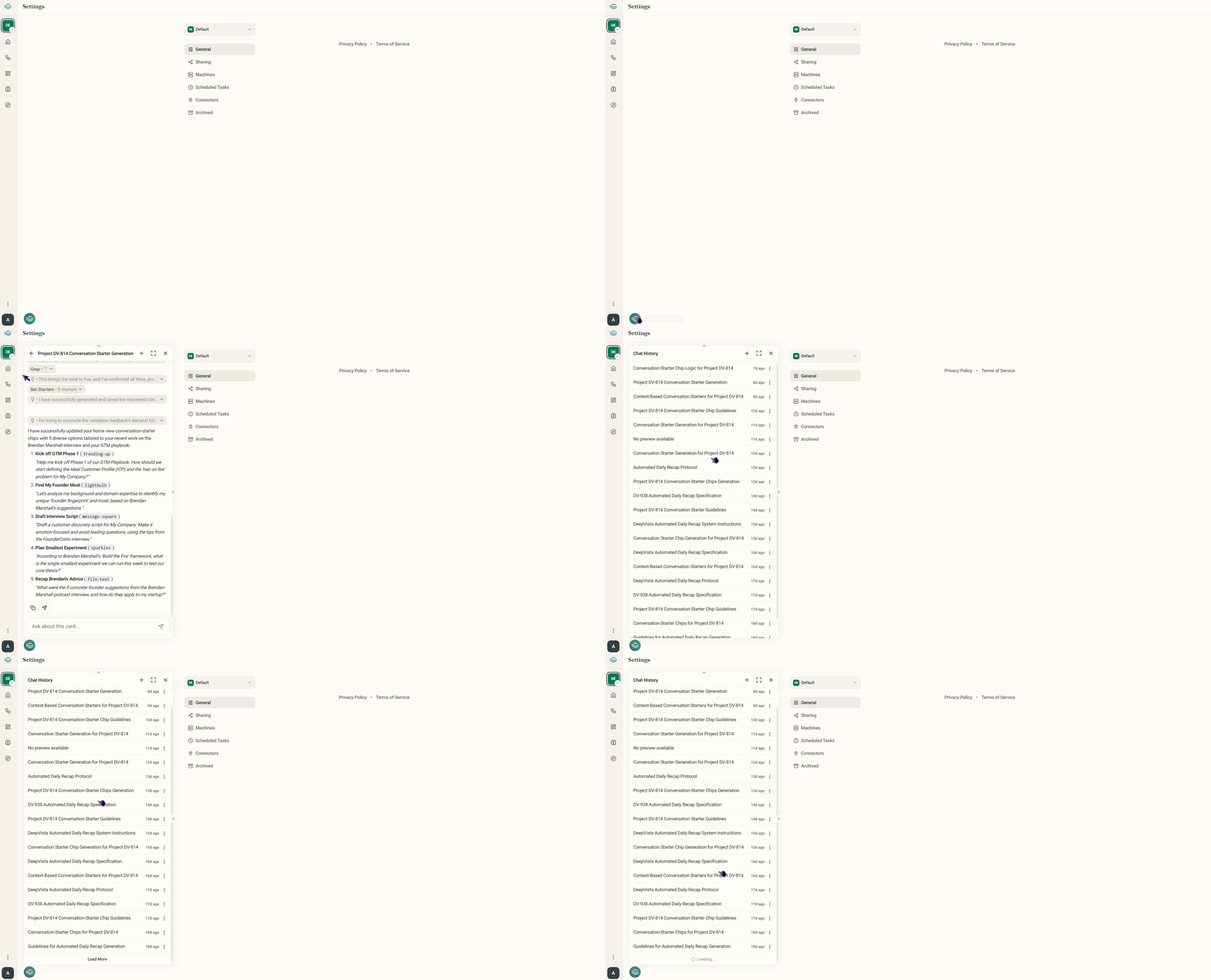
- Tag Filters: You can now view and assign tags directly from the Contact view, as well as apply tag-based filters across your Notes and Workflows to find what you need instantly.