> ## Documentation Index
> Fetch the complete documentation index at: https://docs.deepvista.ai/llms.txt
> Use this file to discover all available pages before exploring further.
# Version 0.7.6
> Get automatic AI summary briefs across your workbenches, jump directly from cards to parent databases, navigate card mentions faster in the editor, copy chat responses with full formatting intact, and pin key table columns.
September 15, 2026
#### **1. Get automatic AI summary briefs across your workbenches**
Opening a workbench now shows an automatic summary brief in the right panel by default. View total card counts, track recent updates, and read suggested next actions for your workflow without clicking through individual cards or calculating metrics by hand.
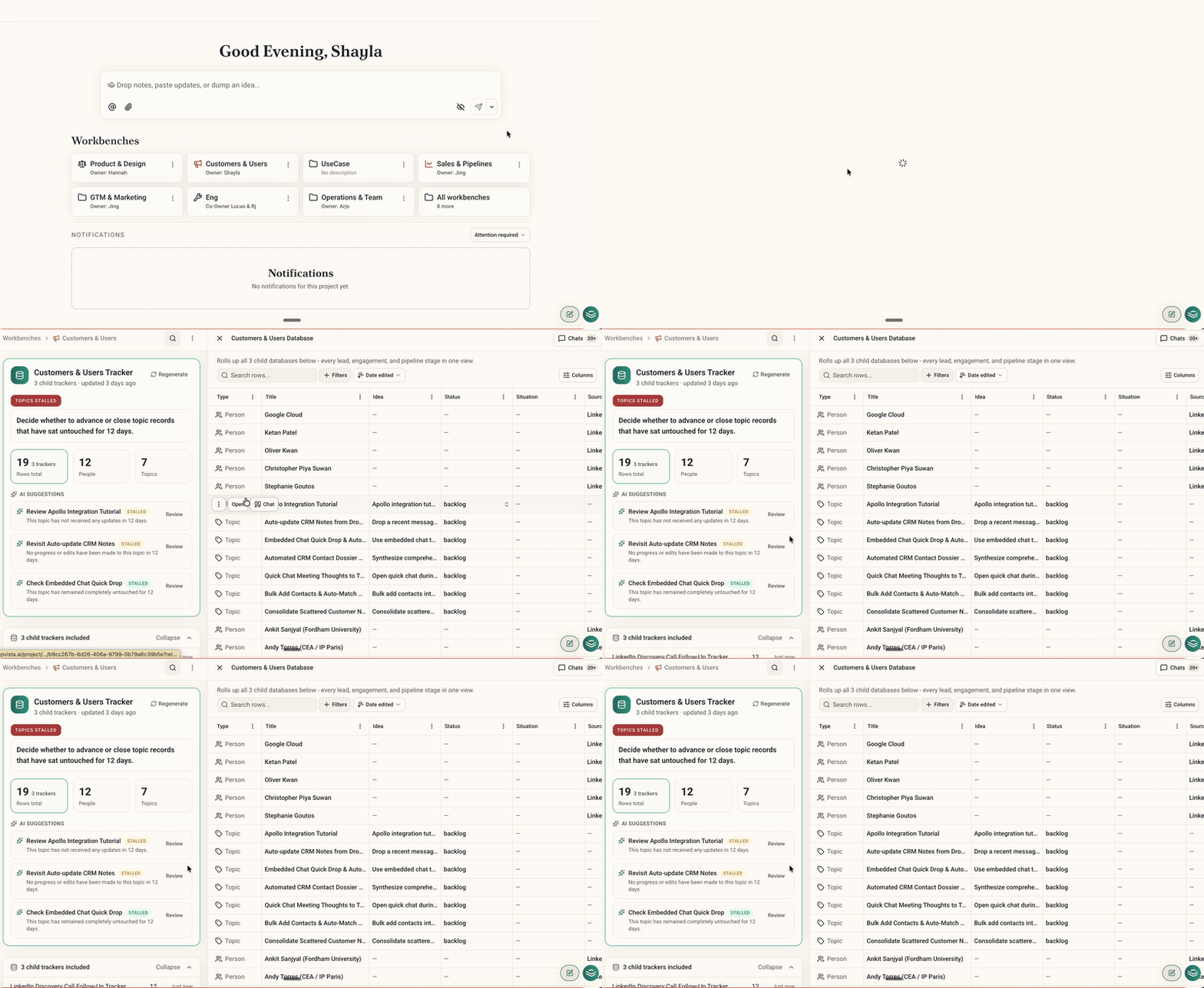 Try it by opening any workbench from your dashboard or sidebar navigation.
#### **2. Jump directly from cards to parent databases**
When viewing a context card that lives inside one or more databases, you can now trace its parent tables immediately. Click the new `Database` button in the card header to open a popover listing every database the card belongs to, complete with direct navigation links.
Try it by opening any workbench from your dashboard or sidebar navigation.
#### **2. Jump directly from cards to parent databases**
When viewing a context card that lives inside one or more databases, you can now trace its parent tables immediately. Click the new `Database` button in the card header to open a popover listing every database the card belongs to, complete with direct navigation links.
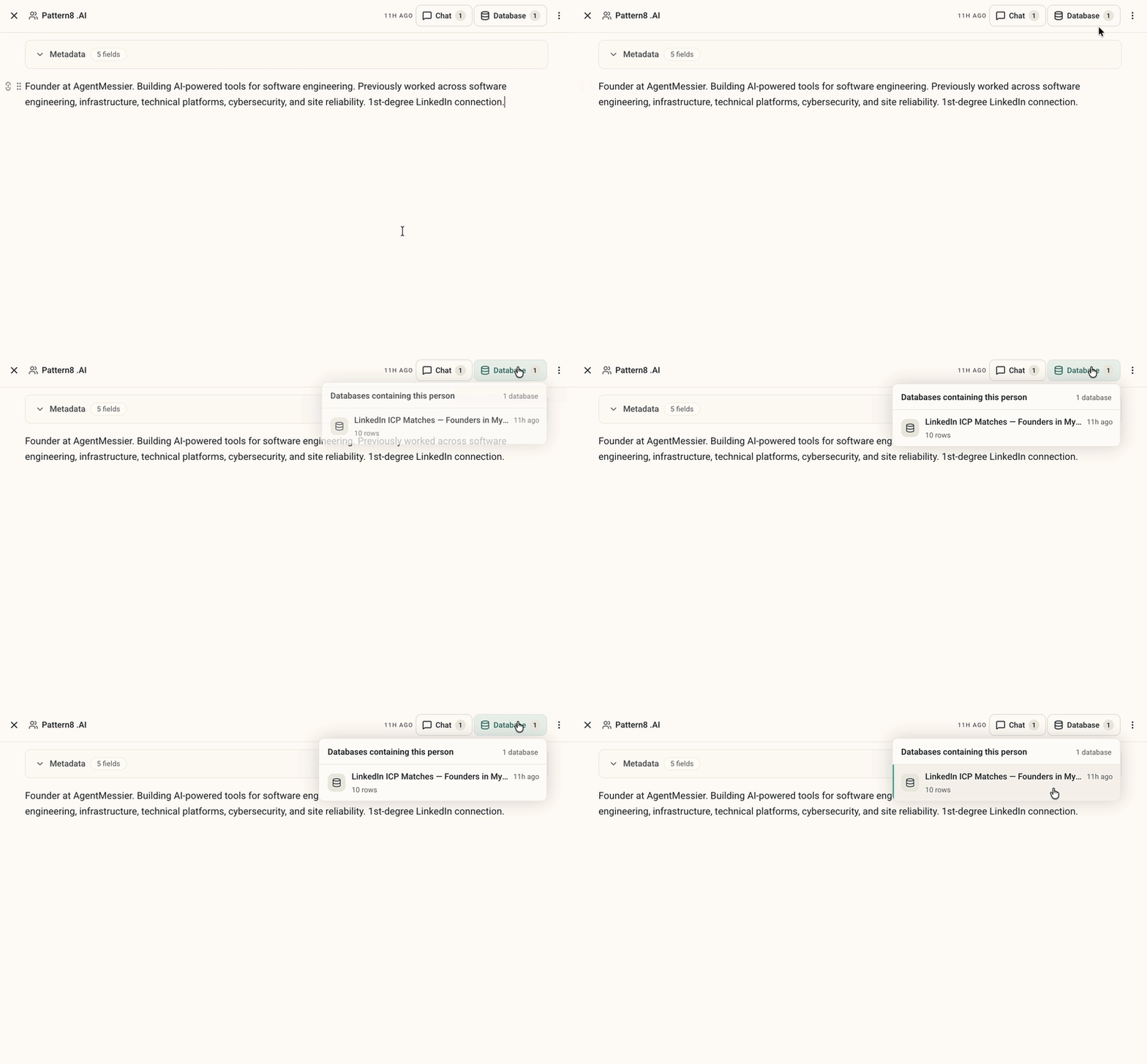 Try it by opening any person, organization, or note card linked as a database row.
#### **3. Navigate card mentions faster in the editor**
Typing `@` inside any note or card editor to link context cards is now much smoother. Search filtering and arrow-key navigation respond instantly, and typing symbols or punctuation inside your search query no longer closes the mention menu unexpectedly.
Try it by opening any person, organization, or note card linked as a database row.
#### **3. Navigate card mentions faster in the editor**
Typing `@` inside any note or card editor to link context cards is now much smoother. Search filtering and arrow-key navigation respond instantly, and typing symbols or punctuation inside your search query no longer closes the mention menu unexpectedly.
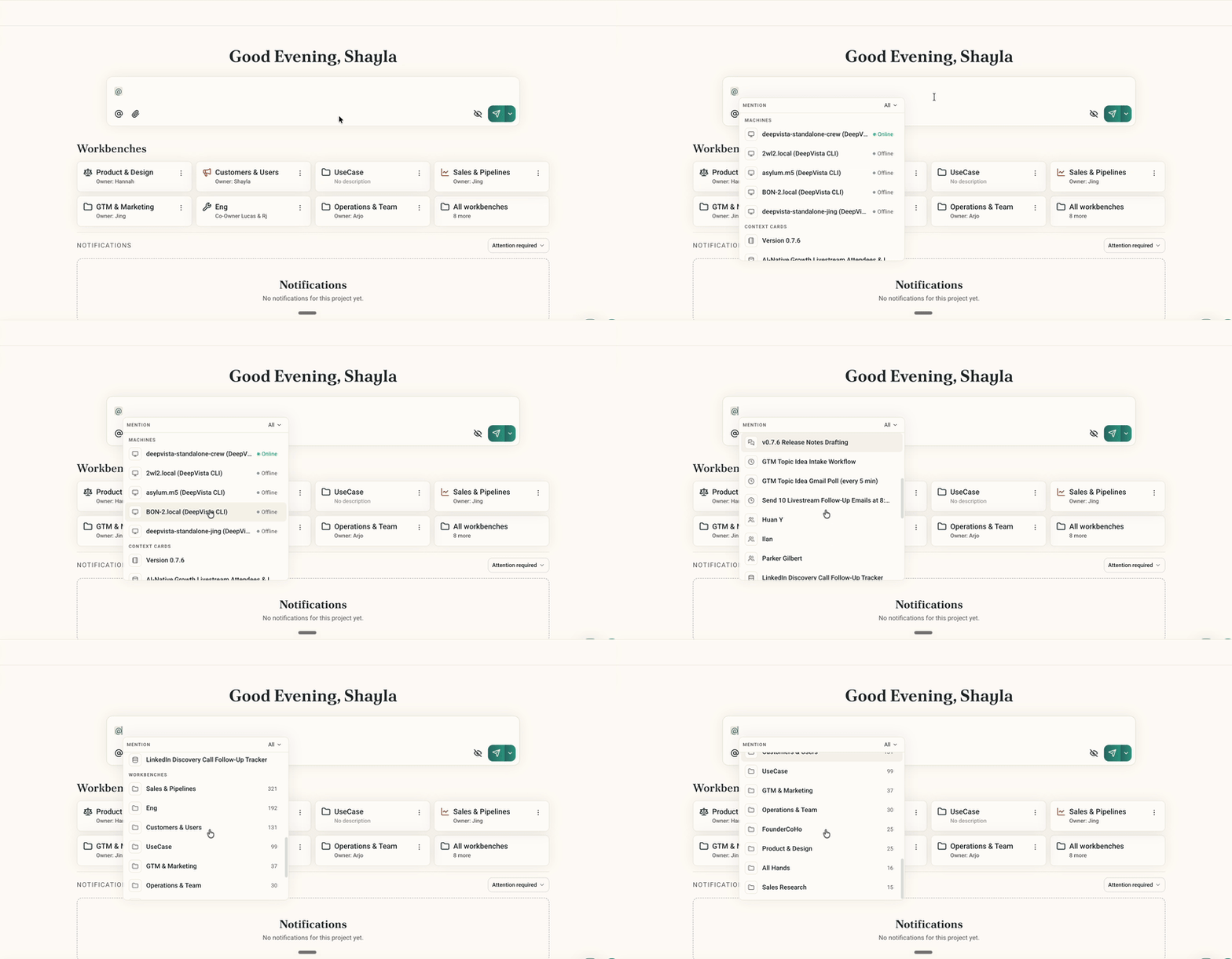 Try it by typing `@` inside any note or context card to search and link related cards.
#### **4. Copy chat responses with full formatting intact**
Copying assistant replies now preserves complete markdown formatting, including headers, bullet lists, code blocks, and bold emphasis.
Try it by typing `@` inside any note or context card to search and link related cards.
#### **4. Copy chat responses with full formatting intact**
Copying assistant replies now preserves complete markdown formatting, including headers, bullet lists, code blocks, and bold emphasis.
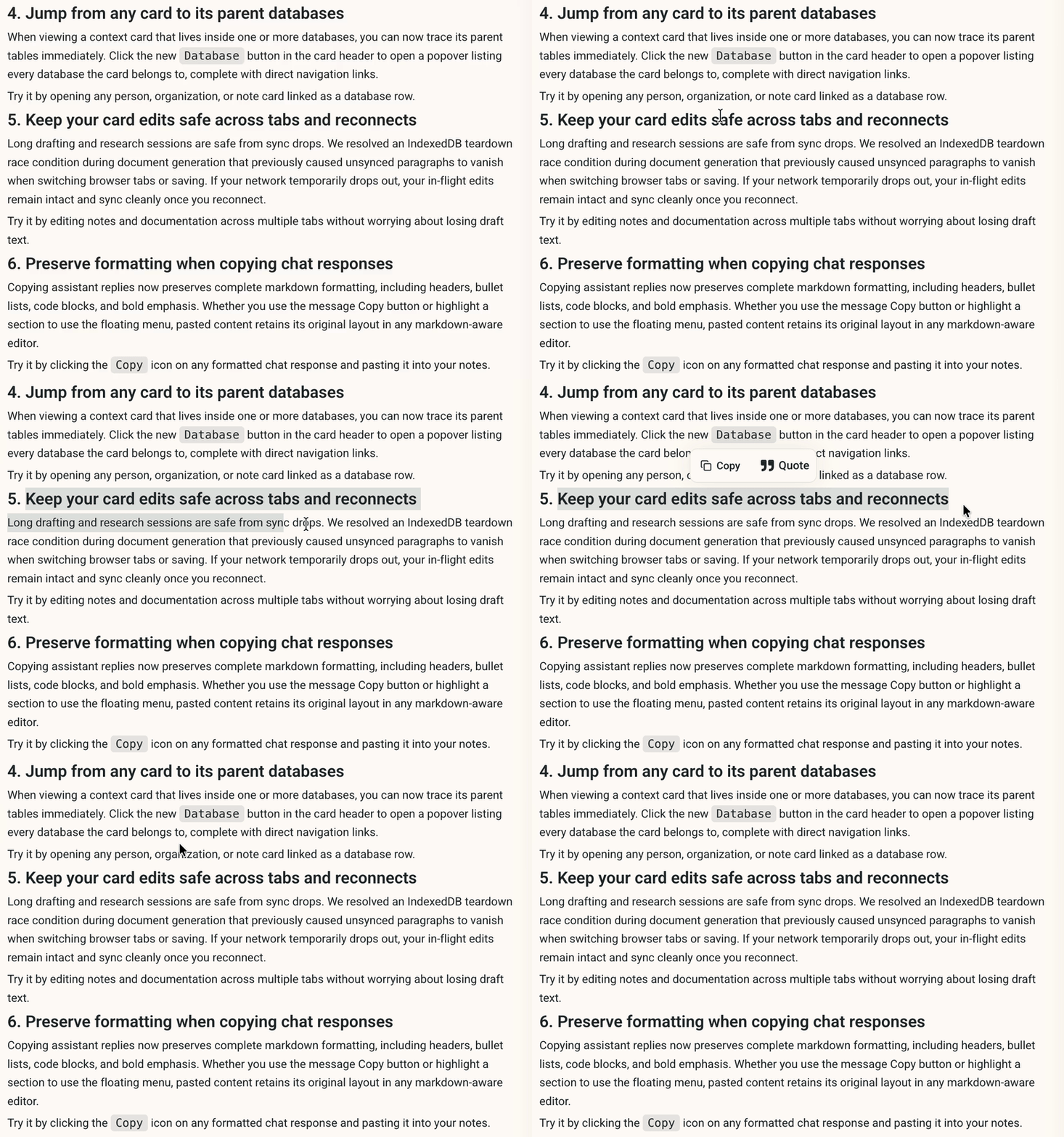 Try it by clicking the `Copy` icon on any formatted chat response and pasting it into your notes.
#### **5. Pin key table columns**
Pin your primary column, such as Company, Name, or Status, so it stays anchored to the left border while you scroll through long rows of data.
Try it by clicking the `Copy` icon on any formatted chat response and pasting it into your notes.
#### **5. Pin key table columns**
Pin your primary column, such as Company, Name, or Status, so it stays anchored to the left border while you scroll through long rows of data.
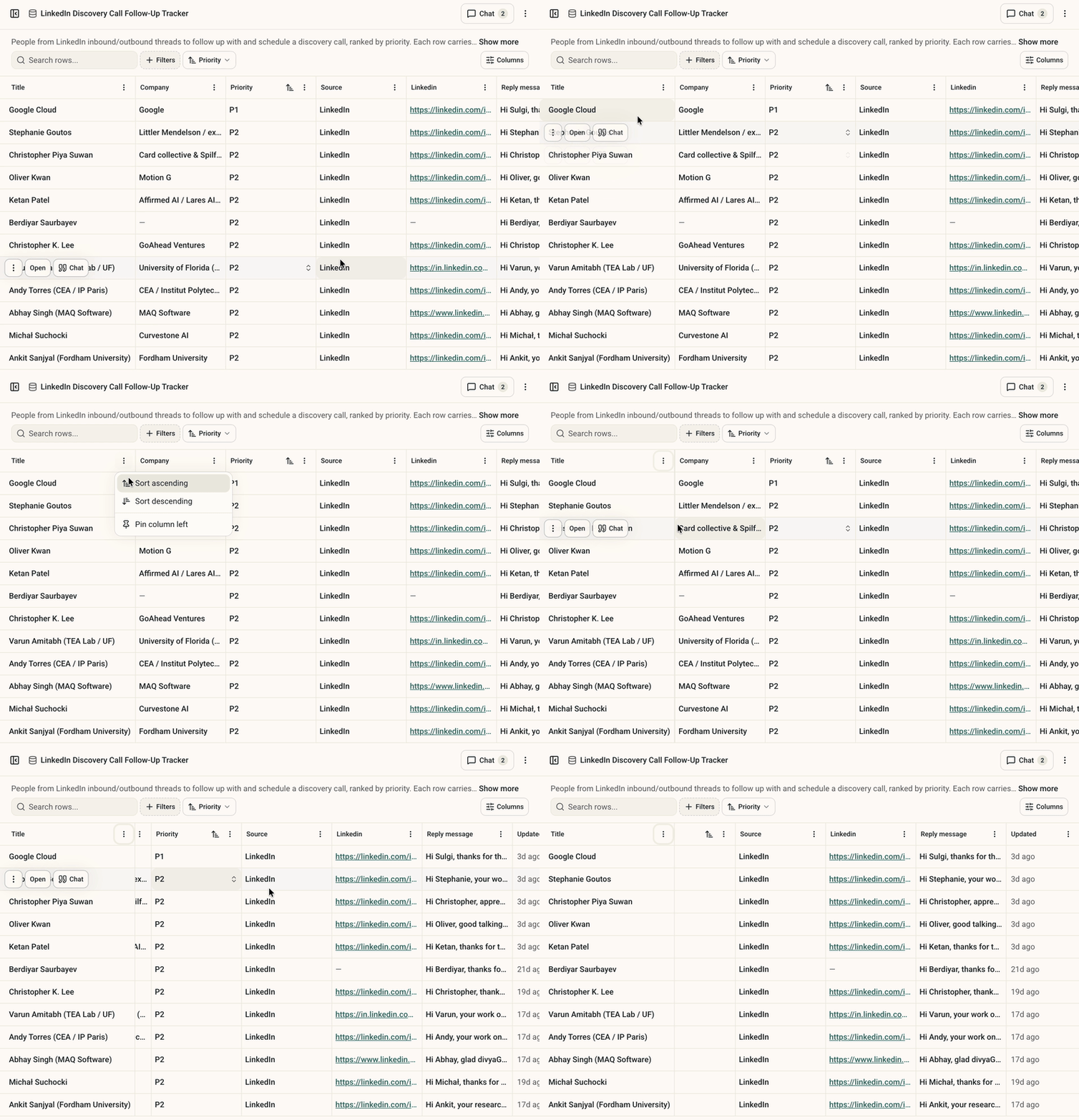 Try it by opening any database table, clicking a column header menu, and selecting `Pin column`.