> ## Documentation Index
> Fetch the complete documentation index at: https://docs.deepvista.ai/llms.txt
> Use this file to discover all available pages before exploring further.
# Version 0.7.4
> Set up a new project in two steps, customize your database in any workbench, and co-edit a note with your DeepVista agent safely.
September 9, 2026
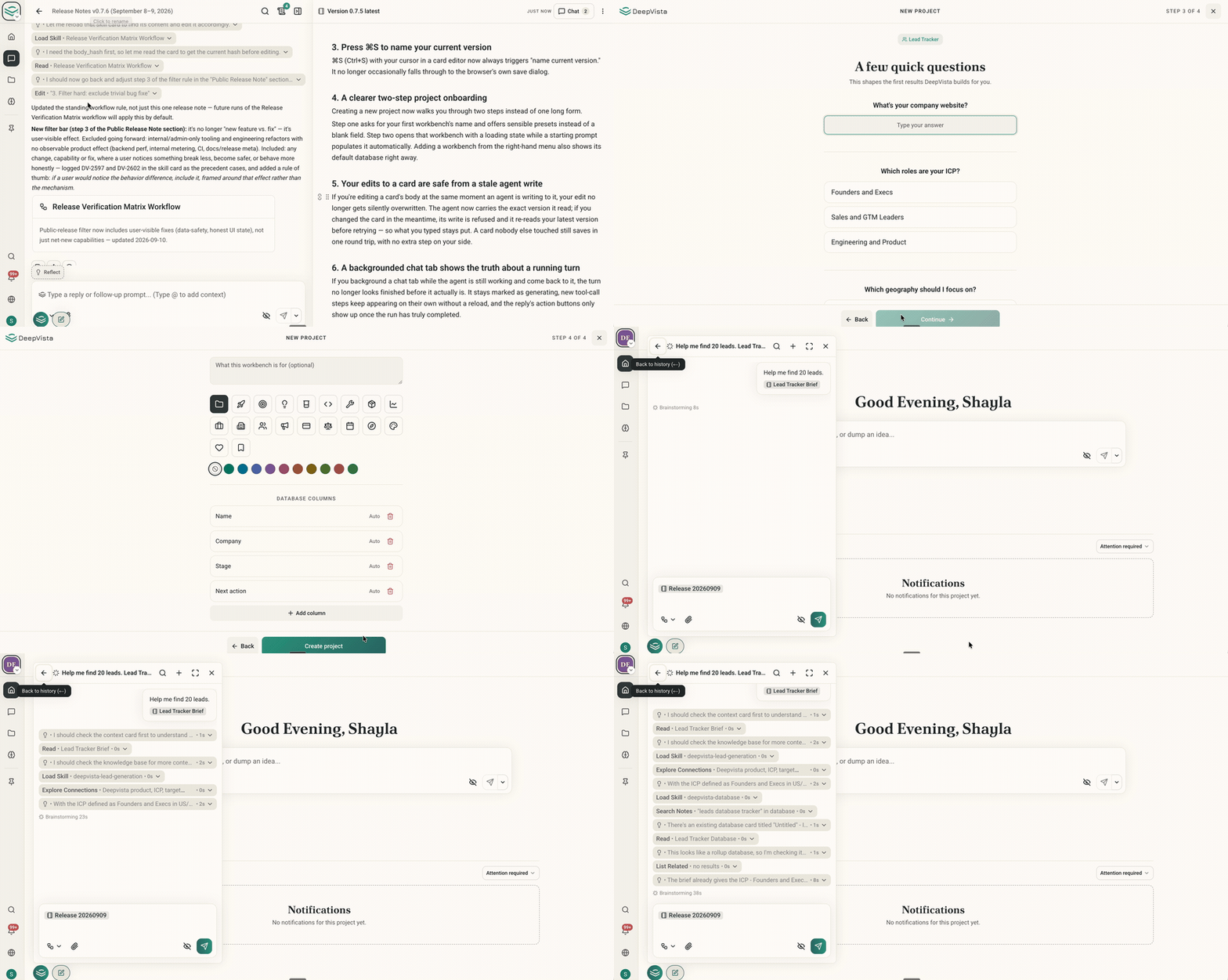
#### **1. Set up a new project in two simple steps**
Creating a project now takes two simple steps instead of one long form. First, name your workbench using ready-made presets instead of a blank field. Then DeepVista opens that workbench and fills in a starting prompt for you automatically. Adding a workbench from the right-hand menu also shows its default database right away.
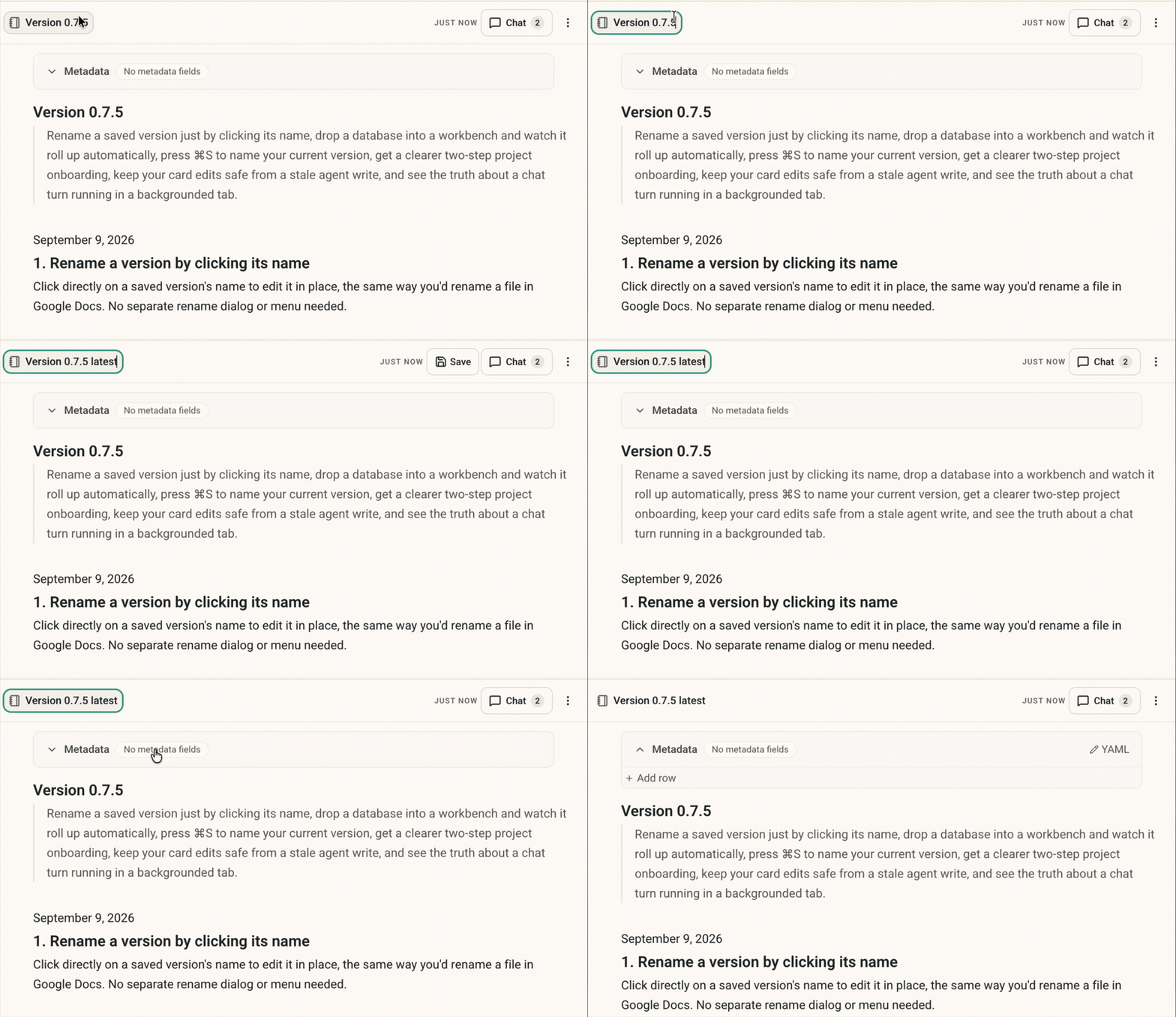
 #### **2. Rename a version by clicking its name**
Click a saved version's name to rename it in place, just like a file in Google Docs. No separate dialog needed.
#### **2. Rename a version by clicking its name**
Click a saved version's name to rename it in place, just like a file in Google Docs. No separate dialog needed.
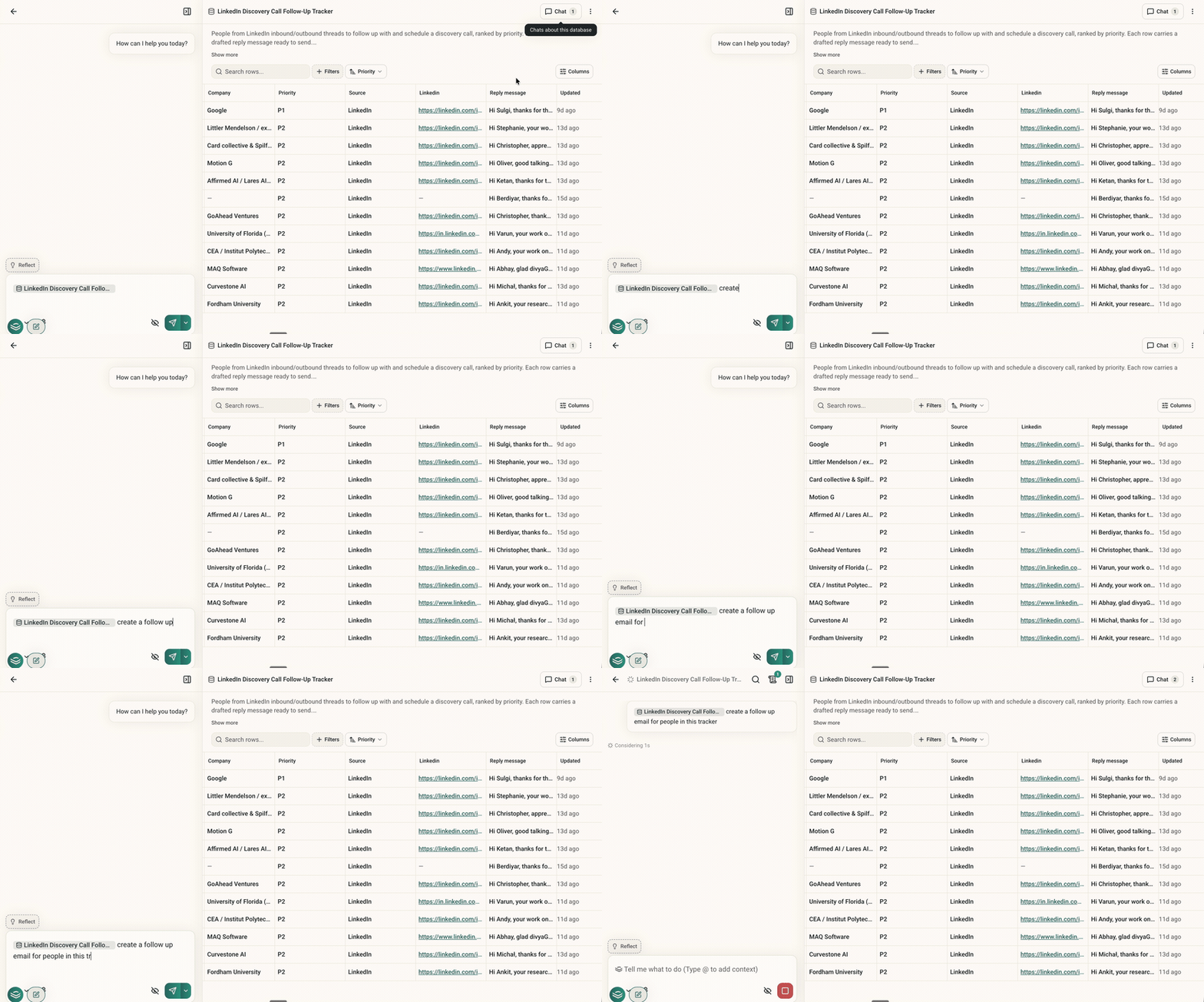
 #### **3.** Customize your database in any workbench
Every workbench keeps one combined database of everything inside it, including nested workbenches. Add or move a database in and it's included right away, no setup needed. You can customize that combined database's own columns, sort order, and views just like any other database.
#### **3.** Customize your database in any workbench
Every workbench keeps one combined database of everything inside it, including nested workbenches. Add or move a database in and it's included right away, no setup needed. You can customize that combined database's own columns, sort order, and views just like any other database.
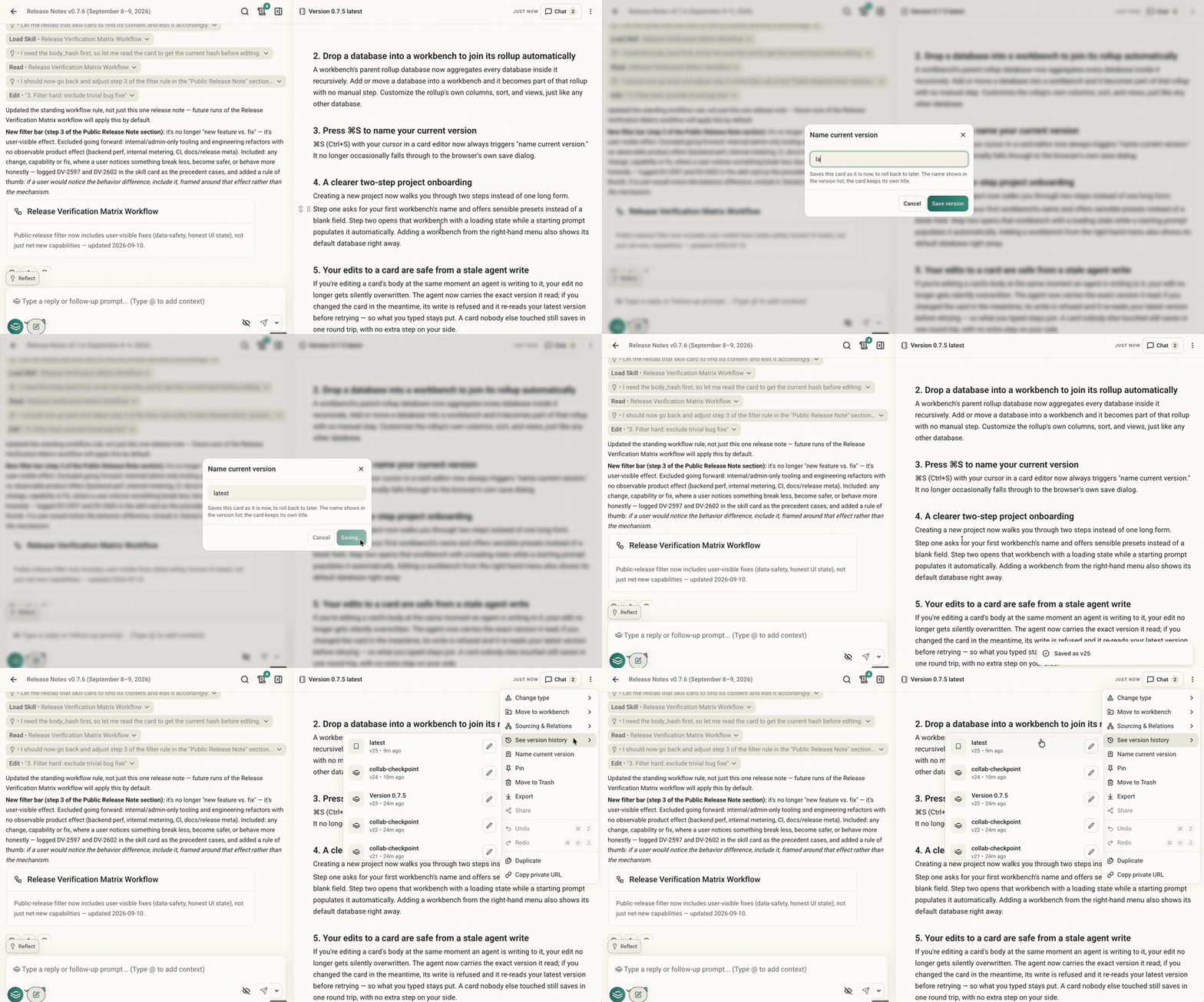
 #### **4. Press ⌘S to name your current version**
⌘S (Ctrl+S) in a card editor now always names your current version. It no longer falls through to the browser's save dialog.
#### **4. Press ⌘S to name your current version**
⌘S (Ctrl+S) in a card editor now always names your current version. It no longer falls through to the browser's save dialog.
 #### **5.** Co-edit a note with your DeepVista agent safely
If you edit a card while an agent is writing to it too, your edit no longer gets overwritten. The agent's write is rejected the moment it detects your change, so it re-reads your latest version and tries again. A card nobody else is touching still saves in a single step.
#### **5.** Co-edit a note with your DeepVista agent safely
If you edit a card while an agent is writing to it too, your edit no longer gets overwritten. The agent's write is rejected the moment it detects your change, so it re-reads your latest version and tries again. A card nobody else is touching still saves in a single step.
 #### **6. Check a workflow's schedule and next run at a glance**
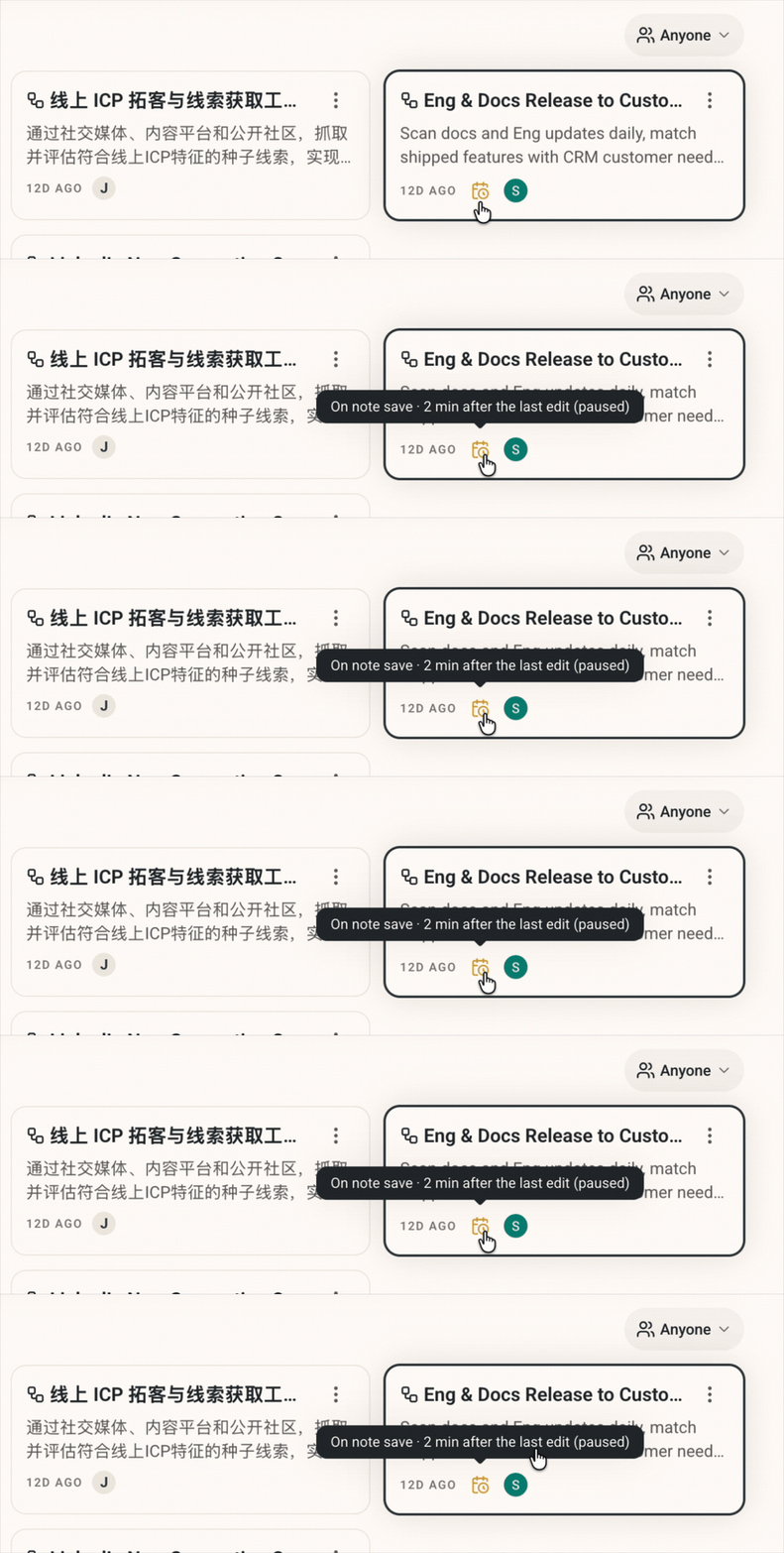
Every workflow's list and detail view now shows whether its schedule is enabled and the time of its next run, so you don't have to open it to check.
#### **6. Check a workflow's schedule and next run at a glance**
Every workflow's list and detail view now shows whether its schedule is enabled and the time of its next run, so you don't have to open it to check.
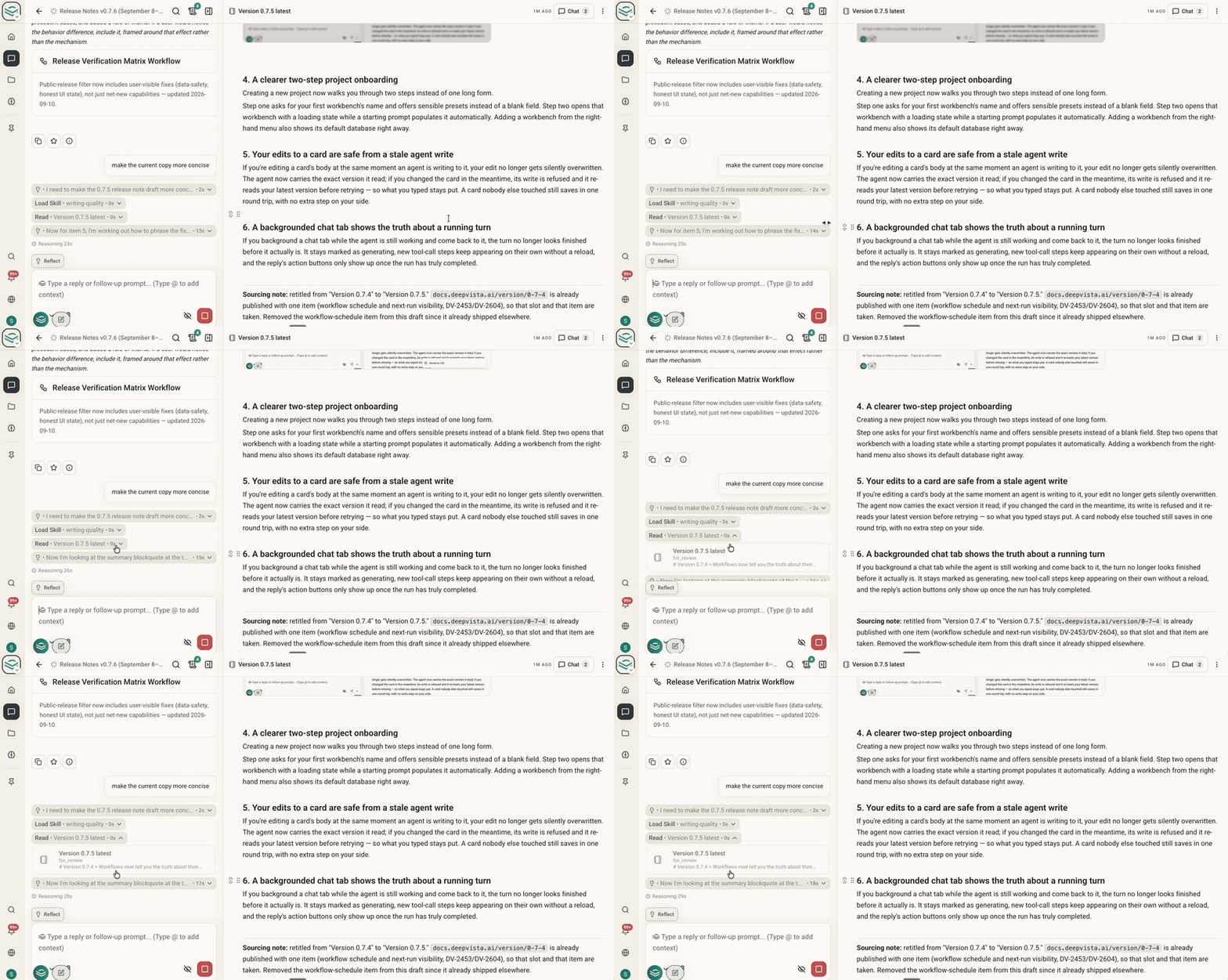
 #### **7. Trust what a backgrounded chat tab tells you**
If you background a chat tab while the agent is still working, the turn no longer looks finished before it is. It stays marked as generating, tool-call steps keep appearing without a reload, and the reply's action buttons show up only once the run actually completes.
#### **7. Trust what a backgrounded chat tab tells you**
If you background a chat tab while the agent is still working, the turn no longer looks finished before it is. It stays marked as generating, tool-call steps keep appearing without a reload, and the reply's action buttons show up only once the run actually completes.