> ## Documentation Index
> Fetch the complete documentation index at: https://docs.deepvista.ai/llms.txt
> Use this file to discover all available pages before exploring further.
# Version 0.6.4
July 1, 2026
Welcome to this week's DeepVista release update! We've been hard at work shipping features designed to make building workflows, managing your data, and creating content faster and more intuitive. Here is a look at what the team built last week.
***
### **✨ Editor & Workflow Enhancements**
We have significantly upgraded the editor and workflow mechanics to eliminate friction and speed up your day-to-day operations.
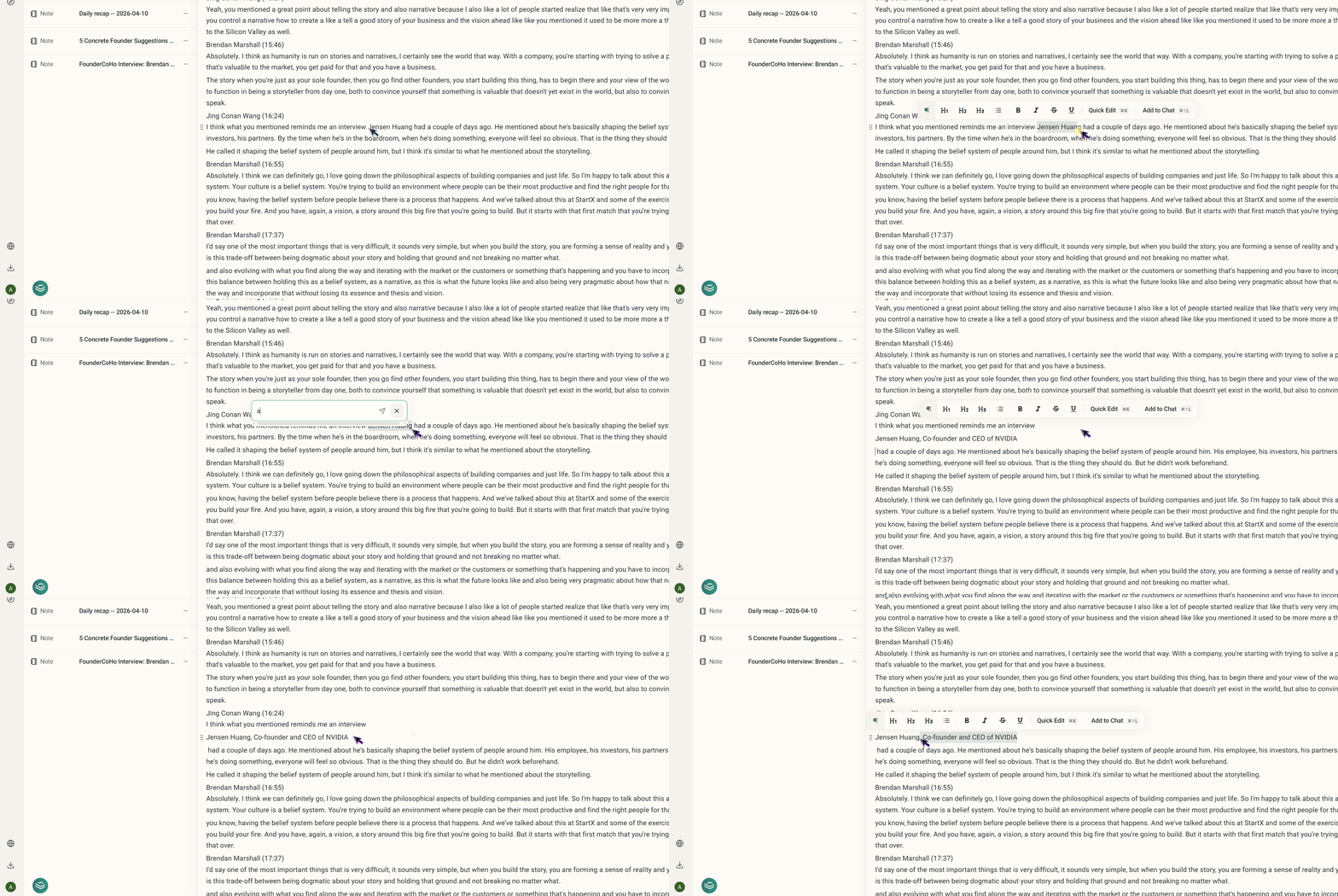
* **Lightning-Fast AI Editing:** You can now interact with our AI faster than ever. Simply highlight any text in the editor and hit `Cmd + K` (`Ctrl + K` on Windows) to instantly open a quick-edit prompt. You can also use `Cmd + Shift + L` to send an existing contact card directly to the embedded chat.
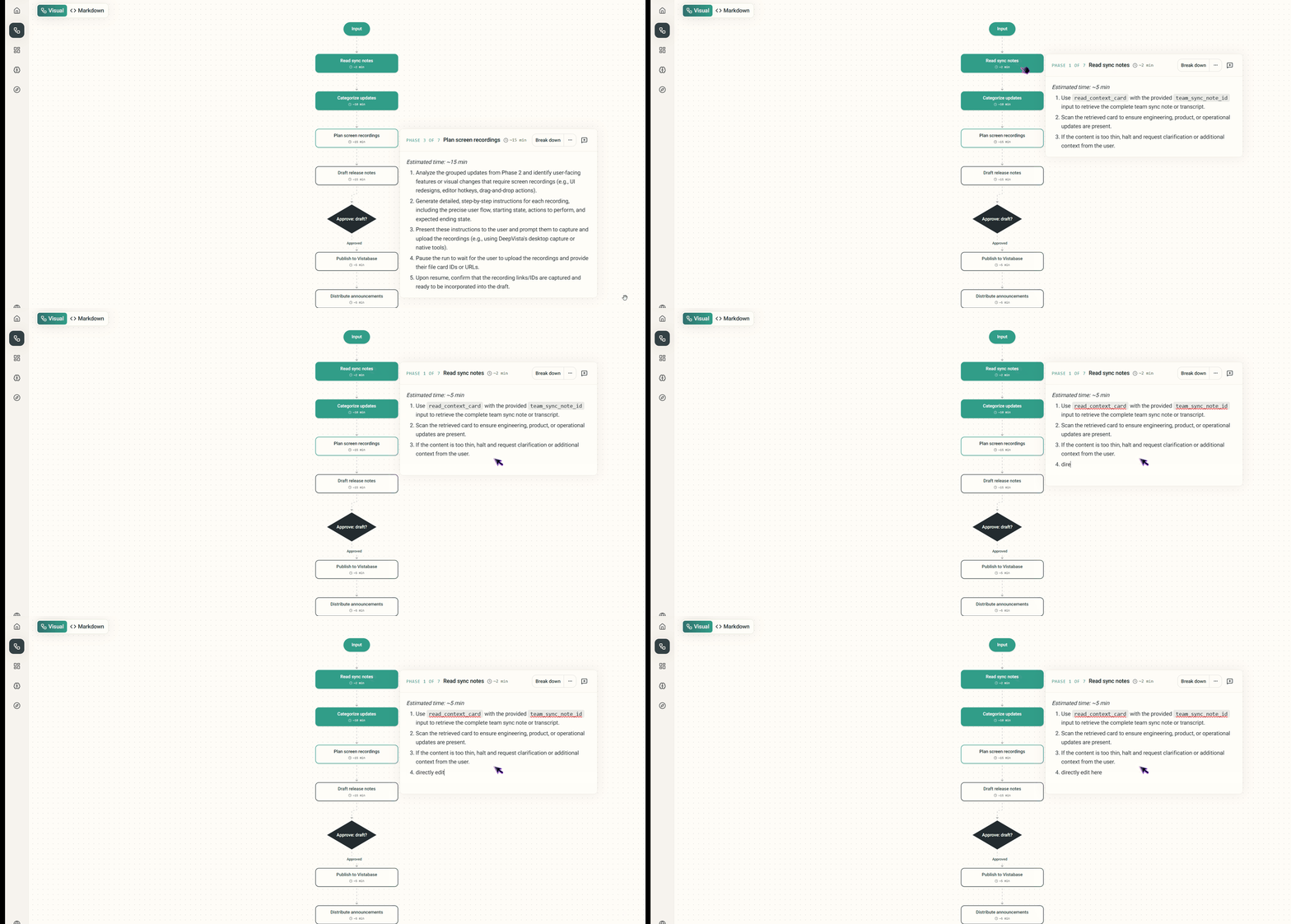
* **Direct Workflow Editing:** Say goodbye to unnecessary clicks. You can now edit your workflows directly in the main view, completely removing the friction of jumping into a separate Markdown window.
* **Revamped Workflow UI:** We've reorganized the workflow settings into a clean, new three-tab interface (Vista Base, Webhooks, and Input Forms). This makes configuring your inputs and managing connections much more interactive and straightforward.
 ***
### **📊 Better Data Views in Vista Base**
We've completely overhauled how you interact with datasets to give you full control over your layout and analysis.
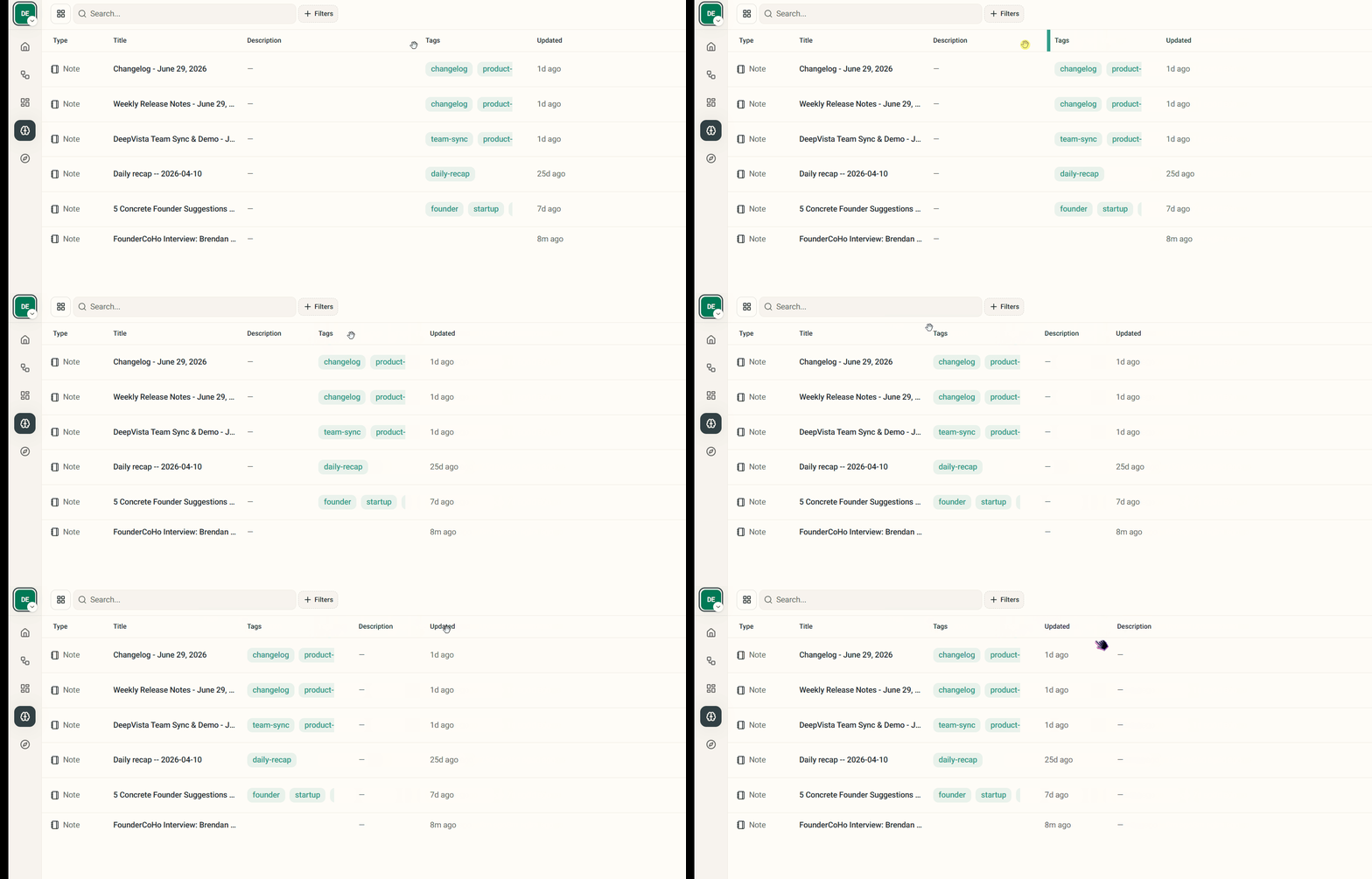
* **Customizable Tables:** Your data, your way. We’ve upgraded the Vista Base table displays to support column resizing and drag-and-drop reordering, making it easier to view what matters most to you.
***
### **📊 Better Data Views in Vista Base**
We've completely overhauled how you interact with datasets to give you full control over your layout and analysis.
* **Customizable Tables:** Your data, your way. We’ve upgraded the Vista Base table displays to support column resizing and drag-and-drop reordering, making it easier to view what matters most to you.
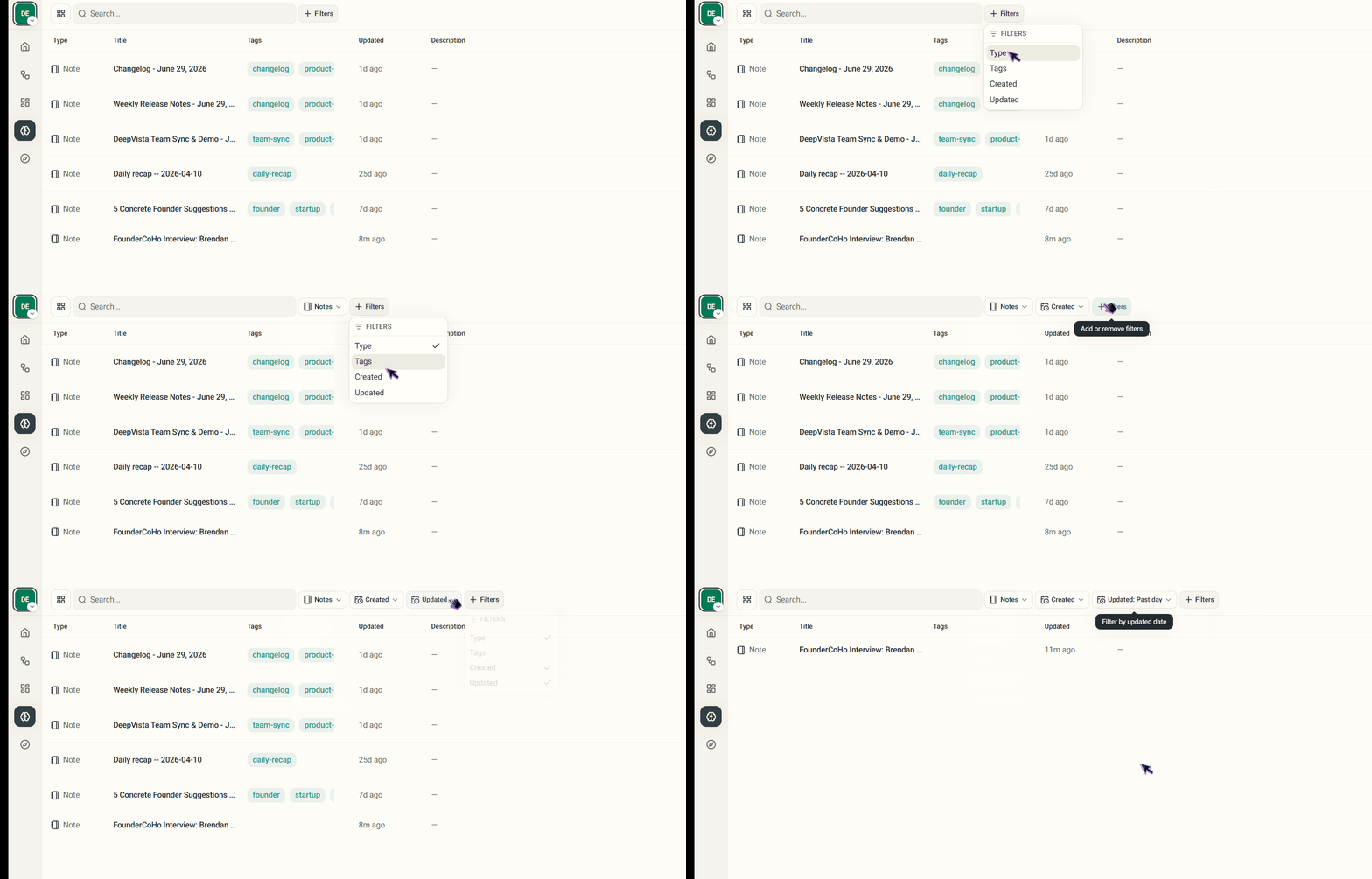
* **Advanced Filtering:** We've introduced robust multi-filter support for tables. You can now stack multiple filters on your datasets to find specific users or records in seconds.