> ## Documentation Index
> Fetch the complete documentation index at: https://docs.deepvista.ai/llms.txt
> Use this file to discover all available pages before exploring further.
# Version 0.6.3
June 23, 2026
We’ve rolled out a set of user experience enhancements and automation tools this week to help you manage your workflows and data with total precision. From grouping your entire workspace around specific projects to fully automated browser assistants, here is a look at what we shipped.
***
### **📂 A Smarter, Project-Scoped Workspace**
We have fundamentally rearranged how data is organized in DeepVista to make context switching seamless.
* **Project-Scoped Architecture:** Everything you work on—including your workflows, notes, databases, and chat histories—is now strictly tied to its respective project. This ensures your data remains completely organized and isolated.
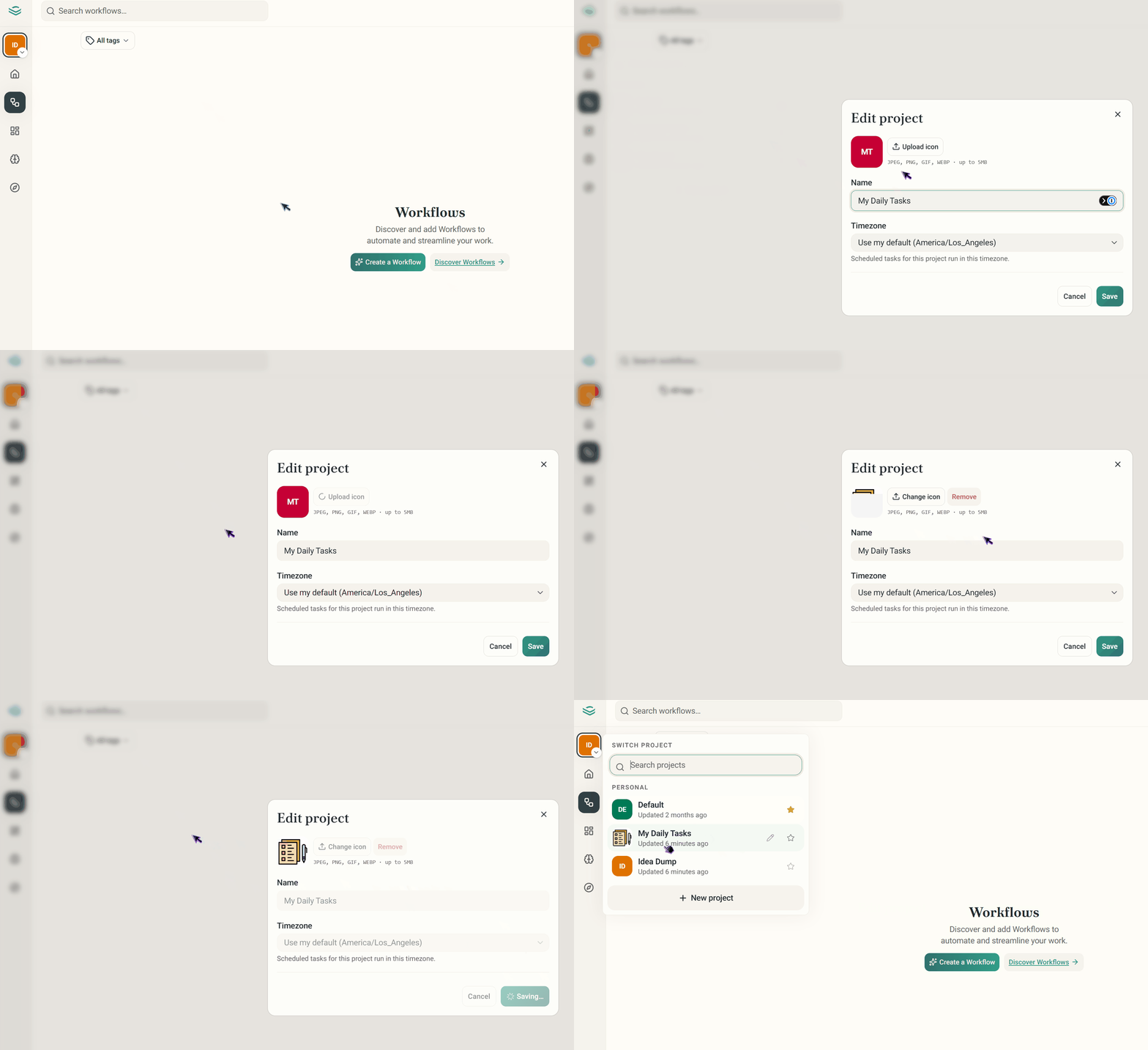
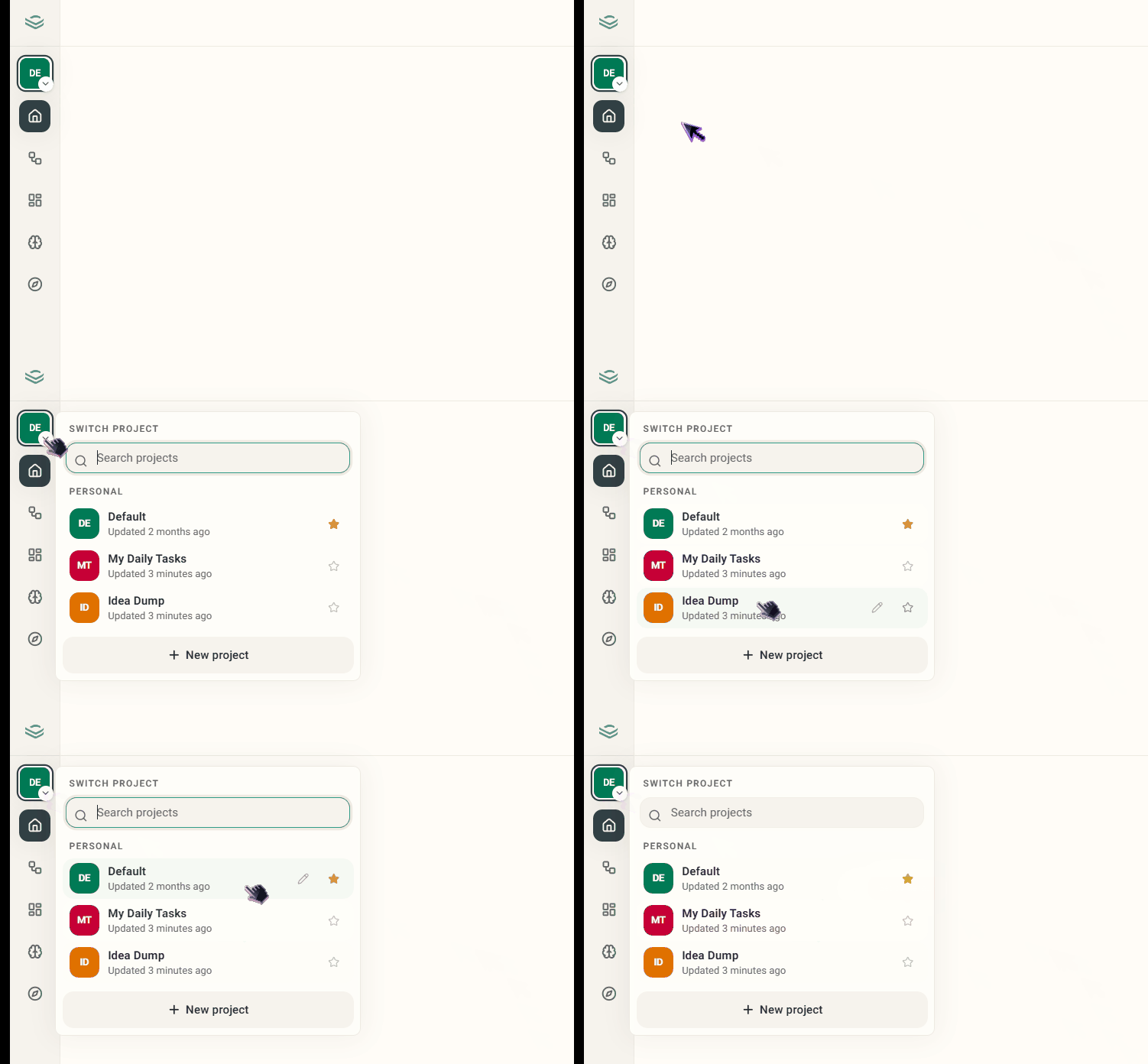 * **Custom Project Cover Images:** Give your workspace some personality! You can now upload custom images when creating or editing a project to make them instantly recognizable.
 ***
### **📊 Base Pages & View Enhancements**
Managing your information at scale is now faster and highly customizable.
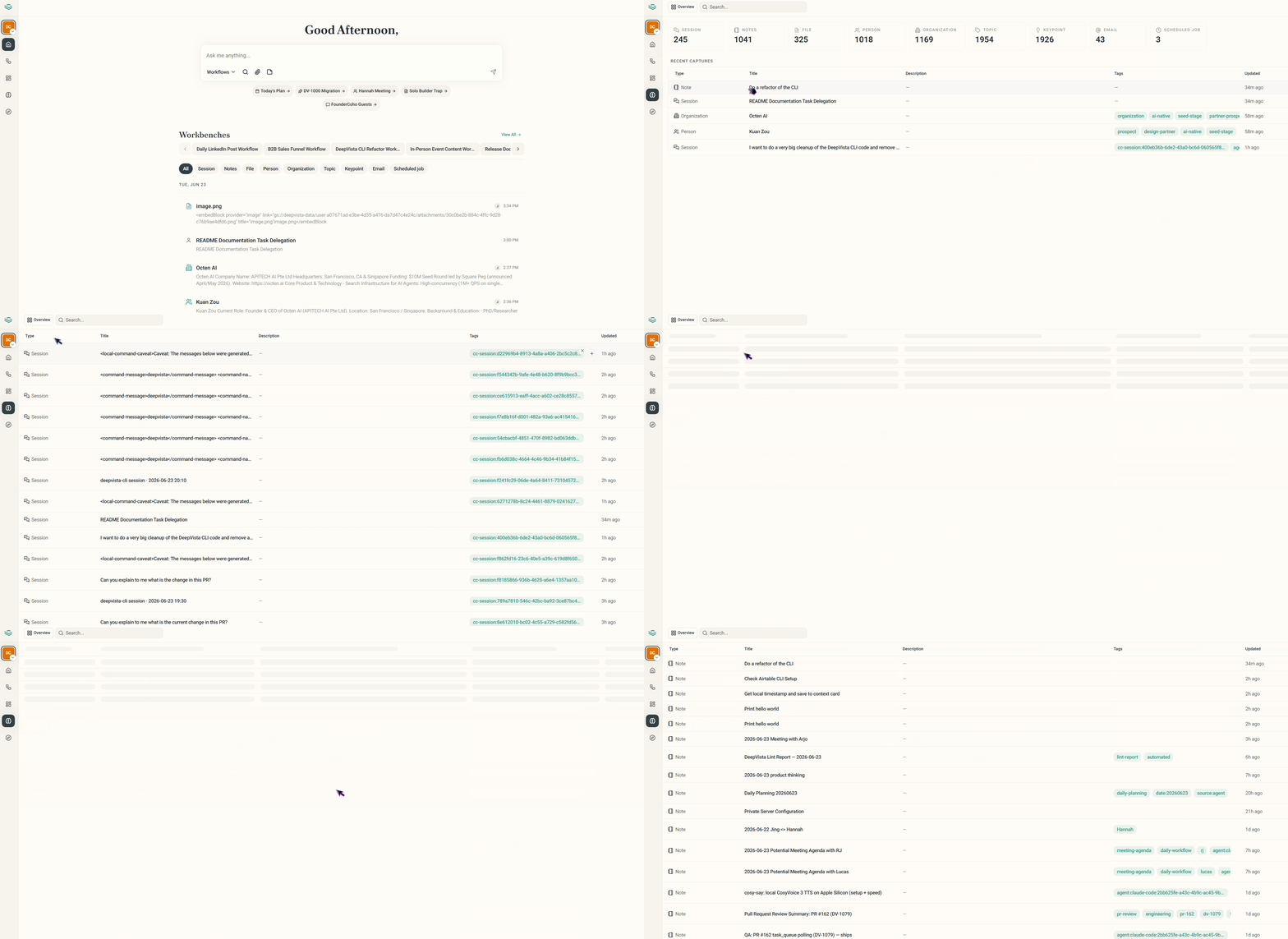
* **Interactive Table Views:** The DeepVista Base page has been upgraded to a clean table view layout.
***
### **📊 Base Pages & View Enhancements**
Managing your information at scale is now faster and highly customizable.
* **Interactive Table Views:** The DeepVista Base page has been upgraded to a clean table view layout.
 ***
### **💬 Streamlined Chat & Workspace Navigation**
Conversing with your knowledge base is smoother and more intuitive than ever.
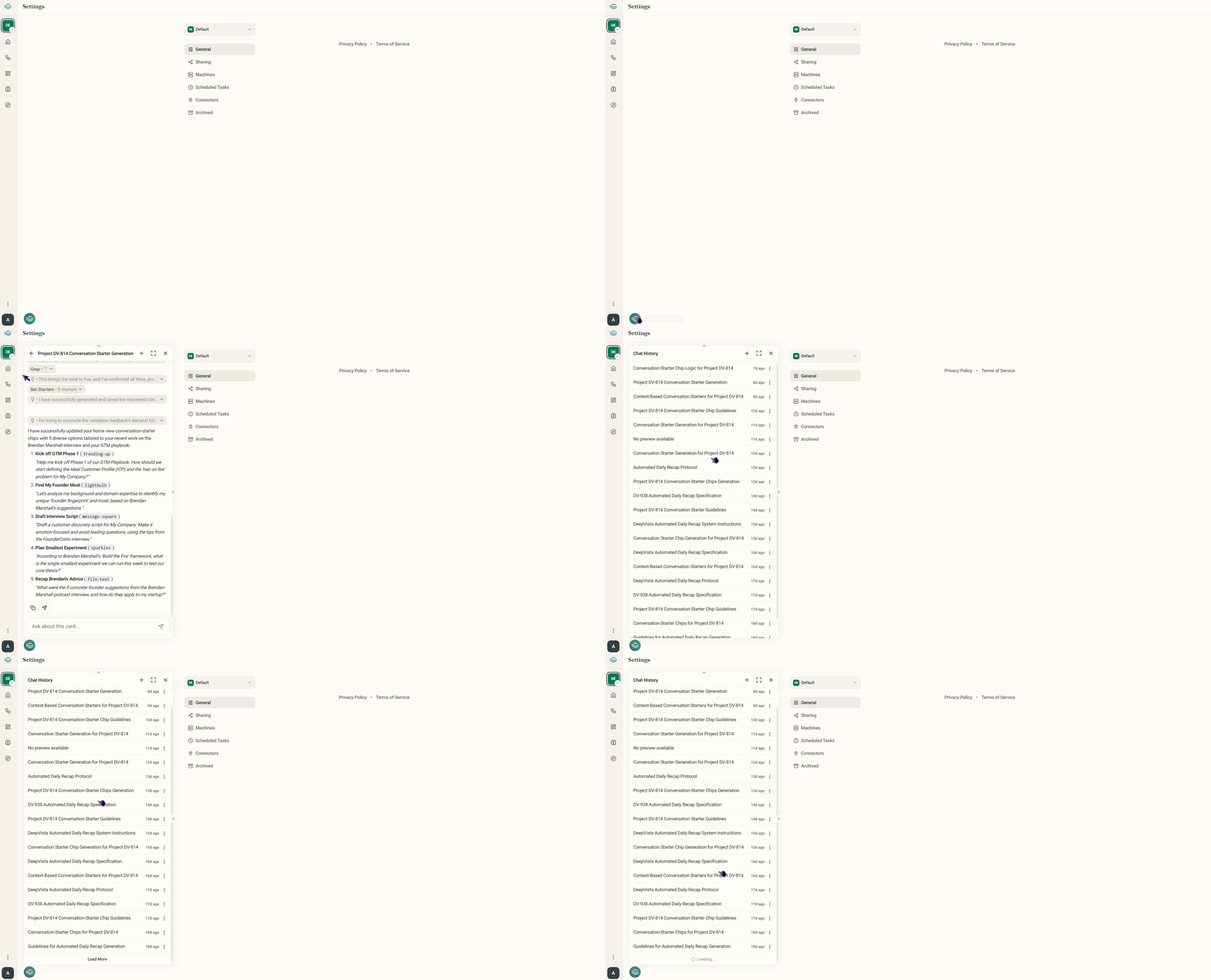
* **Full History Embedded Chats:** Embedded chat interfaces have been updated into a full layout that displays your entire conversation history. Users can seamlessly click through and navigate across individual past chat sessions.
***
### **💬 Streamlined Chat & Workspace Navigation**
Conversing with your knowledge base is smoother and more intuitive than ever.
* **Full History Embedded Chats:** Embedded chat interfaces have been updated into a full layout that displays your entire conversation history. Users can seamlessly click through and navigate across individual past chat sessions.
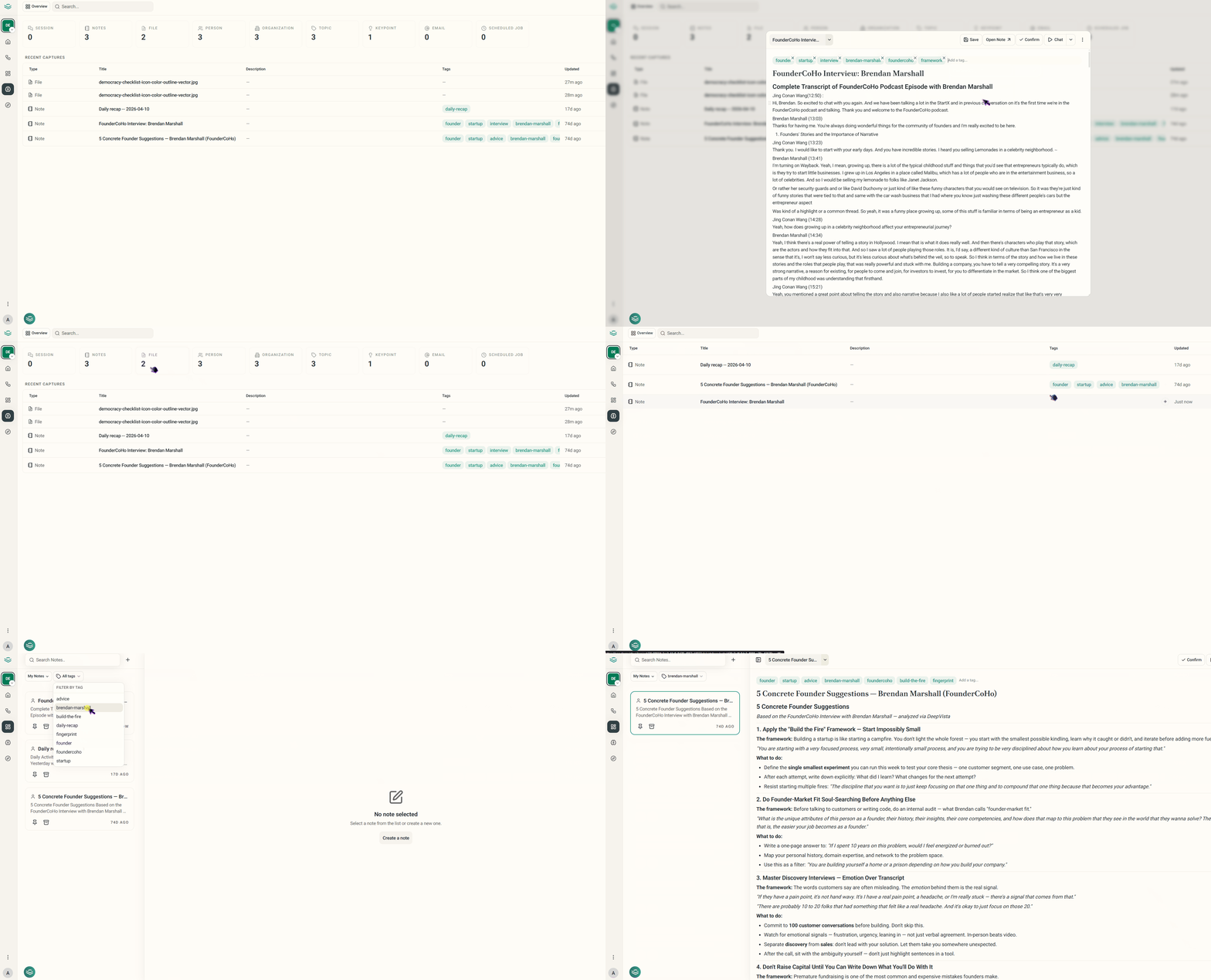
 * **Tag Filters:** You can now view and assign tags directly from the Contact view, as well as apply tag-based filters across your Notes and Workflows to find what you need instantly.