> ## Documentation Index
> Fetch the complete documentation index at: https://docs.deepvista.ai/llms.txt
> Use this file to discover all available pages before exploring further.
# Setting Up Input Forms
> Learn how to capture lead details using public input forms that automatically trigger your workflows.
You can easily capture lead details by creating public forms in DeepVista. When a user submits the form, it automatically triggers your workflow and passes the captured information directly into your pipeline.
**Note:** Before enabling your form, ensure your workflow inputs (like Name, Email, or Company) are properly configured. You can always edit or update these fields at any time if your data needs change.
## Configuration Steps
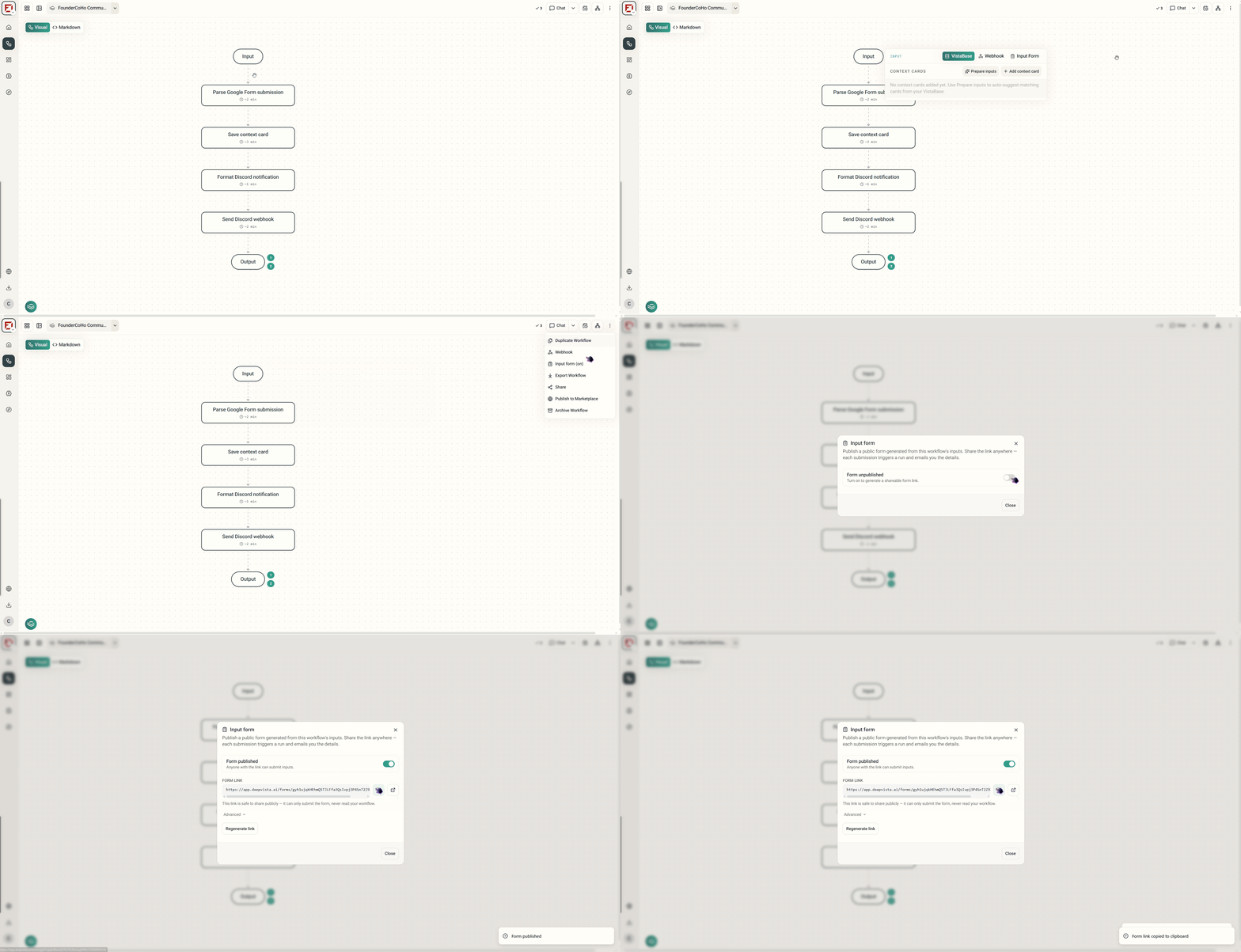
Navigate to your active workflow and click on the **Settings** menu. Locate the **Input Form** section and toggle it **On**. This automatically publishes a public form generated directly from your workflow's input configuration.
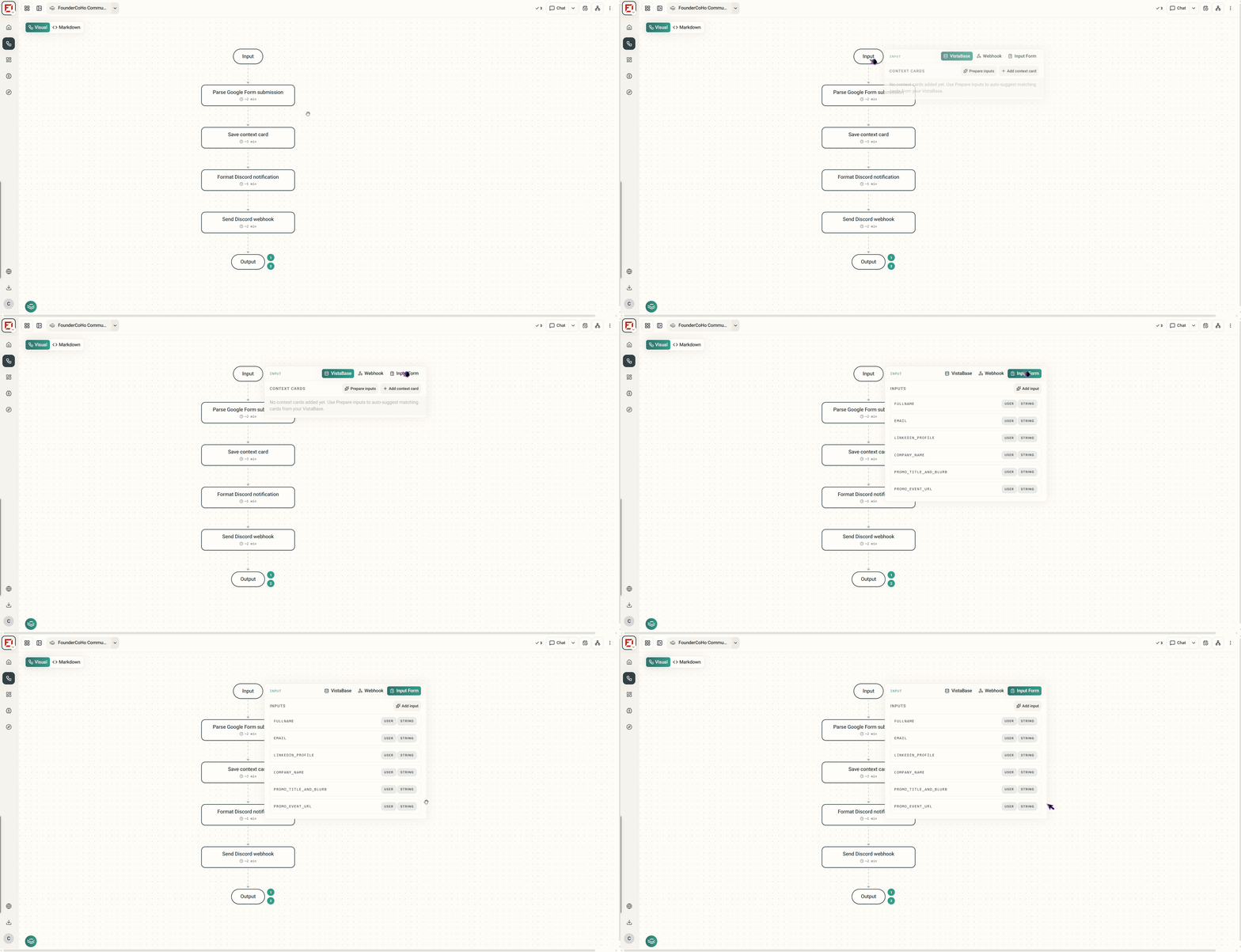 Review the public form's appearance to ensure all field labels and descriptions accurately reflect the information you want to collect.
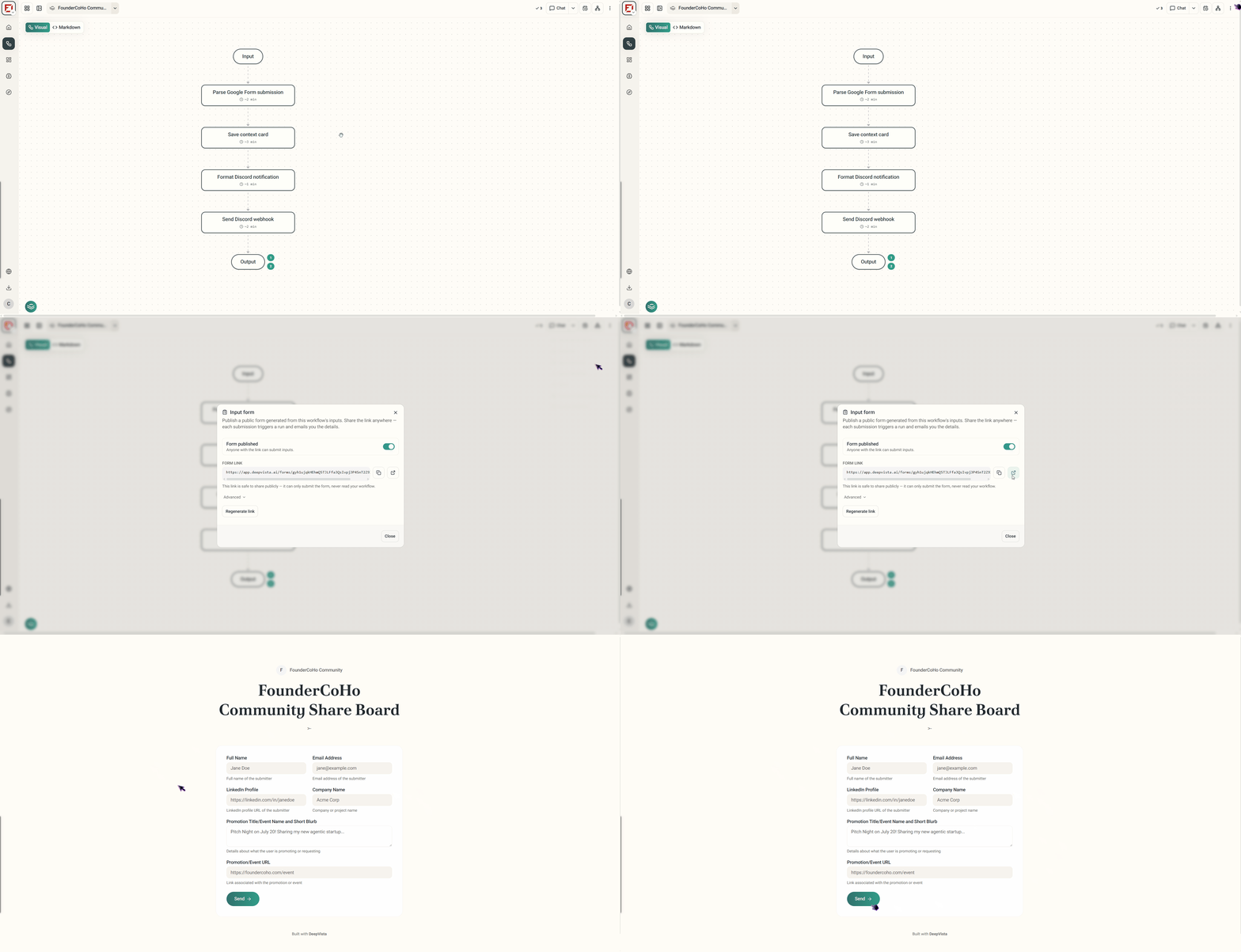 Copy the generated public form link and open it in a new window. Submit a test response to verify that the form successfully kicks off your automated run.
 ***
**What happens next?**
Every time someone fills out your public link, DeepVista instantly **triggers a new workflow run** and **emails you the submission details** so you never miss a lead.
***
**What happens next?**
Every time someone fills out your public link, DeepVista instantly **triggers a new workflow run** and **emails you the submission details** so you never miss a lead.